# Curiosity killed the clockworkguy
**URL:** https://forum.clockworkpi.com/t/curiosity-killed-the-clockworkguy/8895
**Category:** GameShell
**Tags:** tinkering, community, help, hardware
**Created:** [September 8, 2022, 6:01pm UTC](https://forum.clockworkpi.com/t/curiosity-killed-the-clockworkguy/8895 "2022-09-08T18:01:33Z")
**Posts on this page:** 6
**Page:** 1
### Author:  [@clockworkguy](https://forum.clockworkpi.com/u/clockworkguy)
#### Post date: [September 8, 2022, 6:01pm UTC](https://forum.clockworkpi.com/t/curiosity-killed-the-clockworkguy/8895/1 "2022-09-08T18:01:33Z")
I was just wondering if the clockwork pi itself could be used as a controller on my retroarch on steam. if not no biggie i have a ps4 controller to mess around with.
also curious if there are any new advancements in cpi tech, like new cpu’s or batteries.
hope the clockwork community is still alive.
appreciate you all, keep on emulating!
---
### Author:  [@pkr](https://forum.clockworkpi.com/u/pkr)
#### Post date: [September 8, 2022, 9:27pm UTC](https://forum.clockworkpi.com/t/curiosity-killed-the-clockworkguy/8895/2 "2022-09-08T21:27:57Z")
Remove the keyboard and plug it in via USB 😆
Otherwise you could probably do some hacky Linux things to get it working wirelessly.
---
### Author:  [@clockworkguy](https://forum.clockworkpi.com/u/clockworkguy)
#### Post date: [September 9, 2022, 3:56am UTC](https://forum.clockworkpi.com/t/curiosity-killed-the-clockworkguy/8895/3 "2022-09-09T03:56:10Z")
lmao thank you for the idea. i think the first method might work.
---
### Author:  [@pkr](https://forum.clockworkpi.com/u/pkr)
#### Post date: [September 9, 2022, 4:30am UTC](https://forum.clockworkpi.com/t/curiosity-killed-the-clockworkguy/8895/4 "2022-09-09T04:30:18Z")
Whups! I just noticed this isn’t a post in Devterm. I don’t think the Gameshell input is usb-based 😅
---
### Author:  [@Petrakis](https://forum.clockworkpi.com/u/Petrakis)
#### Post date: [September 9, 2022, 8:06am UTC](https://forum.clockworkpi.com/t/curiosity-killed-the-clockworkguy/8895/5 "2022-09-09T08:06:35Z")
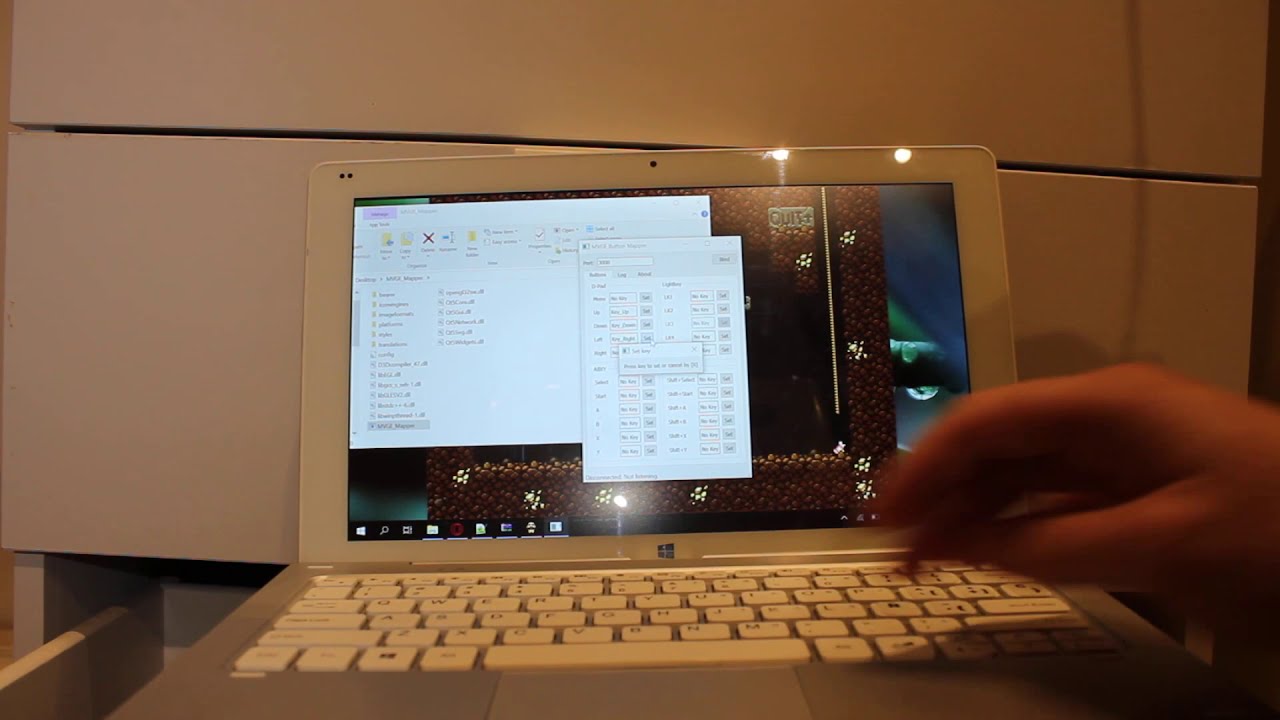
I made something about it long time ago, it consist of a pc client and a gameshell app that sends the keystrokes over network.

[ ](https://www.youtube.com/watch?v=9W0Zqw9p61o)
> **[GitHub - Mihaylov93/MVGE: Turns your Clockwork Pi into a Virtual Gamepad for...](https://github.com/Mihaylov93/MVGE)**
>
> Turns your Clockwork Pi into a Virtual Gamepad for the PC. - GitHub - Mihaylov93/MVGE: Turns your Clockwork Pi into a Virtual Gamepad for the PC.
---
### Author:  [@Godzil](https://forum.clockworkpi.com/u/Godzil)
#### Post date: [September 10, 2022, 7:56am UTC](https://forum.clockworkpi.com/t/curiosity-killed-the-clockworkguy/8895/6 "2022-09-10T07:56:36Z")
It is, but unlike the DevTerm keyboard, the microB and the connector to the mainboard are not the same USB port.