It is linux specific.
As for ANY other way, sure, you just do the work. Reverse engineer the chip, build your own sdk. It would take a person who as done this before who was driven and one of the best in the world - I would guess 6 months.
It is linux specific.
As for ANY other way, sure, you just do the work. Reverse engineer the chip, build your own sdk. It would take a person who as done this before who was driven and one of the best in the world - I would guess 6 months.
please stay on topic 
Is it a good idea to use linux drivers for the luckfox lyra, as a reference for when making my operating system’s drivers?
I’d definitely be open to creating a discord for this. I’ve been trying to decide whether discord is really a great choice for an open source project, but I generally agree it’s the least friction alternative right now (although i’m a bit grumpy IRC and Matrix are not..)
I was waiting on a bit of consensus on the right stack.
Here’s the discord server: Calculinux
these drivers really are not luckfox lyra specific, but rather Linux specific. the luckfox specific parts are just pin / port selection in the dtsi file.
So are the drivers, a good idea, to use as a reference?
If you plan on using Linux kernel drivers as a basis, you should familiarize yourself with Linux kernel programming first – there are a lot of important idioms in the Linux kernel that you’ll need to wrap your brain around before you get anywhere.
I don’t plan on soldering the audio to a different pin, as audio doesn’t matter to me much.
What lightweight OSs are available for the PicoCalc with the Lyra, and which have a GUI, are good for coding, good for retro gaming, etc, as until Astralixi OS is released, I would be using a different OS on my lyra, so I want some community input.
I tried to get the Ubuntu image running, but the Picocalc only shows a black screen with the image 24.04.2 ( GitHub - markbirss/ubuntu-24.04.2-picocalc: Ubuntu 24.04.2 for Clockwork PicoCalc powered by Luckfox Lyra ).
The image 24.04.5 ( GitHub - markbirss/ubuntu_22.04.5_lts_picocalc: Ubuntu 22.04.5 LTS for PicoCalc with Luckfox Lyra Core ) is only a bit over 400 MB in total and doesn’t seem to be the correct one. Does anyone have a working Ubuntu image ready to use?
I tryed both,Please confirm both of your image is transfered correctly (for 24.04 the update.img size should be 9.79 GB and 22.04 is 933 MB ,you need to check the md5 of every file to Precisely confirm everything is correct)。
and for beginers,use the RKDEVtool to flash this image is more reliable shince the DD way is more manual only suit for advanced user knowing how all things is working.
Internet is not stable with T2UNano running on 24.04 following cjstoddard’s git instructions.
Is that expected ?
RNDIS with PC gives good connectivity to update and install packages.
I never had a bit of trouble with that usb dongle. The range was never great, but otherwise worked fine. If it is a range problem you might consider mounting it externally. To mount it externally you would need access to a 3D printer to make a new back cover.
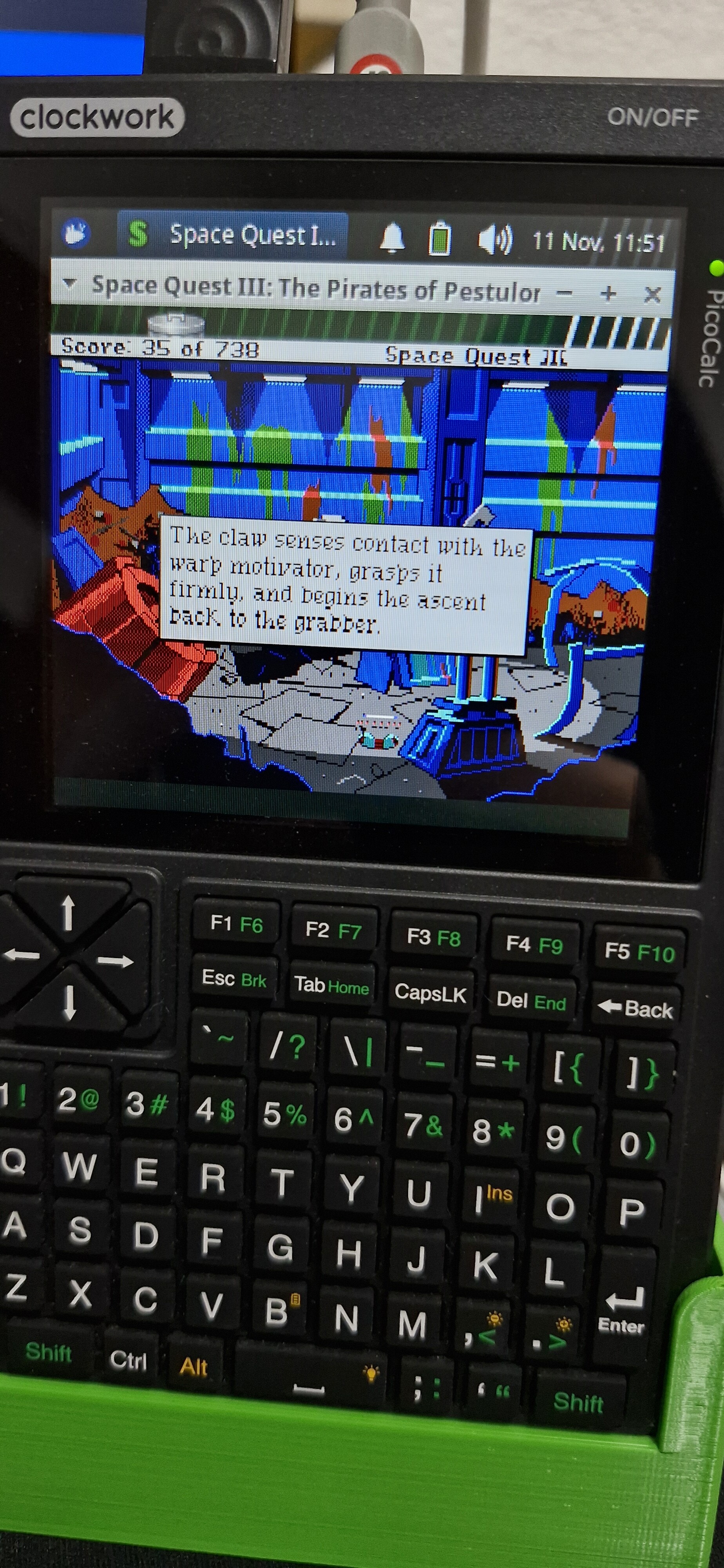
is that running on Lyra ?
why use X though? I’m pretty sure scummvm works with fbdev, doesn’t it? seems like unnecessary overhead to me 
I tried on fbdev, display just goes blank. In the end it ran under sdl driver windowed on xfce. If you switch to full screen display also goes blank.
@markbirss just curious, is that on ubuntu, a buildroot based distro, or calculinux? There are actually 2 graphics drivers (nekocharm made one in addition to the one by hisptoot).
with ubuntu, still with hisptoot drvier.
So, I still haven’t got an answer.
What are the best operating systems to run on the PicoCalc, which are very lightweight, have a GUI or a good TUI (no CLI), and are easy to setup, with no soldering, as I’m not soldering the audio pins as audio doesn’t really matter to me.
That is because there is no good answer for the question you posed. All I can tell you is Ubuntu sucks less than the other options. Personally, I put the Pico 2w back in mine, because there are better options out there for Linux handheld computers.