Hmmm interesting, thanks for reporting! Was the time synced already? I’ll leave mine on for a few hours today and see how it goes
I tested the issue again this time I’m at my home using my personal WiFi, so far no freeze, strange at my office place I connected to my office WiFi and its freeze twice. Sorry I forgot to mention I was using my office WiFi from my first post about the issue.
1 Like
Ohh I see now, it’s probably something with the time syncing. I’ve had issues before with it, which I thought I addressed/fix already, but if you’re having occasional issues, I’ll look into it some more!
Got it running on the uf2 bootloader. Good job. I like the dark mode.
I could connect to the WiFi easily and time automagically updated. This is great.
The weather and GPS works flawlessly.

Suggestions:
Is there a way to remove the animated circle in the center? If it would be a top icon it could be nice but as the background I find it gets away from the clean look of the firmware.
It would be nice to have subcategories in the groups - as time pass there will be more and more applications and games…
Menu rollover (move from last to first and first to last)
Picture viewer to show the graphical capability
MP3 to show audio capability
Some sort of ip scanner on the network, WiFi scanner, Bluetooth scanner… to make this a geek tool.
At this point I’m letting mine run to see if I get the freeze. Maybe it’s network based and not time based?
1 Like
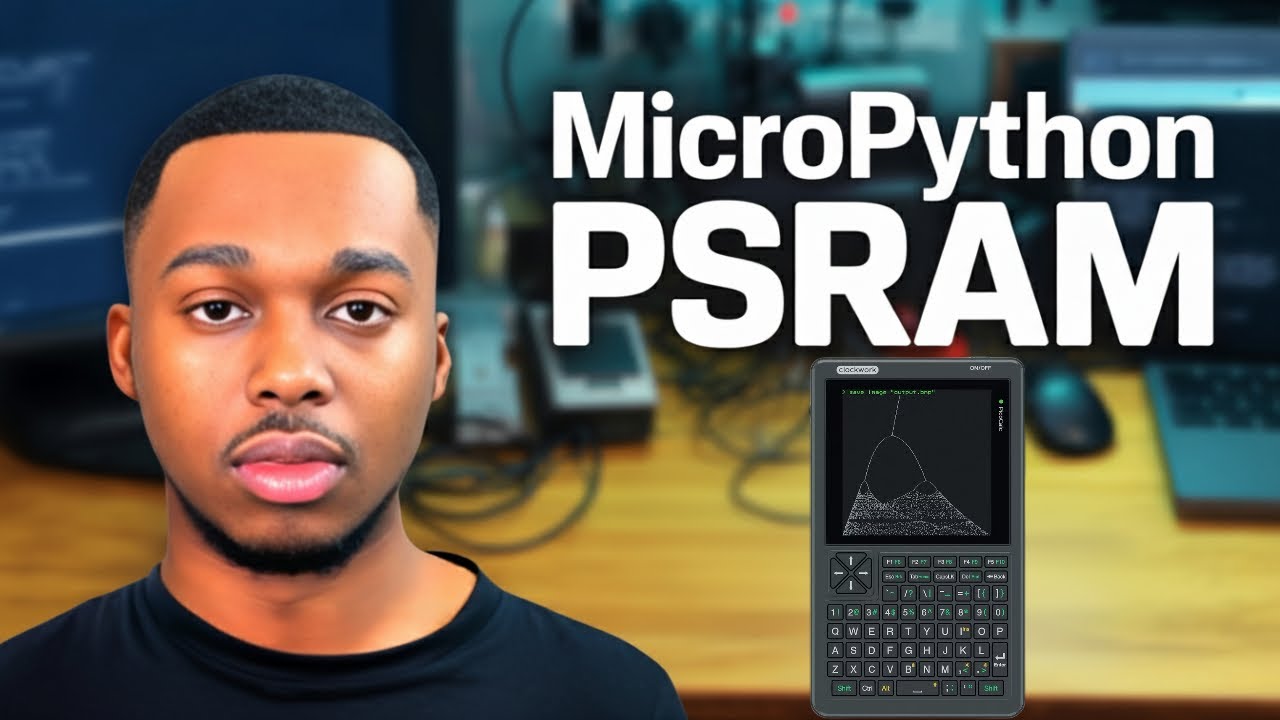
Here’s how to use the PicoCalc’s PSRAM in MicroPython:
1 Like
Awesome, glad that’s working for you now!
Glad to hear those are working too. Some reported WiFi issues in v1.4.8 that I hopefully resolved.
There’s not a way/option currently. In the future I plan on expanding the desktop animations more, like the Flipper Zero!
I’m open to it for sure and we can address that when we get to that point. Right now there’s only about 10 games/screensavers.
I have actually thought of that, and it is currently possible. It’s something I could implement into the List and Menu class directly.
Each app controls the menu selection, so in the meantime the app would just need to set the selected_index to 0 when the user attempts to scroll down past the last item in the list (or set to the max value/last item when the user attempts to scroll up above the first item in the list).
You can load indexed .bmp files using the Draw class’s image_bmp method and/or draw byte arrays using image_bytearray. If you wanted to make a dedicated Picture viewer app for it, some of the current screensavers and games are great examples!
Picoware doesn’t support audio currently. It’s honestly not something im interested in, although I’m a music producer 
All Picoware versions have a WiFi scanner and the Arduino IDE version has a Bluetooth scanner!
I unfortunately was able to replicate the issue earlier during recording this morning. It’s an issue that occurs sometimes when it tries to set the time. I’ll look into it again for the next release
Thanks for the feedback and suggestions 
It must be something with networking. It didn’t happen to me in a couple hours running, so it’s not automatic that it’ll fail. Must be some timing or syncing issue depending on network. Perhaps when WiFi connection is low?
1 Like
Confirmed - v1.5.1 Works with uf2loader  !
!
v1.5.0 Did not
Like the new cursor in the editor !
I did have the “freeze issue” Dave_Wong spoke of after I left it sitting for an hour or so on the home screen. At the time I was not connected to WiFi. But connected it seems fine so far. FYI
Great work
Thanks!
1 Like
Copied to the sd card picoware folder but the applications do not show up only a file test program that I created. The 1.5.1 version does load and does not get stuck on the white screen that 1.5.0 did. Thanks for the update.
1 Like
Finally got it copied properly.
1 Like
Thanks Marsupial on the dark mode setting, located under System.
2 Likes
Dark is much better. I was happy to find it.
Glad the comment helped!
1 Like
Thanks for the text editor. Nice little quick note taker for the PicoCalc. Kudos.
Questions: does the filename require an extension. Tried .py and .txt both worked. Can I just use a simple filename? Thanks
Is there a way to delete a file in the File Browser?
1 Like
Hey! Glad to hear Picoware is working for you. The end of the month is typically a bit busier for me.
Great question! I’ve only tried .txt. For python scripts, use the Python Editor.
Not currently, but certainly doable. I think a dedicated File Manager app would be better suited
This took a lot of tinkering but I finally got it!!
Picoware App Store This’ll be included in the next release.
1 Like
Great day! I’ve been working on a bunch of freelance projects recently but today I had some time to add some things in.
List/menu rollover (move from last to first and first to last)
A new GUI class called Choice
and then integrated the new class into the Shutdown system option

1 Like
I just added that in. Thanks again for the idea

NEW Picoware release, v1.5.2
This brings an on-device App Store where you can view and download Picoware apps directly to your device!
I also added:
2048gameChoiceGUI class- list/menu roll over (move from last to first and first to last)
- option to delete files in the
File Browserapp toolsdirectory with two micropython build scripts
I’ve also been working on a new home page for Picoware (JBlanked - Picoware), which also allows you to browse and download Picoware apps!
Check out the new release here:
4 Likes
You have MicroPython running on Picoware, have you considered adding a Basic Interpreter? PicoMite would probably be ideal, but a serious pain to do, but something like uBasic would be reasonable easy to port. I think the hardest part might be adding GPIO support.