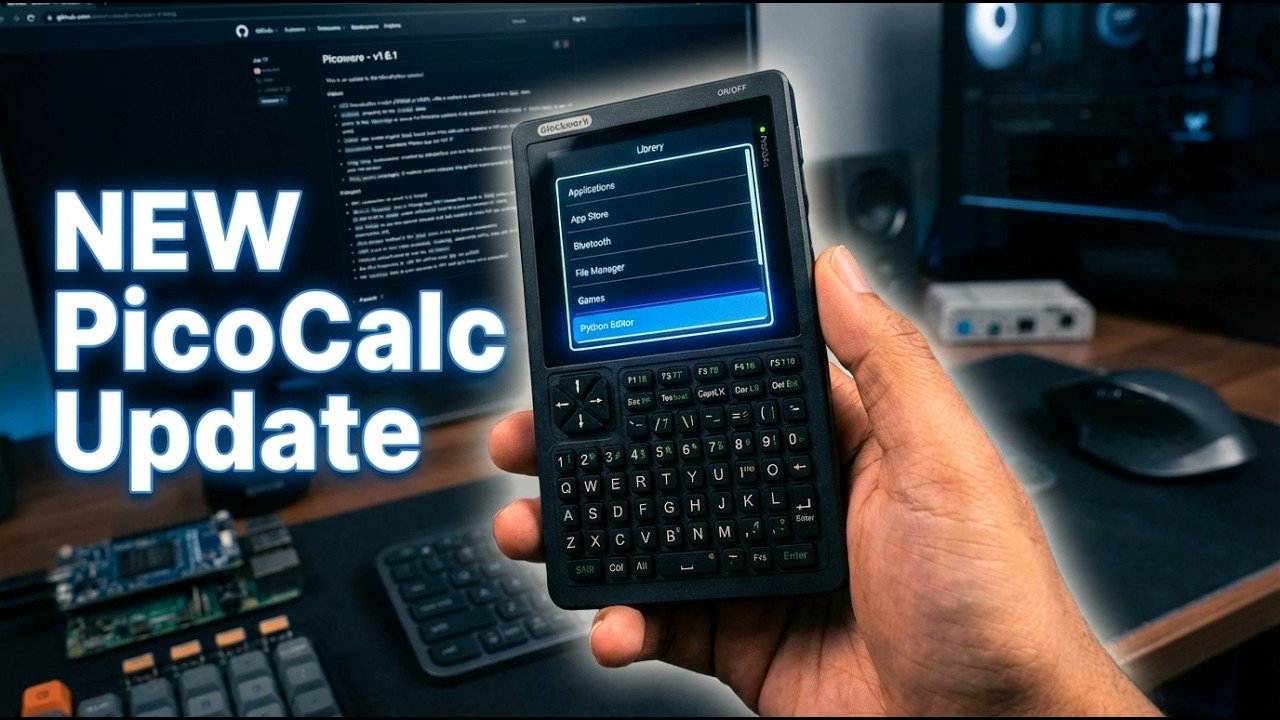
Picoware (Open-Source Custom Firmware)

I think you had this on your screen

from picoware.gui.draw import Draw
from picoware.gui.menu import Menu
from picoware.system.colors import TFT_WHITE, TFT_BLACK, TFT_BLUE

# create draw instance
draw = Draw()

# create menu instance
menu = Menu(
    draw, # draw instance
    "menu", # title
    0, # y position
    320, # height
    TFT_WHITE, # text color
    TFT_BLACK, # background color
    selected_color=TFT_BLUE, # selected item color
    border_color=TFT_WHITE, # border color
)

# add items to the menu
menu.add_item("Item 1")
menu.add_item("Item 2")

# set the selected item
menu.set_selected(0)

# render the menu
menu.draw()

That’s from the GUI components examples (it just shows a basic rundown of how to setup the Menu and use the underlying methods)

Here’s an app example (from Picoware/builds/MicroPython/apps_unfrozen/menu-simple.py at main · jblanked/Picoware · GitHub):

# picoware/apps/menu-simple.py

_menu = None


def start(view_manager) -> bool:
    """Start the App"""
    from picoware.gui.menu import Menu
    from picoware.system.colors import TFT_WHITE, TFT_BLACK, TFT_BLUE

    global _menu

    if not _menu:
        draw = view_manager.draw
        # set menu
        _menu = Menu(
            draw,  # draw instance
            "Menu Simple",  # title
            0,  # y position
            draw.size.y,  # height
            TFT_WHITE,  # text color
            TFT_BLACK,  # background color
            TFT_BLUE,  # selected item color
            TFT_WHITE,  # border color
        )

        # add items
        _menu.add_item("First Item")
        _menu.add_item("Second Item")
        _menu.add_item("Third Item")

        # quick add 4-19
        for i in range(4, 20):
            _menu.add_item(f"Item {i}")

        _menu.set_selected(0)

    return True


def run(view_manager) -> None:
    """Run the App"""
    from picoware.system.buttons import BUTTON_UP, BUTTON_DOWN, BUTTON_BACK

    inp = view_manager.input_manager
    button = inp.button

    if button == BUTTON_UP:
        inp.reset()
        _menu.scroll_up()
    elif button == BUTTON_DOWN:
        inp.reset()
        _menu.scroll_down()
    elif button == BUTTON_BACK:
        inp.reset()
        view_manager.back()


def stop(view_manager) -> None:
    """Stop the App"""
    from gc import collect

    global _menu

    if _menu:
        del _menu
        _menu = None

    collect()

but in Thonny you’ll need to add this at the bottom → Picoware/guides/Apps.md at main · jblanked/Picoware · GitHub

oh.. it seams i have a lot more to learn.

i tested the hello color script, added the viewmanager code at the bottom…

and it works! Enterkey changes the text color.

now we are in business :smiley:

thanks

1 Like

That’s great!! Thanks for trying out Picoware and sticking through it to the end :partying_face:

1 Like

Only problem now is:

i think i have to get a second device and put picomite on the other one. (so i dont have to swap the pico). as of now the uf2 loader did not work so well switching firmware (on the 2W).

i am used to HP/SM 41/42 calculaters so mmbasic is the next best thing for retro “calculator stuff”

But i am eager to learn both and a second device is not a bad idea anyway.:grin:

in the editor it does this wired stuff:

scrolling is also very slow

Quick Picoware update, v1.6.9: This is a quick patch to v1.6.8 that fixes TextBox scrolling, word overlapping in views that depended on character width, and adds an SSH Terminal app!

1 Like

Lol no way you just whipped out an SSH app in like 5 days, I’ll give this a try and see how it goes!

1 Like

wow, that was fast. :upside_down_face: overlapping text is gone :grin: :+1:

‘edit’

ssh client works.

1 Like

The starfield screensaver has a bug.

1 Like

NEW Picoware review! This one is about the new features added in v1.6.1 through v1.6.9, including LVGL graphics, PSRAM python objects, CircuitPython support, the new SSH terminal app, and more:

1 Like

This was just patched too! either re-download from GitHub or use the on-device App Store

1 Like

I’m trying MucroPython on a Pi2W.

Trying to set up Wi-Fi & I get a “failed to save” message.

Re-saving and/or rebooting usually does the trick

Not this time. I reflashed, rebooted, reformatted the SD many times but can’t not save the Wi-Fi credentials

Offhand, have you tried a flash nuke?

Save it and if you get the warning try saving it again (without rebooting in between)

Also, Discord and Github are the best places to get help with issues, as 95% of the user base is outside of the forums.

No, no go on retrying the ssid save.

I had a look at that GitHub but didn’t see much communications happening.

I see the most activity here on this forum.

I’ll try discord, honestly I’ve looked at it now & then and couldn’t make much sense of it. I’m pretty sure I’m a dinosaur when it comes to social media stuff. I was completely comfortable with dial ip bbs’s in the 1970’s, but haven’t made peace with much of anything new.

Tried discord again.

… ugh…

“Servers” that brings up a blank box.

“Channels”..erm, ok. Blank too.

And “Roles”. WTH is a role? Or a channel, or a server?

And no documentation that I can find.

It’s too much not fun to stumble around to try to use it.

I know I know, this old boomer needs to step out of the way LOL