Jblanked, I can’t thank you enough for all the work that you have done. I’ve been viewing your YouTubes since ordering the PicoCalc in mid December. After a 3 month wait I received my PicoCalc. What a device. After playing with it for a few days I installed your PicoWare and was immediately impressed with the program upgrade; a clock, calculator, file manager, screen savers, etc. It was/is eye opening.
BUT, here’s my situation. I’m 82, a retired electrical engineer who, as a hobby, started computing on a TRS80 model I in 1978. I learned Z80 assembly language and “Radio Shack” Basic. So I’m really not into the “newfangled” languages. Programming wise, I’d like to be stuck in the past (not so far back as FORTRAN though). I’d like to run the great Python apps and reacquaint myself with Basic all on the same device.
So, my question is: can I access and run MMBasic in PicoWare?
Semi techie stuff: In your file manager, “/pico1-apps” I can see “PicoMite_PICO_V6.00”. I also see in the root directory Basic programs, both from ClockWork and ones I made. As far as I can tell, my SD card has both ClockWork’s programs and PicoWare’s. However, I can’t get to MMBasic.
Any help is appreciated. Apologies if this has already been asked on the forum.
BTY, I have a Pico 2WH on order from adafruit for even more PicoCalc action.
I ran into this too.
quickfix:
go to the file manager, then picoware->settings and delete the lvgl_mode.json.
Or edit the file and change true to false. Then save the file and reboot the device.
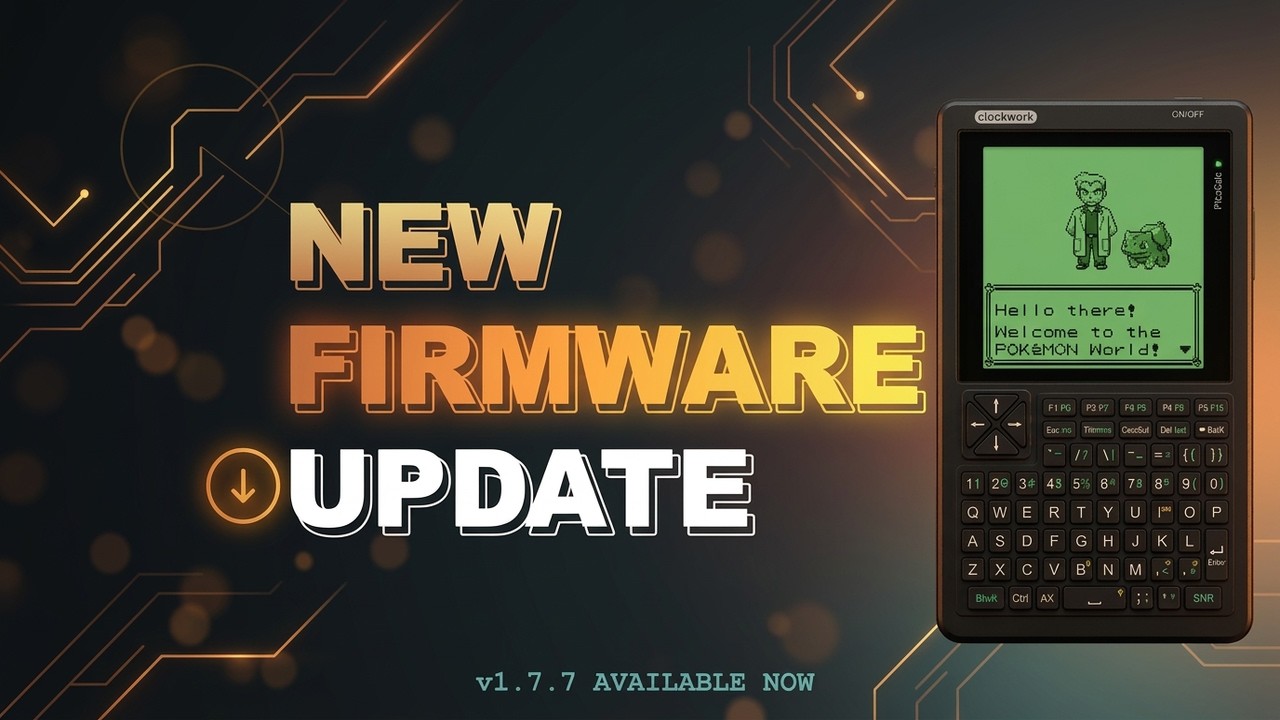
This is an update to the MicroPython version that adds audio support, optimizes the game engine for faster performance and wireframe outlining, and cleans up LVGL to reduce total heap usage.
Highlights:
Audio, AudioNote, and AudioSong Python classes
Audio support to the GameBoy Emulator
C++ game engine with wireframe outlining, painter’s algorithm, and 500+ FPS optimizations
This is an update to the MicroPython version that fixes audio in the GameBoy Emulator, updates the Desktop view with auto-check for firmware updates, USB functionality via the USBKeyboard and USBMedia classes and three USB applications (Keyboard, Numpad, and Media Keys), and adds a new Wiki Reader app that fetches, views, and stores Wikipedia articles.
I changed my username (I want to get away from GitHub, but this is a different topic…), so please don’t be confused. Anyway, I finally cleaned up the project directory and here is a minimal working example of a MIDI sequencer: narkode/midilancet - Codeberg.org
This is an update to the MicroPython version with audio optimizations, screenshot functionality (press F1), correct font spacing, and a new button property in the ViewManager class that caches the last button pressed and resets it after the current view’s run method is called.
Yoo Picoware has come a long way since the last review, with audio support, a GameBoy emulator, USB keyboard functionality, and a bunch of new apps that make the PicoCalc genuinely useful as a daily driver.
I’ve just installed Picoware v1.7.8 Picoware on my PicoCalc fitted with a Pico 2W fitted and firmware v1.4 bin installed. When I go to the WiFi app and enter scan, I see my WiFi network’s SSID. I select it and press enter, and a menu prompting me to save the SSID pop’s up for sub second, not giving me a chance to select yes, and then tells me it failed to save the SSID. Is their a manual wave to save my WiFi credentials (SSID & passcode) by copying a file from my PC onto the SDCard?