Changing the filename how?
Here’s the post: Picoware (Open-Source Custom Firmware) - #753 by Niemand_Niemand
Maybe you need to do the same?
This process is becoming very frustrating. I go to the github site to try to get the U2 version of the 1.8.3 file Copy/paste to move the file will not work. Is there an easy way to get the file to the SSD card so that I can reinsert it into my picocalc and make it work.
Can I go and retrieve a copy of 1.8.2. It worked. When I use the update on the picocalc all the old files get wiped out. Can I prevent that?
On the download page of the uf2, hit Download Raw File instead of Copy Raw File. That should solve your Github issue.
That shouldn’t happen unless you’re replacing your SD card contents.
There is no download page only copy in the drop-down menu.
Can you screenshot what page you’re on or send a video of you following the steps?

Great, from there click on the Picoware-PicoCalcPico2W.uf2 file, then it will open another page where you’ll be able to click a Download Raw File button.
Still get a black screen. Where can I get a copy of 1.8.2. At least that ran. Thanks
Can you connect to Thonny IDE and copy-n-paste any errors you see there?
NEW Picoware update v1.8.4 
This is an update to the MicroPython version that adds support for the M5Stack Cardputer ADV and Elecrow CrowPanel 10.1", and contains many miscellaneous improvements that make the firmware lighter, faster, and easier to use.
Check out the release here:
1 Like
Hello,
Picoware 1.8.3 reported 1.8.4 update available. Started the update process but this resulted in black screen.
Next I flash nuked the pico2w and installed the 1.8.4 version. That worked fine!
Thanks! Eric
1 Like
Trying to flash the available firmware for Pico W. I also tried the standard Pico version. I get a blank screen for both.
Hey, thanks for checking out Picoware. The PicoW is unsupported (currently) in the MicroPython version.
Thanks for letting me know. Is there another version that is supported for Pico W, or do I need to wait to get a Pico 2W?
1 Like
The Pico2W upgrade is worth it, but in the meantime you can use any other version:
Picoware/PicoCalc quick review from GreatScott!
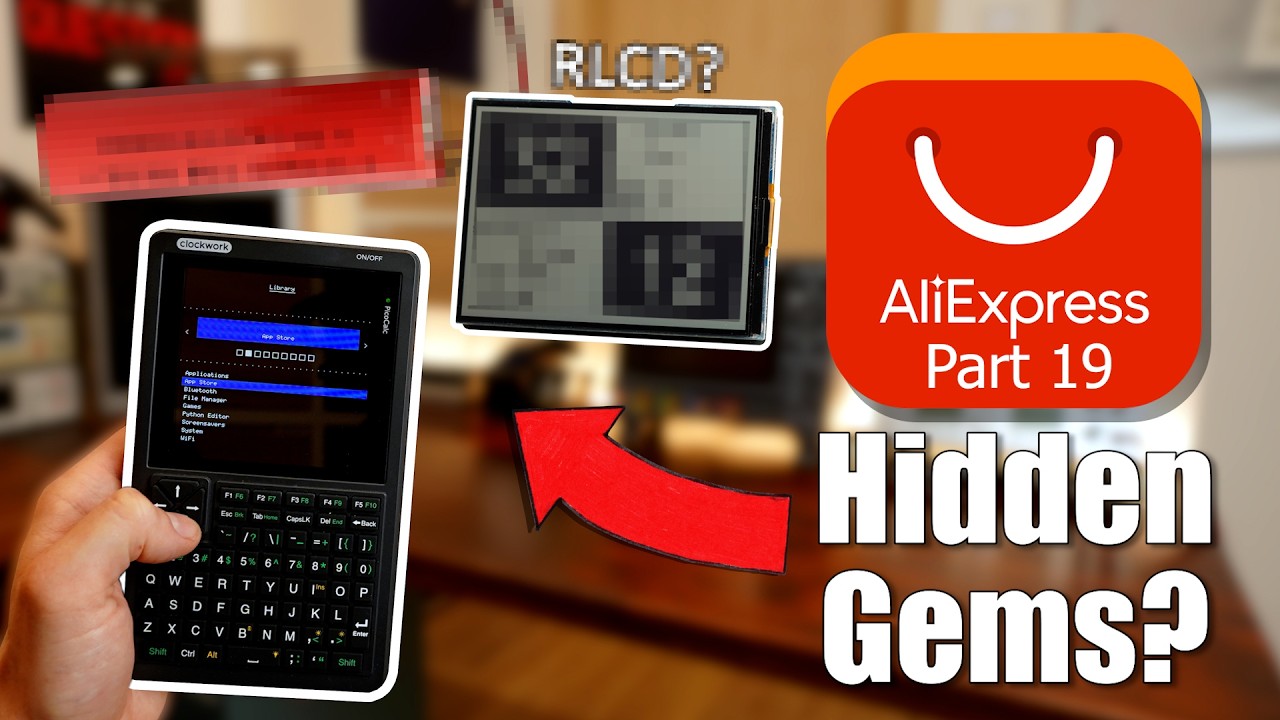
2 Likes
Great news, I found and fixed the issue(s) with the PicoW and it will be included in the upcoming release.

3 Likes
NEW Picoware update v1.8.6
This is an update to the MicroPython version:
- Added Desktop Simulator for Mac/Linux (@Slasher006)
- Updated Apps: Cube, Snake, Minesweeper, Tetris, Flappy Bird, LatheCalc, FlipWorld, and Tower Defense
- Fixed PicoW support
- Added
Settingsclass and implemented across apps/views that use settings - Increased Pico2/Pico2W flash size to 2MB and lowered Pico/PicoW slash size to 868KB and 432KB
- Updated
HTTPclass with chunked send looping - Added
Agentapplication withApp CreatorandDevice Managermodes - Added OpenAI and DeepSeek API key settings (for use with agents)
Check out the release here:
1 Like
Thanks a lot for this beautiful piece of software! One question about OTA updates and uf2loader by @pelrun : Since a few versions, the OTA update kills the uf2loader- I have to reinstall it by flashing the Pico. This forces me to install every new Picoware version by hand (e.g., pull out the SD card and put the new version on it manually). Is this an error, a feature or (most probably ;-)) my fault?
1 Like