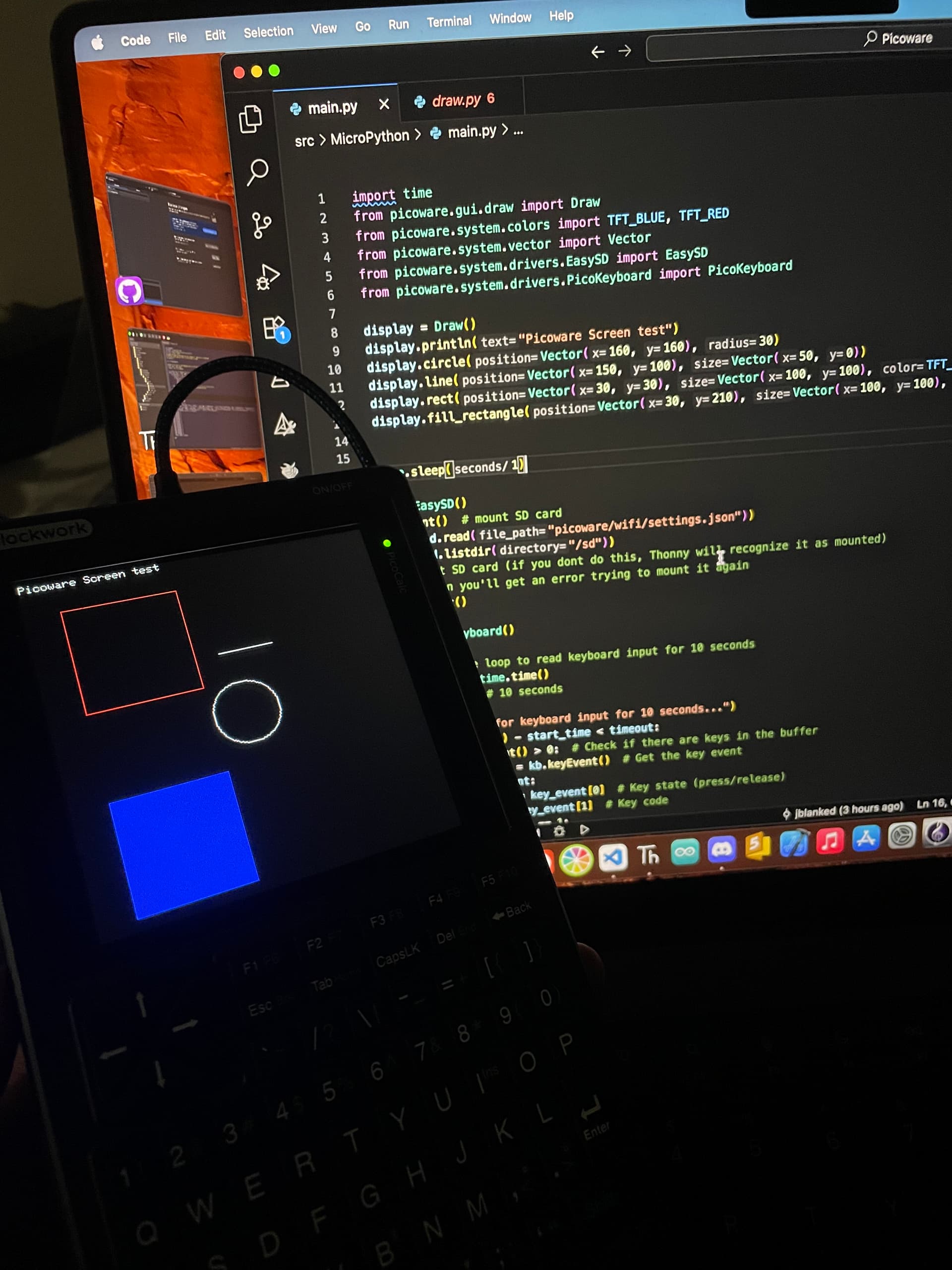
Picoware v1.3.1 release is ready!!
This brings FlipSocial v2.0 to the PicoCalc, ntp time sync, a new picoware folder for settings, and MANY bug fixes.
Picoware v1.3.1 release is ready!!
This brings FlipSocial v2.0 to the PicoCalc, ntp time sync, a new picoware folder for settings, and MANY bug fixes.
Here’s a review of v1.3.1 and the new FlipSocial app:
What do you think I should work on next?
Thanks for answering the poll!!
I did work on Circuit Python a bit and I actually got the Desktop to initialize now, but I ran into a dead end trying to get the keyboard working. So I’m dropping Circuit Python support for now at least.
So what would you like to see instead?
Great day!! I was working on a few work projects since I lasted posted.
I just started on micropython support! Thanks for filling out the poll
I actually created some libraries for the Pico W and TFT screen earlier this year (RaspberryPi/Pico W/Libraries/MicroPython at main · jblanked/RaspberryPi · GitHub) so it shouldn’t be long until Picoware is functional in micropython
Thanks for your support and patience!!
Great progress today
Tomorrow I’ll work on the GUI, which should be straightforward since I can merge most of the classes from the Circuit Python version
Hi! Congratulations for this excelent job!!
A fast question:
Future plan support for SDL/SDL2?
Thanks for checking it out @Hark0
No plans for SDL/SDL2 (from my current understanding there wouldn’t be enough ram), but the Picoware APIs are pretty simple/straightforward and give access to the hardware
All the Picoware versions/languages use almost identical methods, which makes it a bit easier to maintain the code and merge already-created apps/features 
Great progress so far today! Next I’ll work on the textbox and desktop GUI classes, then I’ll get the necessary System classes ready. If all goes well, we should have a release ready tomorrow or Friday at the latest
I’ve been working on speeding up the drawing and implementing double buffering. I ran across this in my research
Why are you implementing double buffering?
To fix screen tearing.
That answer surprised me. How does double buffering fix screen tearing?
Well, we’re drawing new frames to a hidden “back” buffer while the monitor displays the “front” buffer. When the new frame is complete, the back and front buffers are swapped, ensuring that the user never sees a partially drawn frame, which eliminates the visual effect of screen tearing.
All of the Picoware versions are using double buffering and swapping
Here’s a short tutorial I found on YouTube that may explain it better than I did: https://youtu.be/f3tO_gyyLmk?si=J6wIJMnfeyRvJ5XK
How will you achieve double buffering on a rp2040, with only 256kb of ram.
320px * 320px * 2byte * 2 buffers = 400KB 
That’s a great question actually!!
We’re using 8-bit byte buffers Picoware/src/SDK/Picoware/src/gui/draw.cpp at 82494856e7d56496bde9ad281b601f564836d56f · jblanked/Picoware · GitHub
So only two buffers of 320x320 bytes. That leaves just about 50k bytes free on the rp2040 and 270k bytes free on the rp2350
We use a palette to convert the 8-bit bytes into 16-bit bytes: Picoware/src/SDK/Picoware/src/gui/draw.cpp at 82494856e7d56496bde9ad281b601f564836d56f · jblanked/Picoware · GitHub
Interesting, tnx for clarification
In my case, I decided to use line-by-line rendering, so only 640B used, but i can achieve only around 15fps 
No problem! Line-by-line is clean approach for sure and 15 FPS is still really good! In my experience, you don’t really need a high FPS for UI updates until you get into animations and gaming.
The PicoCalc hardware does not work like this. Your implementation of double buffers will not affect tearing.
The technique you are describing involves switching the buffers not a random time, but a a very specific time, when the screen is between update cycles – for example, on a CRT the electron beam is returning to the top of the tube to draw the next frame.
I’m not sure I understand what you mean. It certainly has solved tearing.
Developers can manually swap after they’ve made their updates.