Hi everyone! I’ve been working on a PC emulator for the PicoCalc, and it’s at the point where it needs more hands (and more SD cards full of old games) than just mine.
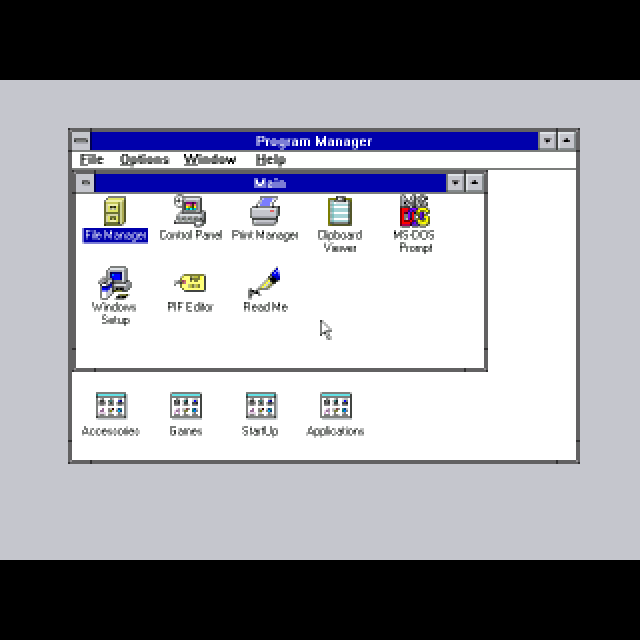
pico-386 is a 386 PC with an FPU, built on tiny386. It runs DOS, Windows 3.x and DOS games on the PicoCalc’s own screen and keyboard, with VGA, Sound Blaster 16, Adlib and PC speaker sound. It runs on two modules:
Waveshare ESP32-P4-WIFI6: the faster one, up to 32 MB of guest RAM, SVGA
Raspberry Pi Pico 2 (RP2350): the plain one, no PSRAM on the module. 4 MB of guest RAM is paged from the PicoCalc’s own 8 MB PSRAM
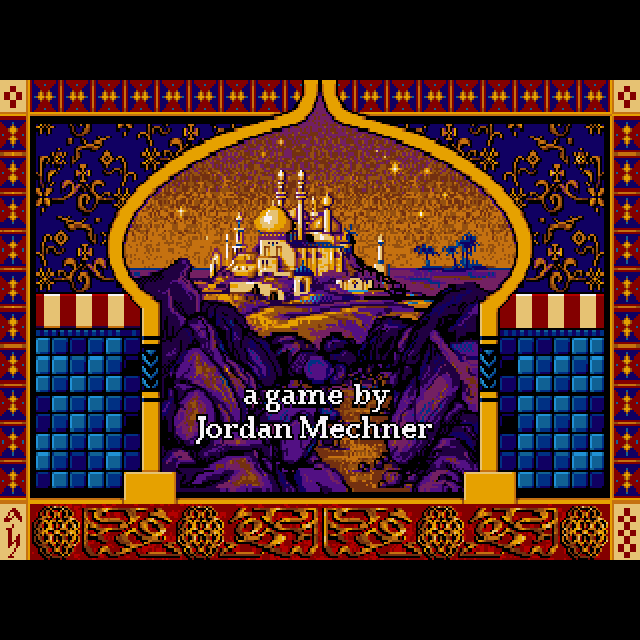
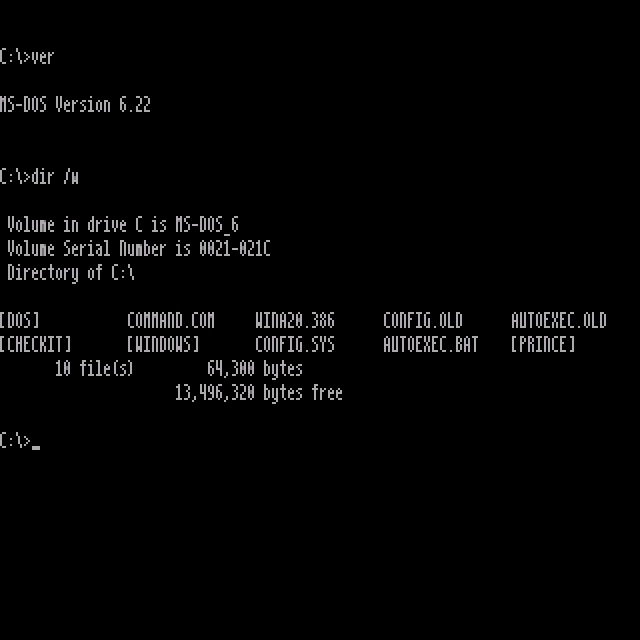
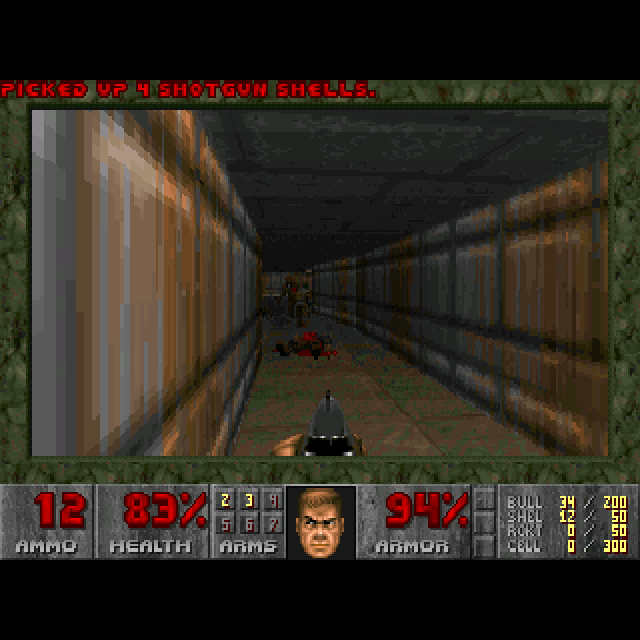
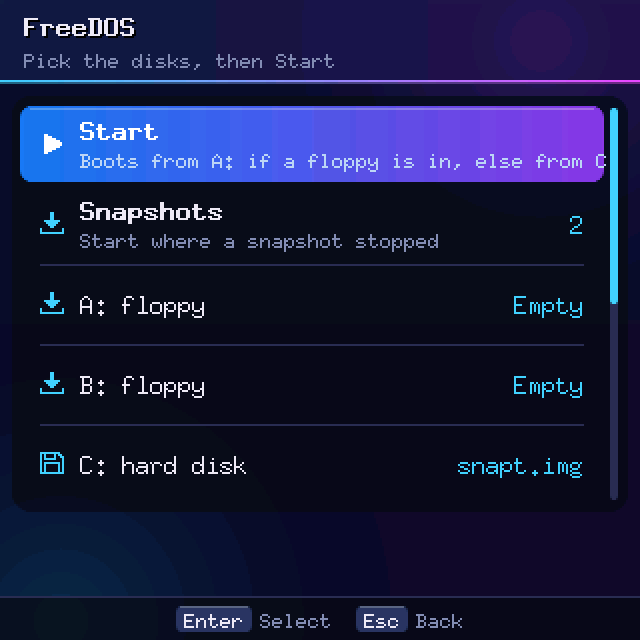
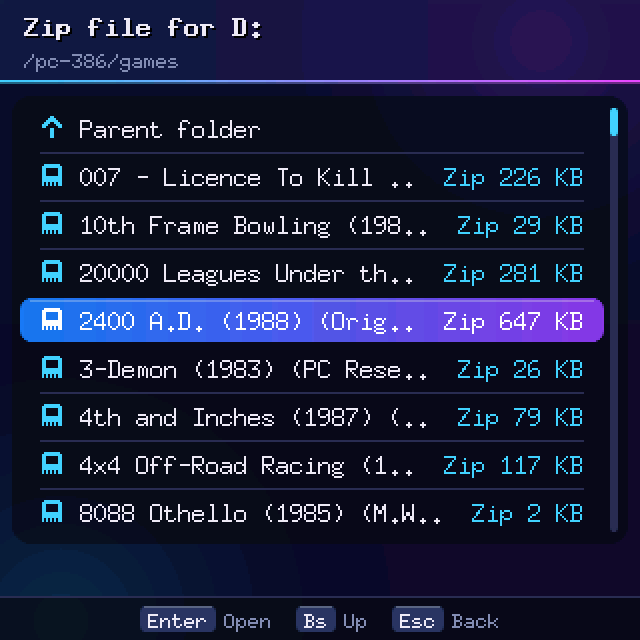
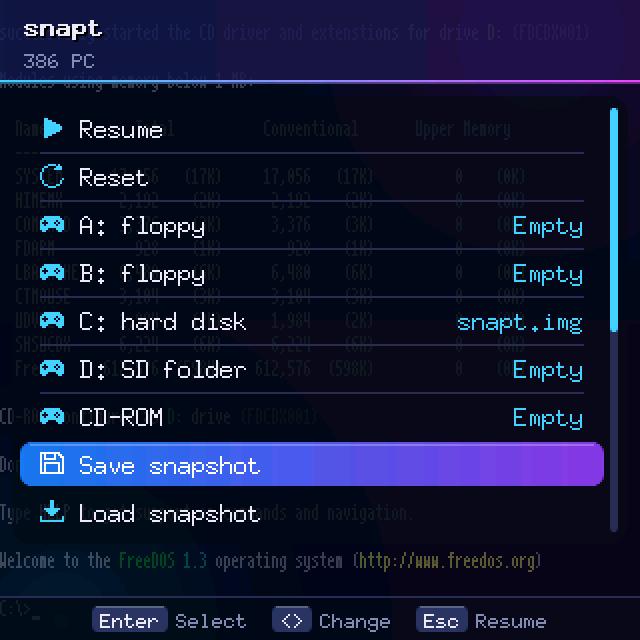
Some screenshots (taken from the desktop build of the same code, which draws the exact 320x320 picture the PicoCalc shows):
What’s fun about it
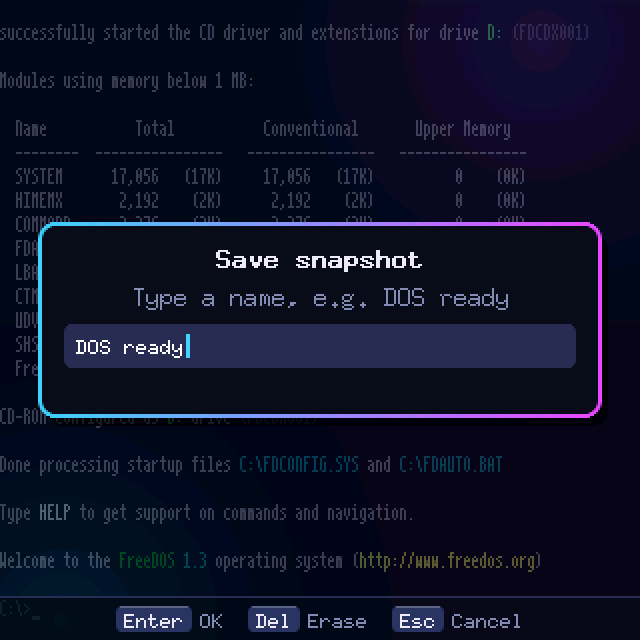
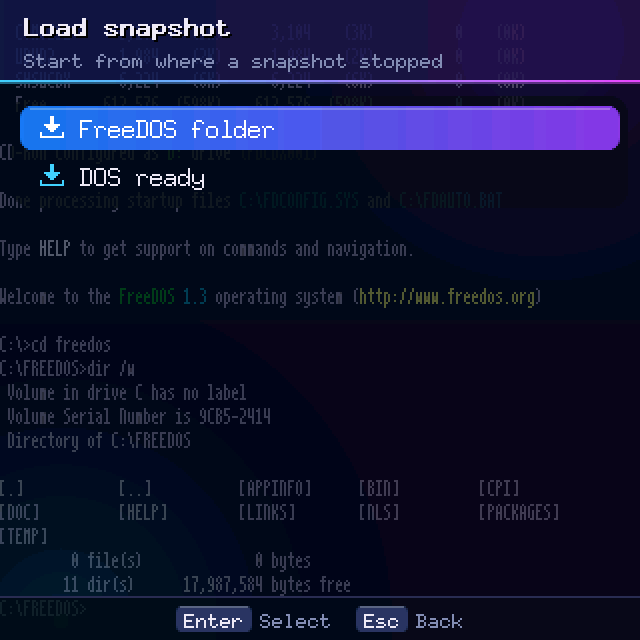
Snapshots (new in v0.2.0). Press Ctrl-Esc, pick Save snapshot and give it a name like “DOS ready” or “Prince level 3”. Next time, start from it: the PC is back in a second or two, exactly where you left it, with the same drives mounted. No more waiting for DOS to boot.
Zips as disks. Drop a game’s .zip on the SD card and pick it as drive D: (or as a floppy in A:/B:). No disk images to build. A plain folder works too, and whatever DOS writes there gets saved back to the folder.
Disk swaps while it runs. Ctrl-Esc opens a menu where you can change floppies and the CD, so multi-disk installers and Sierra games work.
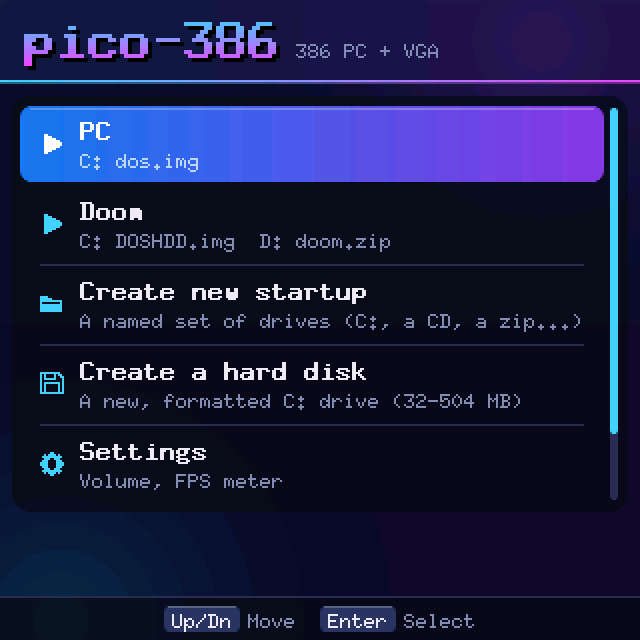
Startups. Named setups in the home menu (one for DOS, one for Windows, one per game) that remember their drives.
A readable 80x25 text mode on a 320 px screen, thanks to a hand-drawn 4x12 font.
A mouse from the keyboard. Both Shifts (or Ctrl-Tab) turn the arrows into a mouse for Windows and mouse games.
How fast?
It’s a slow 386 for now. CheckIt says about 9x a PC-XT on the P4 and 5x on the Pico 2. Prince of Persia and lots of 80s and early-90s games play well. Doom runs on the P4, but slowly.
It’s alpha
Expect bugs. Snapshots were tested on the Pico 2 but not yet on the P4. Keep backups of any disk image you care about: guest writes go straight to the files on the SD card. And a snapshot only fits the disks as they were when you saved it: the list warns you if a disk changed since then.
PicoMultiLoader: unzip pico-386-pml-v0.2.0.zip onto the SD card.
Pico 2: flash the .uf2 with BOOTSEL.
P4: flash the merged .bin with esptool at 0x0.
New: a ready SD card. Unzip pico-386-sdcard-v0.2.0.zip onto the card and copy pc-386/disks/freedos-hdd-32mb.img to pc-386/c.img. You get the BIOS and a hard disk with FreeDOS 1.3 already installed, so the PC boots to C:\> right away. Your own disk images, zips and folders go in /pc-386/. No commercial OS or games are included.
What I’d love to hear
What you tried: OS, games, apps, and whether they ran, crashed or were too slow
Sound problems: clicks, wrong speed, silence
Anything confusing in the menus or the README
Screenshots or photos help a lot. Issues on GitHub or replies here are both great. Thanks for testing!
I haven’t looked into your project, but I will today or tomorrow, but I am willing to help test it. I was wondering if you could add an option for 8MB PSRAM for the Pimoroni Pico Plus 2 (W)?
I don’t mind building it myself. I suppose I could also give a go at adding support myself and opening a PR?
Unfortunately, I don’t have this board to perform tests, but it would be a great help if you could assist me with this. I can try to create the configuration based on these specifications using Claude, but I have no way to validate it.
Thank you for testing the app! Just to get your scenario, did you flash directly to RP2350? I mean you push the button on the board, turn on and copy to RP2350 mounted disk?
Did you try to flash using any loader as uf2loader or PicoMultiLoader? Did you copy the pico-386 folder to your sdcard? I’d like to understand your scenario.
Not sure if this is relevant but I had similar issues and it turned out to be the custom keyboard firmware I was using (from the LyraCalc project). Switching to official 1.7 keyboard firmware fixed my issues.
The snapshot feature sounds like the biggest usability win here — being able to drop back into “Prince level 3” in a second or two removes most of the friction that makes emulators tedious on small handhelds. Treating a plain folder as a writable disk is a smart touch too, since it skips the image-building step entirely. Given the RP2350 module pages RAM from the PicoCalc’s PSRAM, how does disk I/O over the SD card hold up when DOS is actively writing back to a folder during a game or installer?
It’s hard to know, but this emulator overclocks the RP2350 to 300Mhz, it could fail on some generics RP2350 board due the quality of regulators. Idk if you have another board from a reliable brand to test. I’m gonna try to include an overclock configuration in order to check if this clould be the problem and let you know.

 It’s alpha

