I think you’re referring to PicoCalc/Bin/PicoMite at master · clockworkpi/PicoCalc · GitHub and Unofficial PicoCalc PicoMite/WebMite firmware release thread (V6.00.02) ?
I will try this. Thanks
1 Like
The next release is almost ready!!
I added “async” HTTP requests (sends/manages a request on a separate thread)
Created a Time class
And added the time to the Desktop view (like the other Picoware versions)

Now I just want to add in/translate the game engine from the SDK version and then I’ll finalize the release.
Lastly, I’m starting a YouTube series on creating Picoware micropython apps. If you have any feature requests, feel free to drop them here in this forum!
3 Likes
I just wanted to tell you I am running the SD card flashing software as per your video and it works GREAT! Thanks for your videos.
I downloaded Picomite_RP2350_V6.00.02 RC9.uf2 to the pico2-apps folder. Started the program using F1 + power button. The software flashed to the pico but gave a black screen. Shut the picocalc down and restarted flashing picoware (1.4) everything came up no problem. What am I missing? Any help is appreciated. Thanks
Your micropython version is bootlooping on bios 1.4. Finally tracked it down to the keyboard driver explicitly calling reset in the init function (!)
Delete this line to fix it: Picoware/src/MicroPython/picoware/system/drivers/PicoKeyboard.py at b5ee65ac0ac8349c48620b3a2902120ebf1b279a · jblanked/Picoware · GitHub
3 Likes
I think that issue is still being worked on I've installed a Pico 2, the bootloader works, when i load PicoMite the screen goes black - #2 by cjstoddard
You’re the man!! Thank you for taking a look at it  I’ll switch to bios 1.4 and give it a try.
Works perfectly!! Thanks for your support and help 
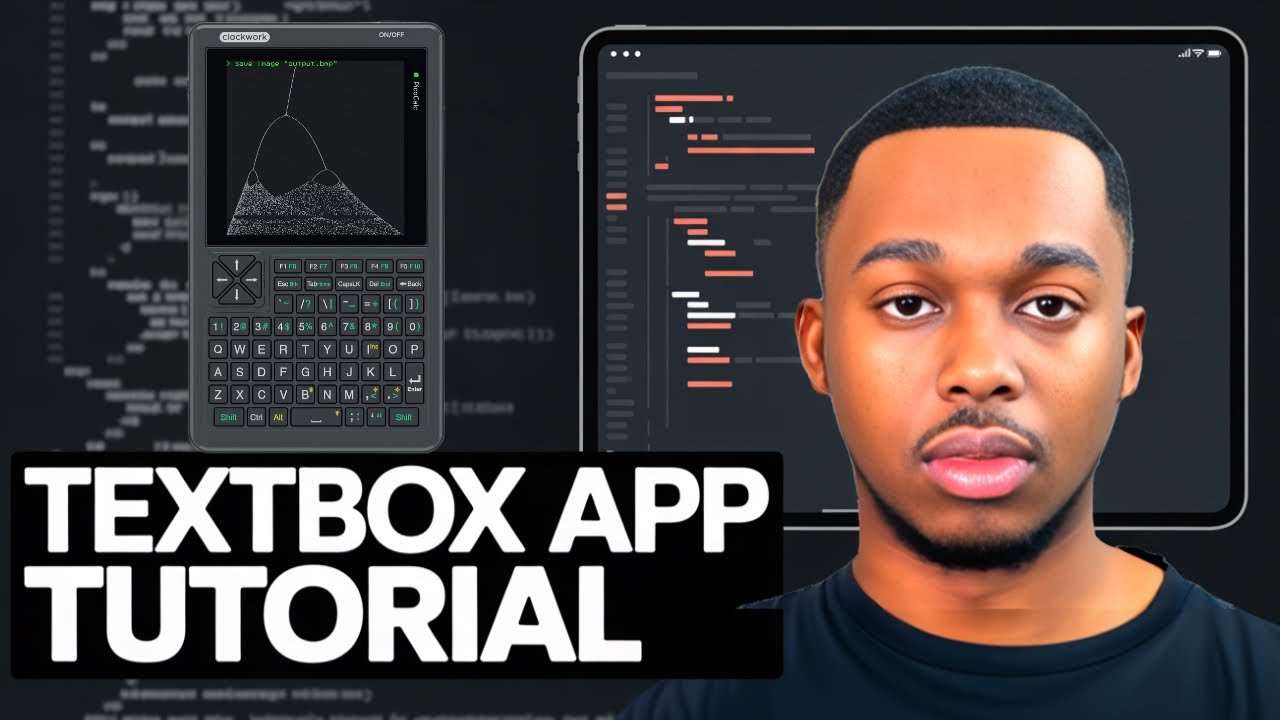
Here’s a video tutorial of creating a simple Textbox app in Picoware
1 Like
Picoware v1.4.4 is HERE
This is an update to the MicroPython version which adds support for the BIOS 1.4 STM32 firmware!! I also added a File Browser app, a game engine, the current time to the Desktop view, some new classes/methods, and a few improvements.
Let me know your thoughts and/or if you have feature requests. Have a great weekend!!
1 Like
It’s the first version that seems to work correctly with my Pico2W, good job!
1 Like
Here’s a video tutorial of creating a simple Menu app in Picoware
just tried v1.4.4 on my Pico 1 PicoCalc with custom keyboard firmware based on v1.4, sd root has picoware/apps containing counter.py, when it boots i only get “Error starting view: ‘NoneType’ object has no attribute ‘is_connected’”
judging from a quick glance at the code it looks like you’re not checking whether or not a wifi connection is not None (i.e. a non-W board) before trying to check if it’s connected, perhaps here: Picoware/src/MicroPython/picoware/applications/desktop.py at ccfa261502e7a5c704d6cc18fa844530b945d797 · jblanked/Picoware · GitHub
1 Like
GREAT catch!! I’ll fix that today and release a quick patch.
The WiFi object is None because the ViewManager sets it’s WiFi instance to None if the board does not have WiFi support: Picoware/src/MicroPython/picoware/system/view_manager.py at ccfa261502e7a5c704d6cc18fa844530b945d797 · jblanked/Picoware · GitHub
Thanks for your support and for checking out Picoware.
v1.4.5 is ready
This mainly fixes the error reported by @maple and some minor things I noticed since the 1.4.4 release:
1 Like
I’m working making readable categories inside of the picoware/apps folder, then we could offload most of Picoware onto the SD card I think.
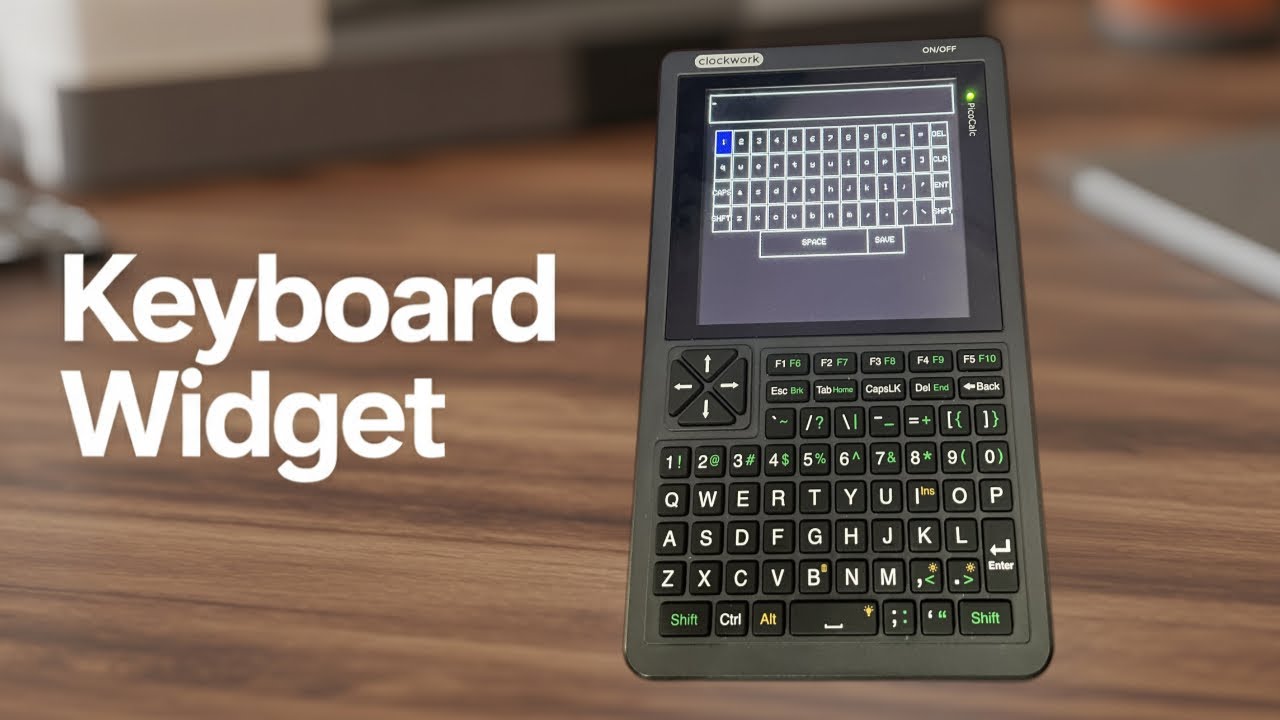
In a few hours releases a tutorial on working with the Keyboard GUI class in Picoware
Here’s a quick tutorial on using the Loading Animation
Here’s a quick tutorial on writing/reading from/to the SD Card in Picoware:
I have a cold so please mind my voice 
1 Like
Great day, it’s been about 2 weeks since the last update I ended up getting sick, then finished up some Flipper Zero updates, tidied up some forex projects, and just recently contributed to the PicoCalc Game Boy emulator project.
Today I added settings to Picoware
and added the battery percentage to the Desktop
Next I plan on adding a Bluetooth class and creating documentation for the libraries.
3 Likes