Documentation took a bit longer than I hoped (I was typing it all out manually lol then I eventually got Claude to help me)
I did take a look into Bluetooth and got BLE scanning working, but it still needs some work. So instead I’m going to create some apps/games and tidy up the documentation a bit before the next release.
I hope everyone is doing well! I’ve been working on some games/animations/apps for the micropython version of Picoware. Im still working on porting FlipSocial (social media network) but I should have it done by this weekend.
So far I added a Cube animation,
a Starfield animation,
and Flappy Bird
There’s been many ported animations on Reddit/Youtube that I plan on adding into Picoware too.
Great day! I’ve been working on converting some community projects into Picoware
PicoFlower
Bubble Universe
I was working on the Rotation animation from Zenodante, but its currently like 0.17 frames per second (even after a ton of optimization) so I’ll likely move on from that
Let me know if you have any feature requests! I want to add a few more apps before the next release
Thanks so much for your work on Picoware and all the video tutorials. I’ve got it running on my 2350, and have tried out all the sample stuff. It’s amazing to see the progress you’ve quickly made!
In terms of feature requests, anything you can do to make it friendly to a new coder trying to learn Python on the Picocalc would be great. I’ve messed around with mmBASIC quite a bit. I love that it boots fast to a prompt, allows for quick testing and revision, and seems to have pretty good access to the hardware (flash slots, autorun, sound, GPIO pins, etc.). But I don’t want to invest a lot of time learning BASIC; I’d rather learn Python. I just get a little stuck trying to start out learning Python on the Picoware.
I know booting to a prompt defeats the point of Picoware, but is there anything else you could do to give learning Python on Picoware that same immediacy and simplicity of learning mmBASIC on the Picocalc? Maybe I’m asking for a terminal app? Or maybe there’s a way to get this using Thonny and I just haven’t figured it out yet. I don’t really know enough about how to ask. Also, the need for a bunch of “wrapper” code (START/RUN/STOP) is simple for you guys, but a little confusing for me! Is there a simpler way for someone starting out.
Welcome to the forum and thanks for checking out Picoware and my video content
It’s also glad to hear that the 2350 is working for you and that you’re into Python!! I’m actually a C++ fan but the updates over the last few weeks (and upcoming weeks) are for the MicroPython version.
Unfortunately, I don’t have any plans to integrate an on-device REPL (because as you mentioned, it sort of defeats the purpose of a streamlined system). Maybe if we get enough requests, I could implement that feature later, where users would type in like Ctrl + D or something from the Desktop view.
However in the meantime, you can use Thonny with Picoware and use Thonny’s REPL. The process is:
Flash the micropython version of Picoware (with your PicoCalc off)
Un-plug the Micro-USB and turn on the PicoCalc
Open up Thonny IDE
Plug back in the Micro-USB to your PicoCalc
At the bottom right corner of Thonny, click on the MicroPython (Raspberry Pi Pico) as the interpreter
Hit the Stop button (looks like a red stop sign) in Thonny (top-middle of the IDE)
The REPL should appear in the terminal window, but you can also write/create files in the editor window and run the script by clicking the Run button (looks like a green arrow) in the top-left of the IDE
That process is actually how I test longer scripts or scripts that I know I will have to work on for a few hours (like that FlipSocial app and more recently Bubble Universe)
With Picoware apps, I understand that the start/run/stop requirement is a little “petty” but it’s how Picoware maintains the lifecycle of the firmware. In my opinion, it ensures users don’t get “stuck” in one app and allows developers to clean up used memory.
This guide explains the APIs available:
Thanks again for your support. Always feel free to leave feedback/suggestions, ask for guidance/help, or get your feet wet and submit code
This release is a micropython update that adds some new apps (Bubble Universe, DVI Bounce, PicoFlower and more), caps lock functionality, and fixes a few bugs I noticed over the last few days!!
Make sure to copy the apps folder from builds/MicroPython to the picoware folder on your SD card. If there is no picoware folder, create one.
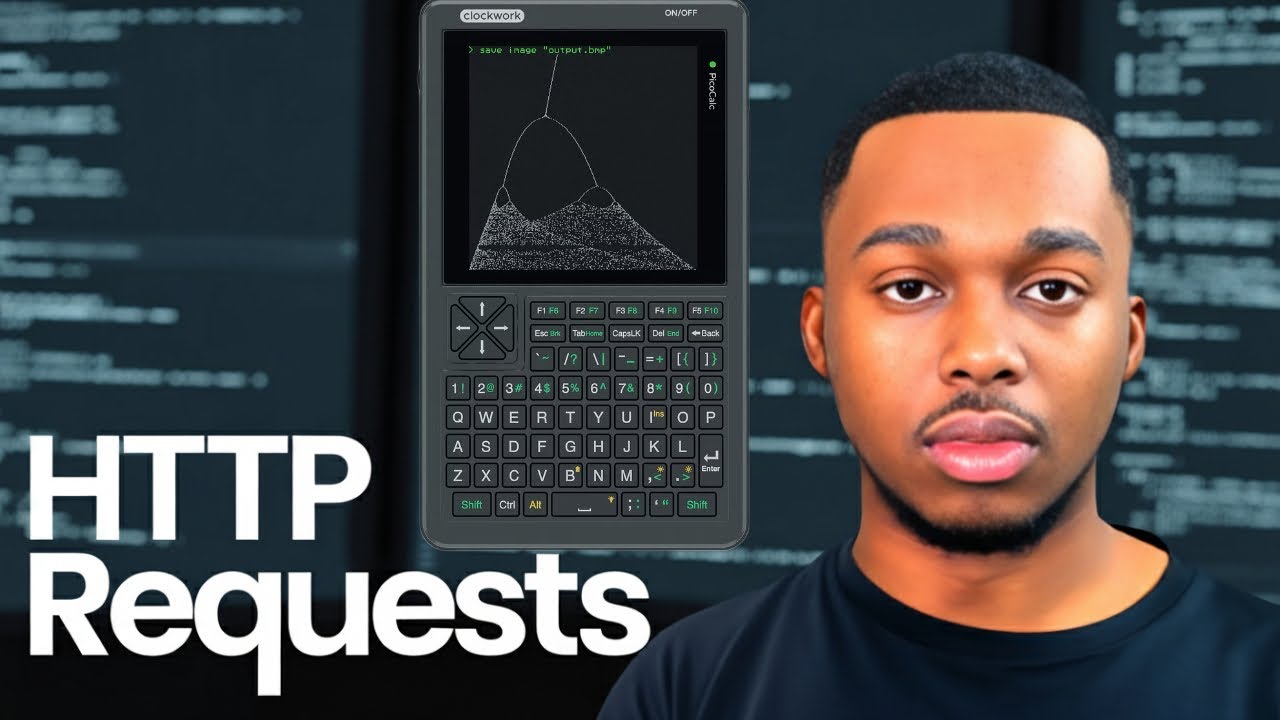
This release is an update for both the SDK and MicroPython versions. The SDK version got support for BIOS 1.4 and some minor improvements. The MicroPython version got nearly 10 new apps (mostly from the YouTube tutorials but also including a new Text Editor app), Home button functionality (pressing it will return you to the Desktop), save-to-file functionality in HTTP requests, and many quality of life improvements.
Check it out:
Make sure to copy the apps folder from builds/MicroPython to the picoware folder on your SD card. If there is no picoware folder, create one.