Here’s a review of the latest release and my plans for the next two releases:
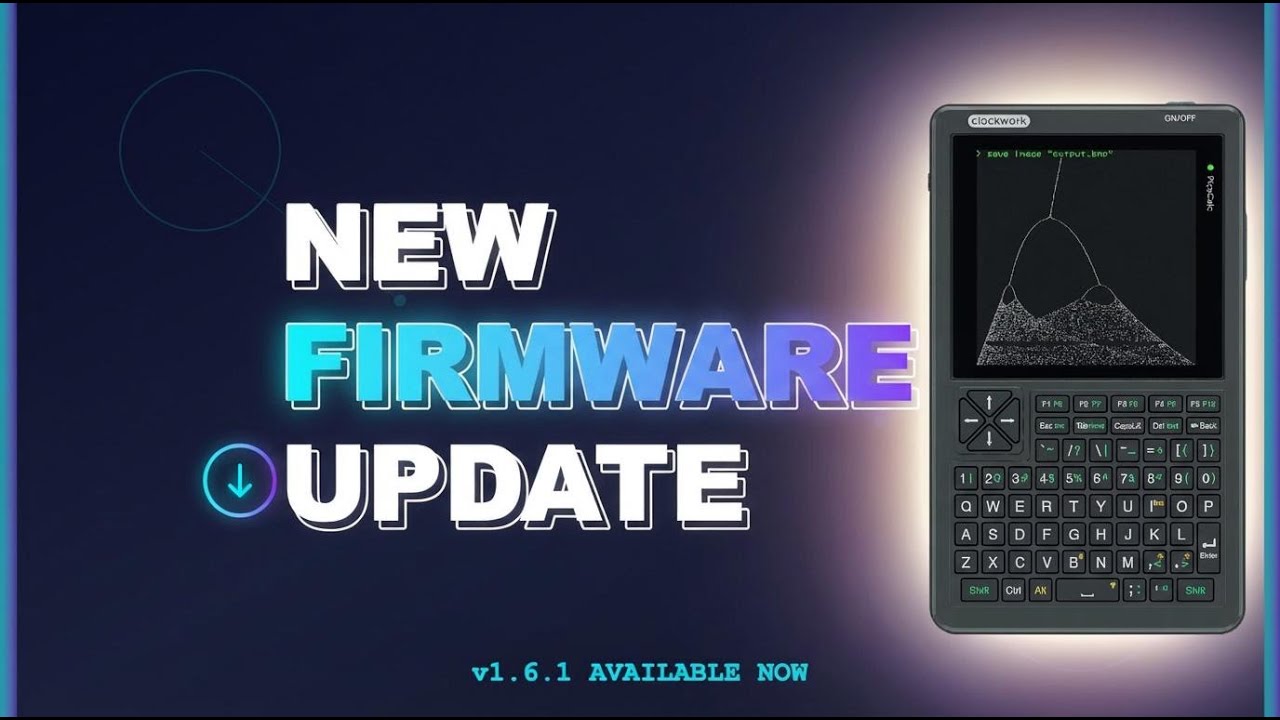
Here’s a review of the latest release and my plans for the next two releases:
Yoo that looks well done 
I’ve been working on this. It’ll allow you to use your Flipper Zero modules on the PicoCalc. What program did you use to design the 3D print?
I use fusion360 and printed on my Bambu a1
I understand that to take full advantage of the picoware, you need to use a pico pi 2w…
I just ordered one yesterday.
@jblanked, is there a way in Picoware to display the hardware MAC address of the WiFi module?
Yes, great idea! I’ll add it in the next release.
Love Picoware, thanks for your time creating this.
How does the email system work? I’m not sure if it’s actually sending, it’s not entirely clear what’s happening with it. Thank you!
Thanks for checking out Picoware!
With the Email app, you need to get a Google app password. With that password and your email saved in the settings, you can send an email. This should help: https://youtu.be/nf9nDC8PFU0?si=wTXRycEezz6xT-0b
NEW Picoware update, v1.6.2
This is an update to the MicroPython version that adds LVGL views, PSRAM python objects, complete Bluetooth functionality, and optimized multithreading.
Highlights:
Bluetooth classBeacon, RSSI Montior, and UART Chat bluetooth appsSerial Terminal app: fix mode assignment + use a lower CPU frequency (fixes crash)psram.malloc(your_data) to store python objects into PSRAMCheck out the full release notes here:
Dear @jblanked, thanks for the new release. I would like to give two ideas for improvement:
1. It would be great to have an option to show the WiFi’s MAC address before a connection is established. This would be handy for configuring WiFi-routers with a whitelist mac-filter.
2. When scanning for WiFi networks, it would be great if one could select a SSID from the list to be saved as the WiFi network to connect to. This would prevent from manually typing the SSID.
I haven’t tried Picoware myself, but I agree that both of these things would be definite pluses. In zeptoforth at least I keep a file with my SSID and password saved so I don’t have to enter them by hand.
So I gather there is at least the beginnings of a CircuitPython version of Picoware now?
I’m excited to try this and all other updates.
But the “ 1.6.1 System→Check for updates” on my Pico w pi2W says there is no update.
But hey, Game of Life upgrade does work! Dang it! The in app update sort of ran but hung while saying it was downloading forever. Then trying to run GOL I get the same PSsomething error
Now 1.6.1 Pico 2W now says there’s a dl available. I tell it to download, after 30 sec or so the Alert box says “update Error. Download failed HTTP[Errno 5] EIO”
Getting closer
Download it directly from GitHub for this update. There were a few issues that I noticed in v1.6.1 that were fixed with the implementation of the ThreadManager. Thanks for your support man.
Circuit Python support is HERE, Picoware v1.6.3
This is an update to the CircuitPython version that uses C modules (from the MicroPython version) to communicate with the hardware.
It has most of the features from the MicroPython version, including the new PSRAM python objects from v1.6.2. 373k heap free on rp2350w and 133k heap free on rp2040.
Installation is identical to the other versions except after Picoware is flashed onto your device, you need to replace boot.py with the one in Picoware’s source code /src/CircuitPython/boot.py. When you turn on the device, you’ll be greeted with the same desktop and views as the MicroPython version.
The next few releases are dedicated to cleaning up the CircuitPython version, creating/updating apps, and polishing the MicroPython version.
Check out the full release notes here:
did that, game of life still doesn’t work.
I think I’ll just wait a bit and see if all of this version and apps will settle down to some more stability.


