It’s because the API changed (for the PSRAM class) in v1.6.2, with the introduction of PSRAM python objects. I did sweep through the apps before the release but must’ve missed that one.
Great question! Although the CircuitPython version is working, MicroPython is still my recommendation because of multithreading and that there are a few more bugs to fix in CircuitPython.
This adds support for the Pimoroni Pico Plus 2W and cleans up the circuitpython version. Now just like the micropython version, you can create and edit apps using the on-device Python Editor, browse through almost 40 apps, or check out the networking features.
It looks like you are not compiling the Pimironi to use its onboard PSRAM. It is still only getting 520K of SRAM for the HEAP. It has an onboard 8meg PSRAM that connects to the QSPI bus and allows XIP. So you could have 8.5 meg of HEAP. It is not the same as you enabling access to the PicoCalc PSRAM through PIO. PIO cannot do XIP, you have to caopy it back into the 520K of SRAM. You dont need to do that with the Pimironi onboard PSRAM. Just use it. The PicoCalc onboard PSRAM is not much more useful than flash.
I might be wrong but your system page that shows heap with show 8meg if it is being compiled correctly.
The problem with using the Pico Plus 2(W)'s PSRAM for heap is that it is slow, which can significantly affect garbage collection. E.g. on the site for uLisp they recommend that when using uLisp compiled to use the Pico Plus 2(W)'s PSRAM for heap to turn off per-input line garbage collection as the uLisp garbage collector takes about a whole second to traverse the Pico Plus 2(W)'s PSRAM. This can be avoided by doing manual memory management of the PSRAM, as Picoware seems to do.
Picoware’s manual PSRAM handling is primarily about the PicoCalc “motherboard” PSRAM accessed over the header GPIOs (PIO-based). That style of PSRAM is inherently slower and, importantly, it isn’t memory-mapped for XIP—so it doesn’t behave like a big, fast extension of the normal heap. In practice you often end up staging/copying data back into SRAM when you need speed or when libraries assume SRAM-like behavior.
The Pimoroni Pico Plus 2(W) is different: its onboard PSRAM is on the QSPI bus and can be used in an XIP/memory-mapped style, so CircuitPython builds that enable it can expose a much larger effective heap. On a correctly built firmware you’ll typically see this reflected in gc.mem_free() being on the order of ~8 MB rather than ~520 KB.
On my Pimoroni-based build I haven’t had performance issues that would justify manual PSRAM management. Also, because there’s plenty of heap available, I don’t “micro-manage” GC calls in normal application flow.
Where the 520 KB heap does become a constraint is when you start using the broader CircuitPython ecosystem (many Adafruit libraries, fonts, UI layers, networking, JSON, etc.). That ecosystem is one of the big reasons to choose CircuitPython, but it tends to consume more RAM. If you’re only using a minimal, tightly-controlled module set (e.g., a Picoware-only ecosystem), you can often stay within SRAM limits—but then you’re not really benefiting from what CircuitPython brings to the table.
So my point is: if you have a Pico Plus 2(W), it makes sense to actually run firmware that enables the onboard PSRAM—otherwise you’re leaving one of the board’s main advantages unused.
Is there something special needed to be done for Circuit Python to work on my Pico-pi2W?
I used a blank (formatted only) SD card. Copied both apps directories over, did the normal OS image install, etc. exact same way as I did for MicroPython.
Anyway - the above just gives me a blank screen when powered up. Any ideas?
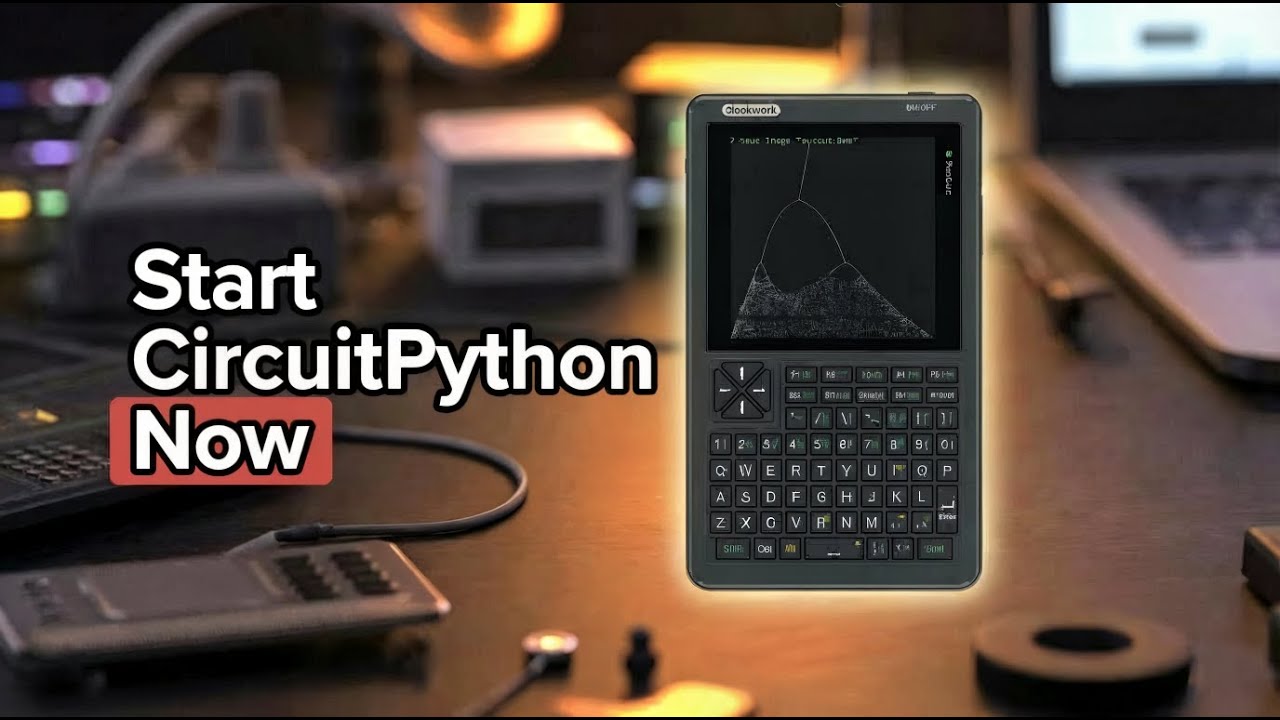
Over the weekend, I added CircuitPython support to Picoware. Today I explain how to get it on your device and what Picoware’s version of CircuitPython adds to the mix:
Also, sorry for the quality today, I’m at in-laws for another week still due to the massive winter storm.
Ok, using the correct file name (code.py NOT boot.py) and now it boots.
But most net things aren’t working very well. System and app updates fail immediately. The weather app works, update apps fails saying “no installed apps found”. I did copy over the apps and the unfrozen one. I tried copying those folders to be within the picoware folder as well as the SD card root. So update doesn’t see any apps, but “applications “ does. See, some things work, some don’t.
 glad to hear it’s working, thanks for your patience.