It doesn’t come with one but this thread covers how people have been adding one:
I’m going to order a WiFi enabled pico and then I can try out your online features.
It doesn’t come with one but this thread covers how people have been adding one:
I’m going to order a WiFi enabled pico and then I can try out your online features.
Definitely seems worth it! Thanks for sharing
Updated video on Picoware:
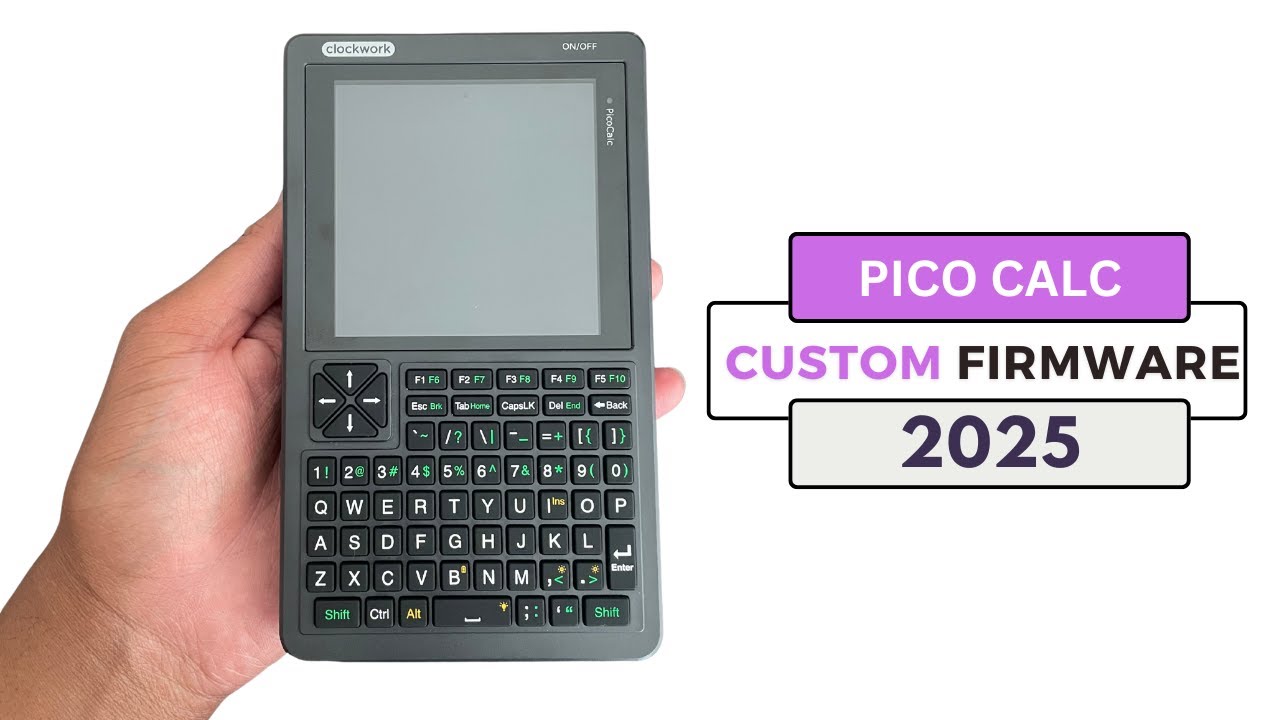
Testing the latest version.
Few times i had issues where I can enter one manu option, but others are unclickable. Rebooted. The same behaviour but with another menu options. For instance, i can use and configure WiFi, but i can’t enter “screensavers” menu. Could this be memory leak or clock issues? I keep CPU clock between 200 and 250 MHz
Also, i wanna suggest dark theme and theme management in system menu. I tried to change all colors in the code, but didn’t get expected result. I guess i’ll go slow and change only textbox colors first.
Interesting, I also had/get issues with menu options sometimes (with similar behavior). It’s something with the Views or View Manager. I think maybe the View is NULL/uninitiated somehow, so the View Manager won’t switch to it.
Also, i wanna suggest dark theme and theme management in system menu. I tried to change all colors in the code, but didn’t get expected result. I guess i’ll go slow and change only textbox colors first.
You can switch out the colors in the init of the ViewManager
and thanks for it checking out again!!
Well, I’ve been looking into PSRAM for Arduino IDE, but looks like it’ll one a little bit more difficult than I thought. The PIO PSRAM repo that clockwork is using has a psram_spi.pio file, but I’m not sure how to compile that for Arduino IDE correctly. I even built it with linux hoping it would create a .h file that I could copy-and-paste over, but no luck.
You are going to to roll up your sleeves and get your hands dirty.
CMake eventually does this:
Ahh I see, thanks for sharing. Is there a program/application I can use to do the same?
well, you need to find pioasm.
I think this will do? Online PIOASM IS Available · earlephilhower/arduino-pico · Discussion #193 · GitHub

I have no idea! I never tried to use the Arduino IDE with the Pico.
No worries, I’ll give it a try this evening  the main reason I’m a fan of Arduino IDE is that it can be compiled on Linux, Windows, and MacOS. Up until recently I didn’t have a machine dedicated to Linux
Now you can use A-Z and 0-9 keys in the keyboard inputs:
now back to working on the PSRAM
New Quick Release!
That online PIOASM worked but no luck on PSRAM working for me yet
These are the definitions:
#define PSRAM_SPINLOCK 1
#define PSRAM_ASYNC 1
#define PSRAM_PIN_CS 20
#define PSRAM_PIN_SCK 21
#define PSRAM_PIN_MOSI 2
#define PSRAM_PIN_MISO 3
Hopefully someone can help you. I have never used it nor do I plan to. It is not very useful the way it is, to me that is.


