I used this file Picoware-PicoCalcPico2W.uf2 from that link. It was created 4 days ago. I did have PicoCalc_BIOS_v1.6.bin originally installed, but noticed you have only tested against v1.4 to date, so I downgraded to BIOS v1.4, but I was still unable to save my WiFI SSID. I examined the Picoware WiFi folder on the SDcard, and it was empty apart from a “server” folder.
When you open up the settings, what version does it say it is?
I think nuking the device and reinstalling the dev version should allow you to create/edit WiFi settings
I’ll specifically test v1.6 for the next release. Users in my discord have reported it works with both v1.4 and v1.6, but I’m hoping the updates to v1.6 make the keyboard more stable.
If you could advise me how to manually create the .json file(s) the wifi app uses to store SSID, password, etc, I can create those files on my PC along with the my wifi credientials and copy them across to the SDCard to over the problems I am experiencing trying to configure WiFi directly on my PicoCalc. I know my PicoCalc sees the WiFI network, I just can’t save the relevant details.
There are 3 files that need to be created; it’s simpler (and better in the long run) to troubleshoot the issues you’re having with saving.
When you open up the settings, what version does it say is flashed to your device?
Also have you tried nuking the device and reinstalling the dev version? If you have, you’re sure you flashed the dev version, and are still experiencing issues, we can use Thonny IDE to see what’s going on.
I have exactly the same problem, but it seems that running Nuke and loading this version is working. System / About says version 1.7.9
1 Like
I nuked it using the Pico Universal Flash Nuke. Flashed it with uf2loader for the Pico2. That loaded the boot loader, and I selected the latest Picoware uf2 file for the Pico 2W and loaded that, which reflashed my PicoCalc with Picoware. Picoware boots fine, I am running version 1.7.8. I can see and select my WiFi network, but the PoP up menu asking if you want save the SSID, momentarily loads and then dissappears. My WiFi network is a meshed network with a router plus three wifi extenders to provide full coverage across a 3 storey house, where the SSIDs for the 2.4GHz and 5 GHz networks need to have the same ID. I don’t know if that is causing a problem? All my other network devices connect fine, including those that only support 2.4GHz connectivity.
Ahh, the issue is somehow you still have v1.7.8 flashed. Delete all versions of Picoware and download the version specifically from this link → Picoware/builds/MicroPython at dev · jblanked/Picoware · GitHub
That’s an unreleased version that has the fix you need (as also confirmed by joshua34)
Downloaded 1.7.9 as per your link. The good news is that everything is working on my picocalc. The bad news is that I cannot get WiFi. Under the WiFi tab all I get is an alert screen telling me WiFi not available. I am running a Pico 2w and have never had a problem with WiFi. Any thoughts or suggestions are appreciated. Thanks for all your GREAT work.
1 Like
Hey, thanks for checking out the dev version 
You’ll have to turn off LVGL in the settings to allow networking (WiFI/bluetooth).
Re:Version 1.7.8. I did manage to save a SSID from WiFi scan eventually, by selecting the SSID, holding down the Enter key down, while the SSID save menu repeated flashed in and out of view, and timing it just right to press the right arrow to confirm “yes”, It displayed an alert to say it failed to save the SSID, but when I looked in network info, the SSID was present. I then had to play a similar game with the change password function and after a few attempts where it failed to do anything, it eventually displayed a field allowing me to enter password. After that, I was able conect the to network.
I then downloaded version 1.7.9 using the link provided and performed a fresh install on a nuked PicoCalc. Still had some issues with the WiFi app, if tried to save the selected SSID under scan, where I would enter a race condition with save SSID menu only momentarily opening and the immediately closing. But this time, the change SSID and change Password functions worked, allowing me to manually enter my WiFi credentials and subsequently connect to the network.
1 Like
Awesome glad to hear you got the WiFi working! Thanks for sticking with it. I’ll check out (and fix) the new issue you mentioned before the next release
Finally figured out how to switch it off. WiFi working. Thanks
1 Like
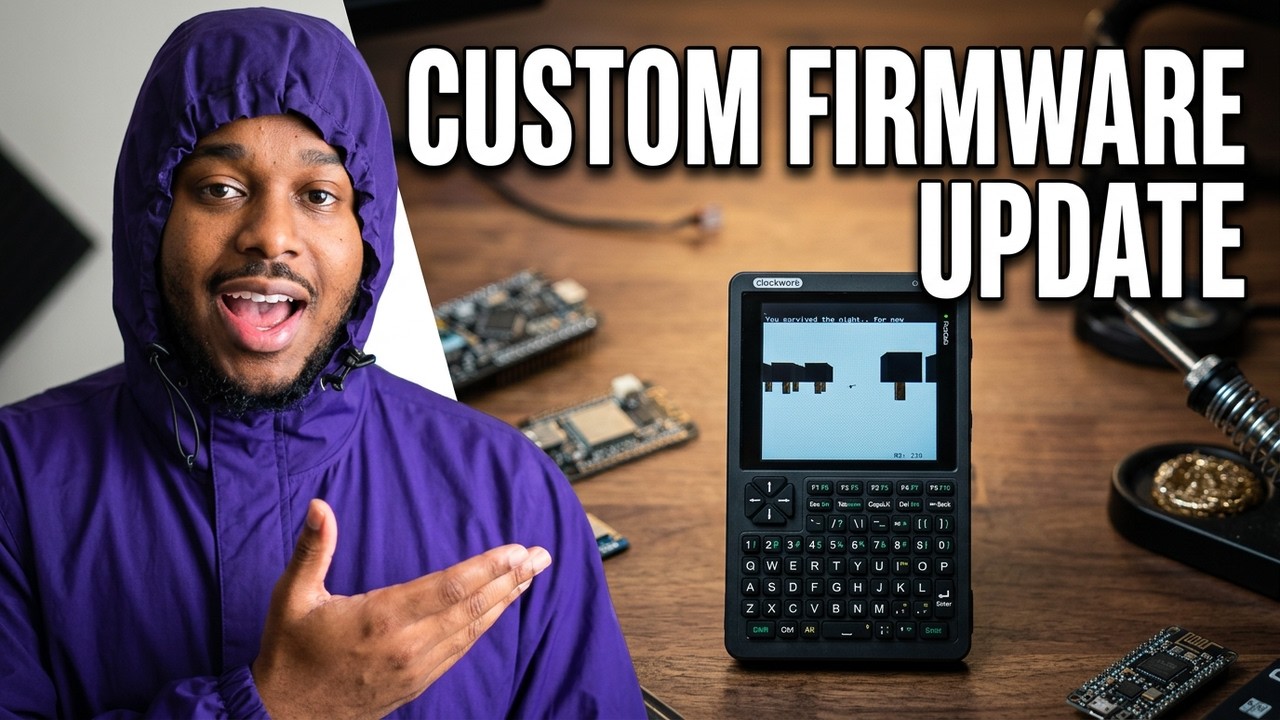
NEW Picoware update v1.8.0
This is an update to the MicroPython version that adds auto-uf2loader support (download updates over-the-air with auto-flashing), a 3D round-based survival game (Ghouls), and addresses many issues raised since v1.7.7.
Check out the release here:
1 Like
Picoware v1.8.0 is HERE with a new 3D game and auto-uf2loader support.
Here’s how it works:
2 Likes

Welcome to the forum and thanks for checking out Picoware! A reboot should do the trick
Unfortunately, rebooting doesn’t help. This happens when trying to connect to Wi-Fi.
After trying to connect to Wi-Fi and getting this error, Wi-Fi scanning and the RSSI monitor stop working. Overall, the entire system starts to slow down. To get everything working properly again, I deleted the files from the picoware/wifi folder, and then everything works again, but I still can’t connect to Wi-Fi. Pico W
I just tested the PicoW and got the exact same issues