#warning >>>>------>> TOUCH_CS pin not defined, TFT_eSPI touch functions will not be available!
And based on what I’m seeing, try re-downloading the repo again. I removed the foregroundColor and backgroundColor parameters I mentioned a few days ago and instead implemented the dark/light modes and maybe you’re still using the older version?
This is what I have in the Tools menu (it should match the documentation but putting it here just in case):
I use the same settings except small optimization. I’ll download zip archive once again + check libraries ( Picoware directory) . I did git reset –hard + git pull, but maybe i overlooked something.
It boots but none of the keys work, I have try all the combinations on the guide but nothing seems to work, am I missing something? any special libraries on the SD card?
Meanwhile i figured out my issue with missing text in the menus. The reason was in outdated Adafruit GFX lib, i updated version to 1.12.x and text appeared.
Now i’m ready to make some minor changes. Thx again for amazing features, i suck at c++ so bad, but at least i can read the code and add/modify simple features. Your tutorials about Flipper apps are also super useful, but i feel i need to learn something more fundamental first.
Running Picoware 1.2.2 @ 250 MHz, added CPU frequency to System Info and playing with colors
Yoo great job! Glad to hear you got it working thanks for checking out my YouTube too. Once my screen arrives I’ll release some more detailed programming tutorials but for the Pico Calc.
It’s awesome to see you jumping in and adding new features. I don’t use too many c++ exclusive features but I think the biggest learning curve would be classes. Other than that, it’s just like C
I’d suggest another Settings option: time zone and DST (on or off). For simple weather info every hour i’d use wttr.in, because i tried it with micropython and it works great.
A DST switch (and correct time zone recognition) is definitely needed great thinking! I think there’s a better time library than the one I’m using. wttr.in looks great too. I think earlier you mentioned its fully text-based though. Do they have an API? I’m sure we’d have to do some word-wrapping
My screen replacement is set to arrive tomorrow! Once I replace the screen, I have some more updates planned for Picoware. I hope everyone has been great
Great news! My screen replacement came about an hour ago, and the installation went very well. I applied the tape trick and recorded a video to help future users (set to release tomorrow).
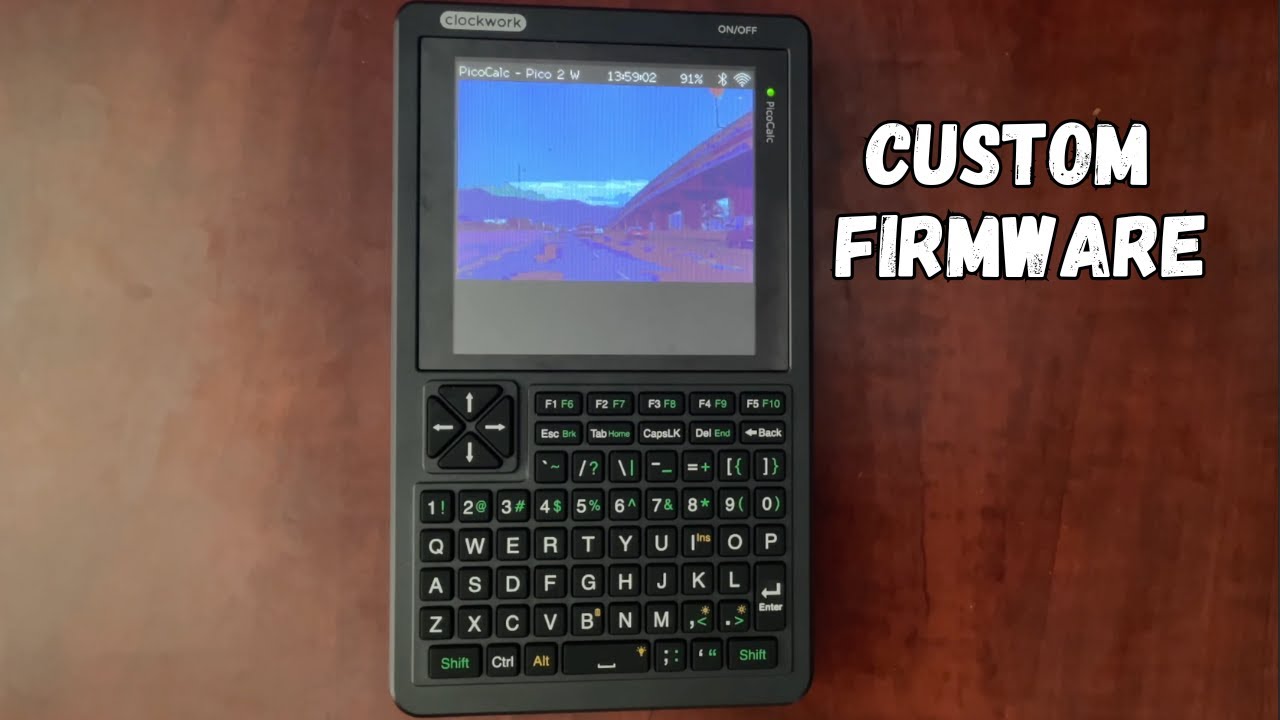
I’m tidying up the Arduino IDE version and then I’m moving straight to the C SDK. With the SDK, we can have our own boot loader system with custom apps, and allow others to create their own apps. That was my intention with the circuit python version, but since the SDK (Raspberry Pi Pico SDK) is much more developed and developers like Blair Leduc have already made a TON of APIs available, its the best option I think.
One app I’d love to see (this may sound crazy) is a YouTube app (or even a movie player). Although low resolution, we could slow load frame-by-frame and take advantage of the PSRAM
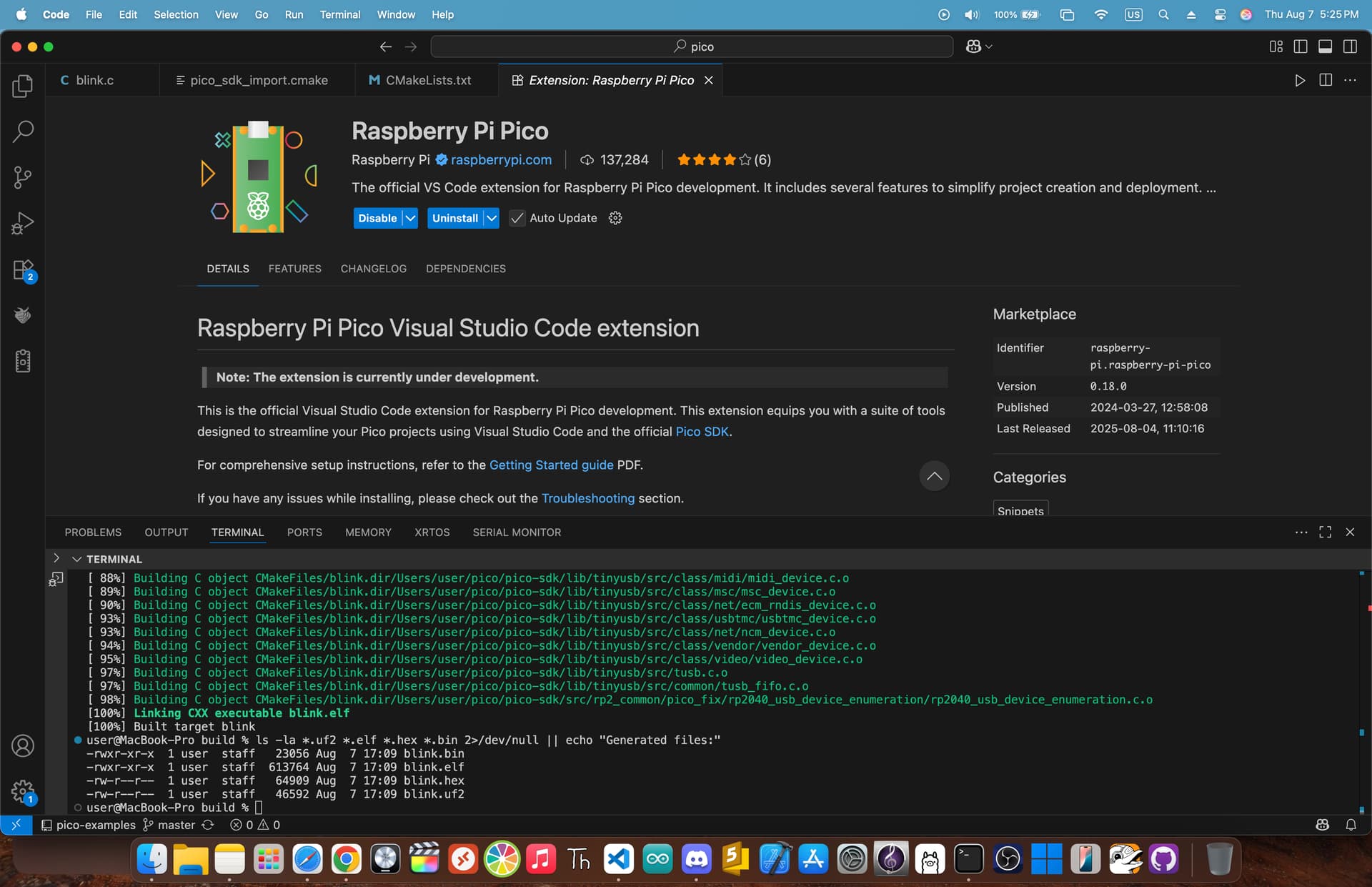
First day using the SDK. I initially thought it was Linux only I did an initial build using CLI and it worked well. Now I found a VS Code extension. I’m very excited for this!!


 thanks for checking out my YouTube too. Once my screen arrives I’ll release some more detailed programming tutorials but for the Pico Calc.

 I did an initial build using CLI and it worked well. Now I found a VS Code extension. I’m very excited for this!!