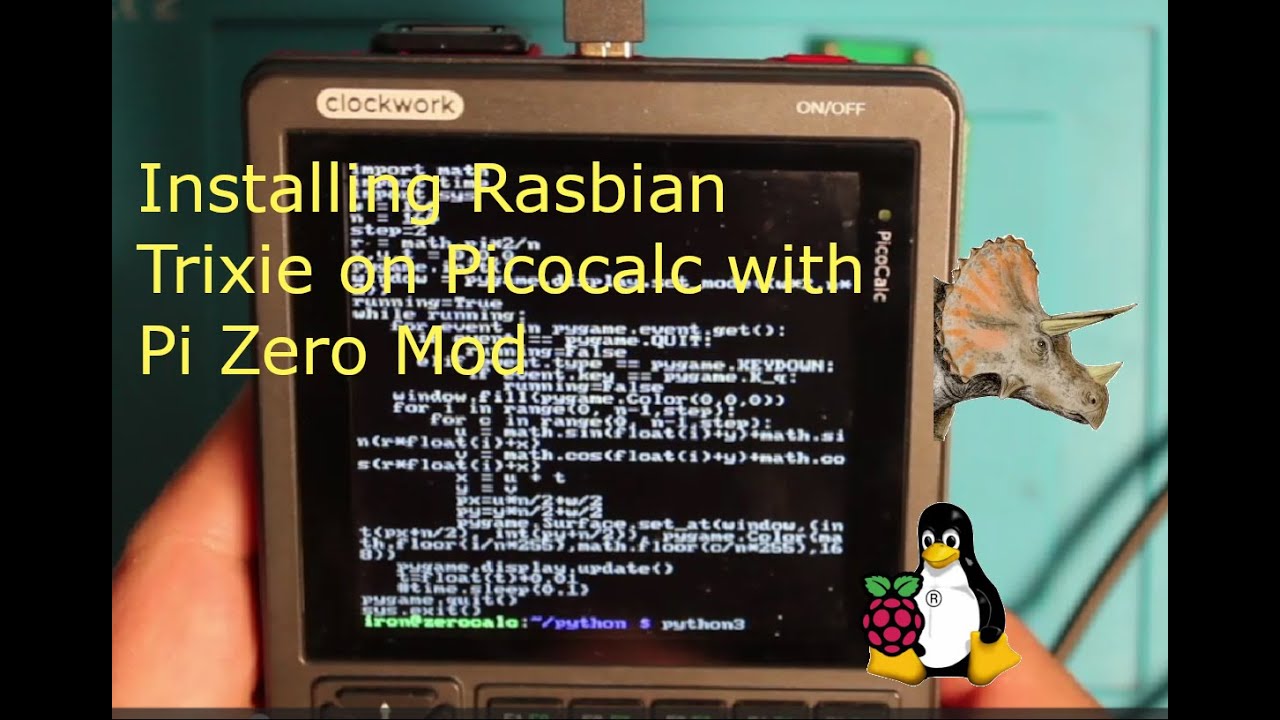
In my opinion it is Trixie because stuff is just working. If 32 bit or 64 bit doesn´t matter, but you have to remove the kernel-package from the keyboard script for 64 bit. It is described somewhere above.
First of all, to you have done already the PCB Mod? (Adapter Board)
For the trixie installation I have done a github Repository and there are two Videos out:
so i can install the trixie terminal only, and then i can install the desktop os trough the terminal? Thanks btw for all the links! I ordered your adapter board from jlcpcb, and i will be using your youtube tutorial to assemble the board, but i couldn’t find a suitable tutorial for the software, so thats why i asked
Thanks very much, Michael. I ordered a PCB from PCBWay of your design, printed your Zero Mod case, followed your git steps, and I’m now running Trixie Lite (32-bit, from memory) on a Zero 2W in my PicoCalc.
I had issues with the keyboard on a PicoCalc with updated keyboard firmware, where most keys did nothing and some keys would print the wrong chars and repeat like I was holding the button down. Plugged the Zero into my other PicoCalc (new and until then, unmolested), and everything just worked.
Changed the terminal font to Terminus 6x12 to deal with the bloated font, and it now looks and runs perfectly, as far as I can tell so far. In fact, the process and the result is much smoother than my second PicoCalc from stock, which out of the box (no mods to device or even SD card), won’t run Micropython or LUA!
Thanks man!
so the trixie version is only a light version i assume? and what version do i need to use when i want a desktop? bookworm? and are the steps the same or is there a different tutorial for that one?
You can also install the trixie desktop version. The steps are the same as for the light version. Some of the guys up there have done this successfully.
Hello,
I did everything according to the instructions, I’m just running it on a Zero W, not a Zero 2 W.
It doesn’t work for me, nor does the terminal on the screen. Could it be some difference between Zero and Zero 2?
i think it is because of the difference between the raspberry pi w and the 2w, because they have different processors. Ive made a list of differences between the w and the 2w:
Feature
Raspberry Pi Zero W
Raspberry Pi Zero 2 W
Processor (SoC)
Single-core 32-bit ARM11 (ARM1176JZF-S) @ ~1 GHz
Quad-core 64-bit ARM Cortex-A53 (BCM2710A1 SiP) @ 1 GHz
Performance
Basic level — fine for light tasks
Up to ~5× faster in multi-threaded tasks, ~40 % faster single-core
RAM
512 MB LPDDR2 (separate chip)
512 MB LPDDR2 integrated in SiP (stacked design)
Architecture / Instruction Set
32-bit ARMv6
64-bit ARMv8
Wireless Connectivity
Wi-Fi 2.4 GHz 802.11 b/g/n; Bluetooth 4.1 + BLE
Wi-Fi 2.4 GHz 802.11 b/g/n; Bluetooth 4.2 + BLE (improved antenna and PCB)
Size / Form Factor
65 mm × 30 mm × ~13 mm
Same size — compatible with most Zero W cases and accessories
Power & Heat
Very low power draw, minimal heat
Higher performance → more heat and current draw; may need cooling
Accessory Compatibility
Compatible with most Zero accessories
Same footprint, but some test pads and solder points differ
Power Supply
Micro-USB 5 V 1 A typically sufficient
Needs a bit more power — similar to Raspberry Pi 3 requirements
Thank you for the perfect overview between Zero W and Zero 2 W. The overview does not show anything that could prevent me from operating Zero W. I am talking about a smaller consumption and I do not need any high performance.
I copied everything directly to Zero W, so there should be no problem here, but I used the original picomipi.bin file according to the instructions and did not compile it from picomipi.txt, but that should not depend on the type of CPU. Or am I wrong?
On my Raspberry Pi Zero 2 W (Debian Trixie) with an SPI display driven by panel-mipi-dbi-spi I had a strange issue: the panel was detected as fb0 (name “panel-mipi-dbid”), backlight was on, but the console was usually black and only appeared randomly after some reboots. The root cause was my kernel command line: I had “fbcon=map:1 fbcon=font:MINI4x6” in /boot/firmware/cmdline.txt, but on this system /proc/fb contained only “0 panel-mipi-dbid” (no fb1). So fbcon was mapping consoles to a non-existent framebuffer. After changing it to “fbcon=map:0 fbcon=font:MINI4x6” (or just removing the “fbcon=map:1” completely), the console appears reliably on the SPI display on every boot.
I verified that if I install it according to the instructions on a Raspberry PI Zero W (I really mean Zero W and not Zero 2 W) it works. Of course only the 32 bit version Trixie.
Thanks @michael_mayer great work.
just got my first batch of parts in! the headers and the pcb order are still on the way. let me know if you need the links to these products. got them from aliexpress.
here are all the links to the products that i bought. It is all from aliexpress, so i hope thats not a problem for you. i dont know yet if the heatsink will fit in the case, so take that into consideration.