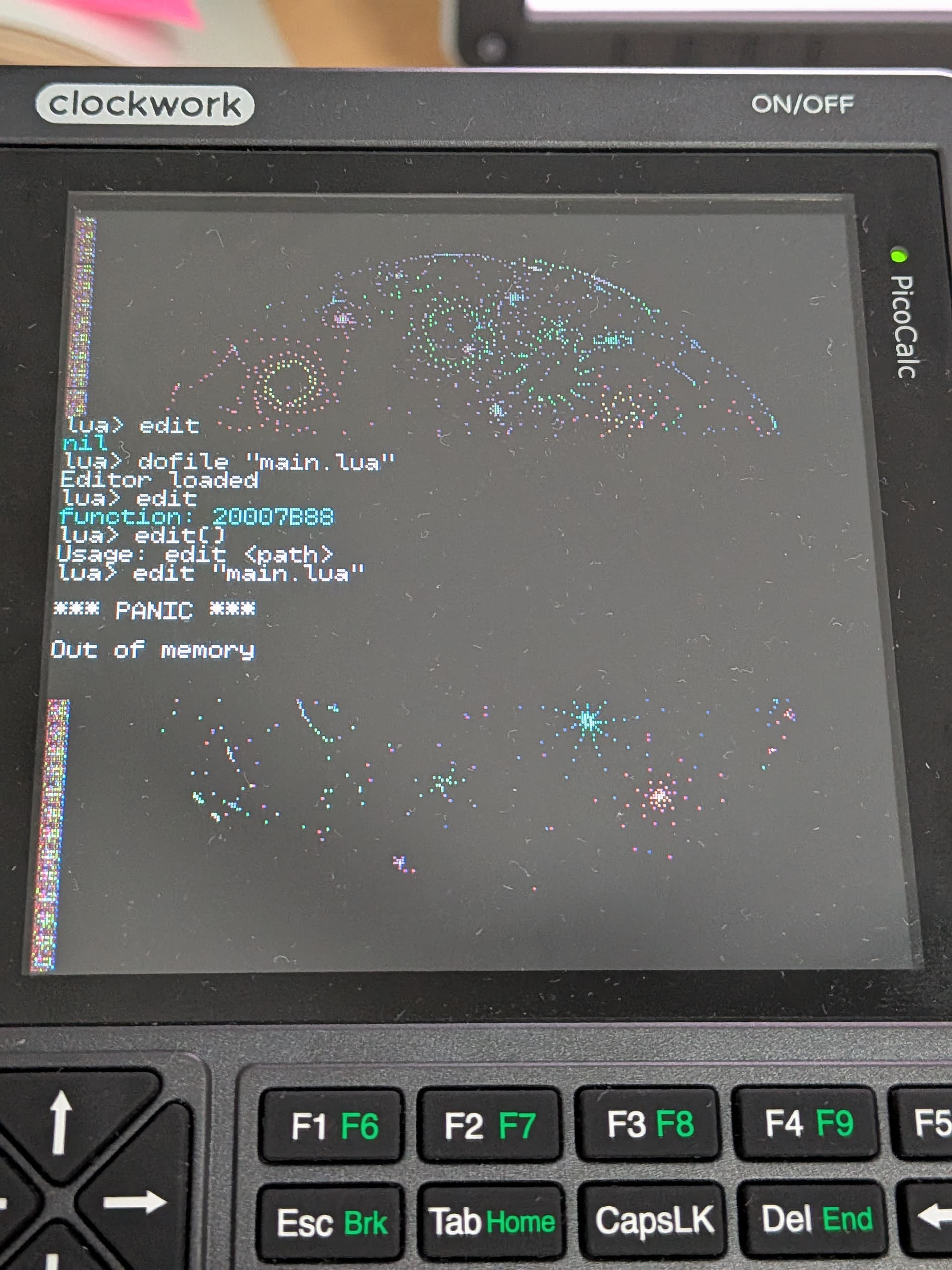
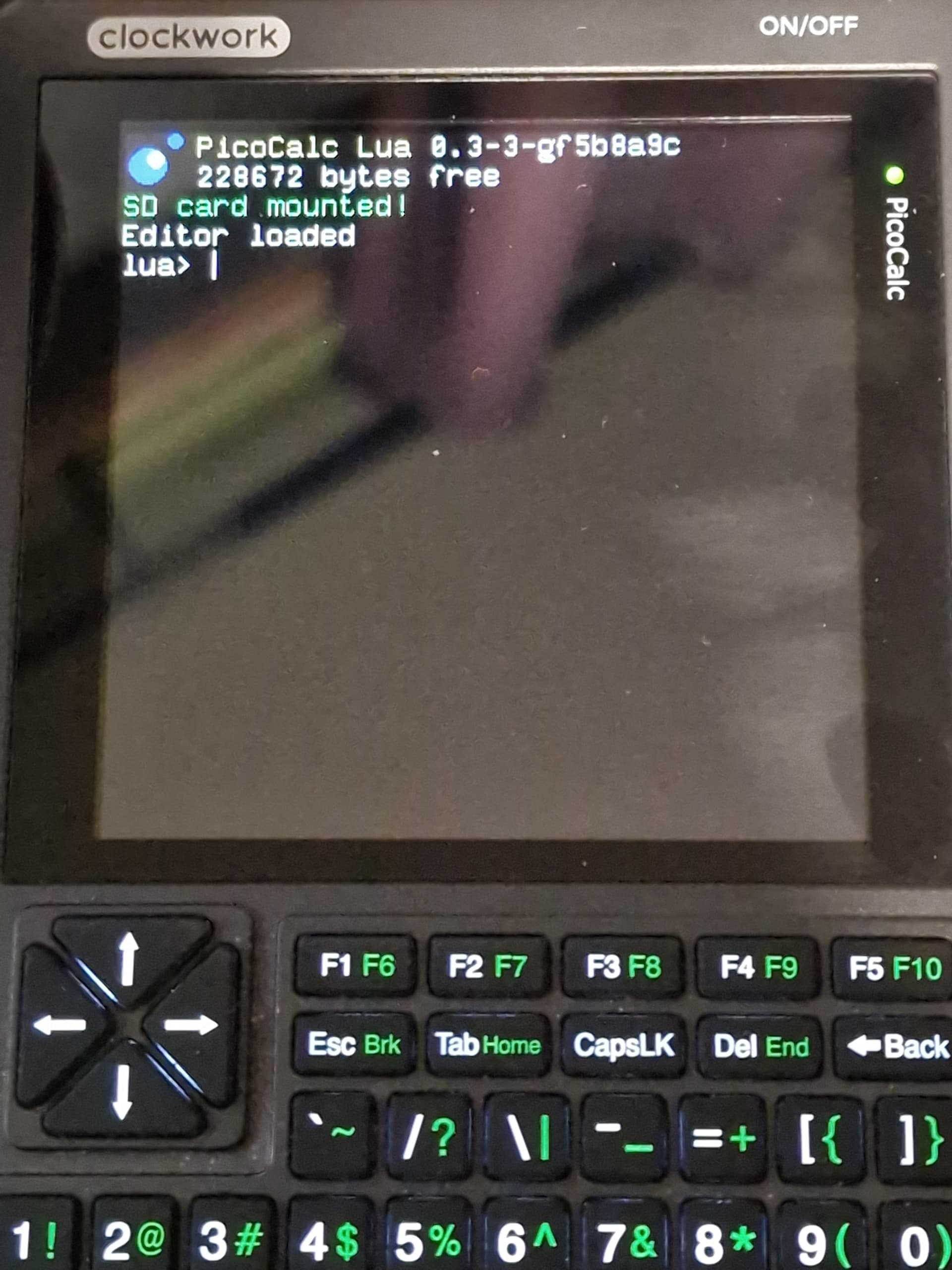
i’ve noticed strangeness with this pico 1 on uf2loader as well, and my own lua firmware looks like sometimes it’ll bootloop for a few seconds until it starts… strange
i got the SWD on this pico 1 broken out to the side of my picocalc and a yapicoprobe attached to it, i’m now in the process of setting it up with openocd, we’ll see if i can find anything that way
bad news, i can’t reproduce the firmware failing to start, but i’ll read more on multicore functions because i’m sure it’ll be something that’s my fault initializing core1
yep, i’ve been poking and prodding it on a pico1 with no issues to report
in fact, using the debug build i don’t even see the graphical glitches i did before, so maybe they’re being caused by compiler optimizations! weird!
also, the debugger helped me understand the issue i was having triggering a luaG_runerror for the break key interrupt: nothing in the code was crashing, it’s just that the function being a no-return caused the keyboard timer to stop being repeated!
Well I don’t know what’s going on but it’s working now. I’m using this diff, but I also tried that same diff previously when it wasn’t working, so not sure why it’s working now:
yikes! i haven’t gotten that before, but i’m wondering if an erratic clock could be causing SPI issues, i admit i don’t have that good a read on pico_fatfs, but that error string means something really bad is happening (FR_DISK_ERR)
that said there should be SD hotplug, do you still get issues if you try removing and reinserting the SD card after launch, to remount the volume?
PicoCalc Lua 0.3
232592 bytes free
SD card mounted!
lua> SD unplugged! Unmounted!
lua> edit
nil
lua> fs.list "."
stdin: the volume has no work area
Not sure if it’s useful/relevant, but sys.getClock() returns 125000 with my changes. I’m a little surprised this is not 200000 since the RP2040 was oficially qualified for that. Maybe my set(PICO_USE_FASTEST_SUPPORTED_CLOCK 1) isn’t doing anything.
Edit: I explicitly supplied PICO_USE_FASTEST_SUPPORTED_CLOCK to cmake and the result was the same.
Edit 2: I called sys.setClock(200000) and then the SD card functions worked, although the lack of RAM in the Pico 1 was apparent.
i couldn’t find a way to return the clock that the CPU is actually running at, so 125000 is a default value as known to be the stock clock the Pico1 runs at, and that value changes userland-side only if set_system_clk returns true which means that the clock was successfully set, so the initial set_system_clk is being denied, but there’s no way for me to tell exactly what clock your pico is running at, it’s just an assumption
yeah, i’d like eventually to have an editor written in C outside of Lua-land but that’ll take a lot of effort. and interestingly the left-hand side garbage on the screen from the PSRAM you’re seeing there is the same i saw earlier with the non-debug build
The build always ends up choosing 125Mhz and I can’t work out why. If I instead just change the set_system_clk call to set_system_clk(200000); everything works properly.
like i said, if set_system_clk doesn’t get called, and therefore won’t manually set the known clock to 200000, the hardcoded known clock on my side is 125000 regardless of what the platform_defs.h does, so it could just be on an unknown clock speed to the application side
looks like clock_get_hz(clk_sys) is the proper way to get the actual set system clock, but the API reference didn’t make that abundantly clear at first (you set the system clock without referencing a clock id, but there’s no equivalent function that reads the system clock, you do that by a function that reads other kinds of clocks as well…), that’s what i should be using
RP2040 has an internal frequency counter that can compare clk_sys to the 12 MHz clk_ref signal. I don’t have a PicoCalc to test with, but this should work better than just saving the most recently set clock frequency.
it turns out i didn’t pay attention that the function to mount the SD card always returned a success because it has a flag for “slow mount”, which means the mount only really happened the next time a file was accessed rather than at the point mount was called, i’ve now solved that for that message not to appear unless it actually mounts :]
and, since some people asked for bigger fonts, you can now also load any font you want
edit: looks like arduino-pico uses clock_get_hz(clk_sys), replacing it with that call seems correct
also, per Initial PicoCalc port of lua - #24 by BlairLeduc i managed to move the entire Lua core to core1, while core0 tasks itself with keyboard, lcd and drawing functions.. but it seems like this slowed down my “benchmark” (draw 1000 random circles on the screen) from ~4s to ~6s.. i have to investigate further what could’ve slowed down in the refactor, is there a somewhat easy way to profile different calls with the debugger?

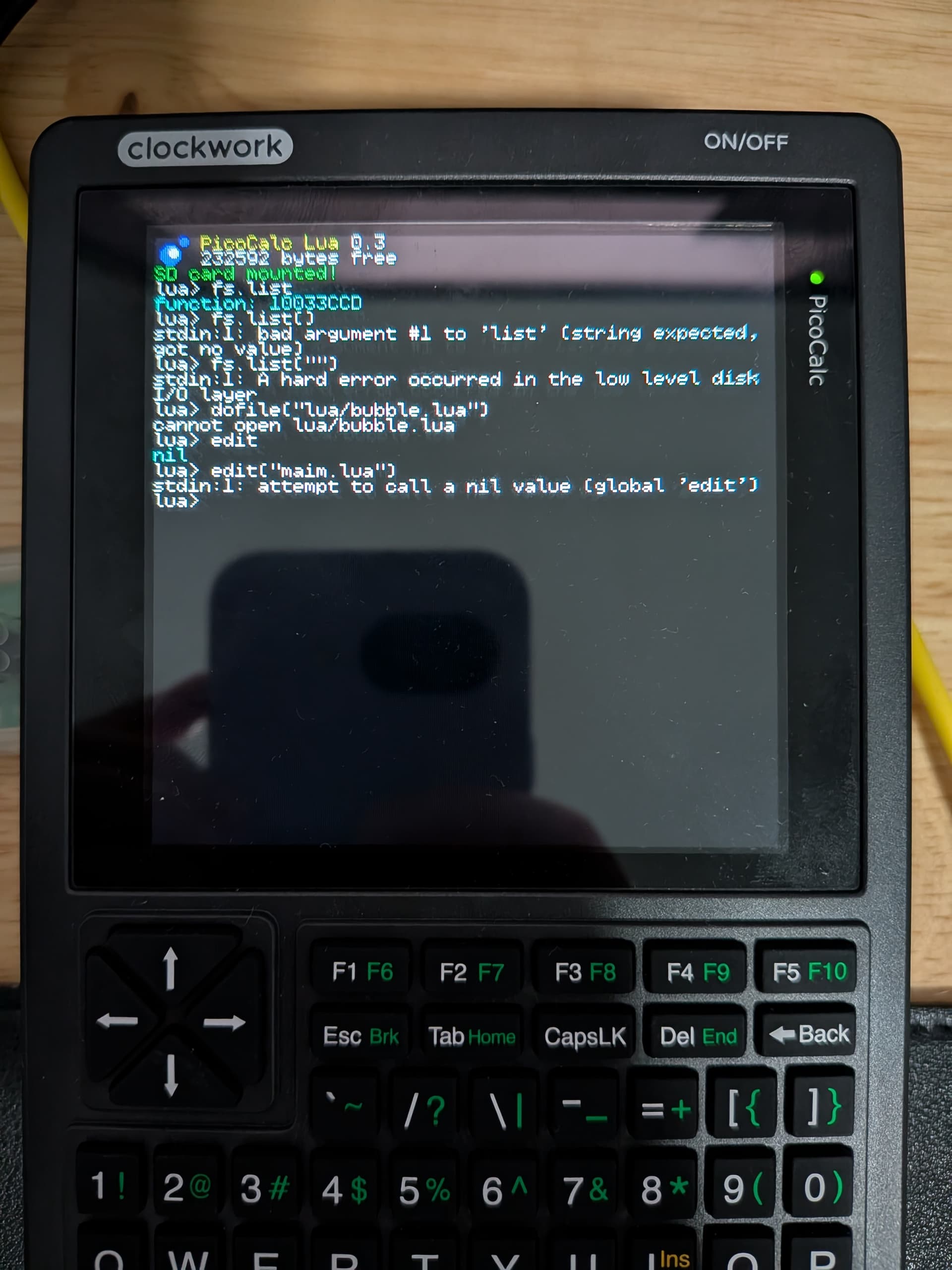

 i haven’t gotten that before, but i’m wondering if an erratic clock could be causing SPI issues, i admit i don’t have that good a read on pico_fatfs, but that error string means something really bad is happening (