i found something interesting regarding the drawing speed and my experiments with overclocking, i knew the SPI clock was derived from the system clock, but i didn’t know how bad it was:
overclocking anywhere from 150 to 250 MHz i can only set an SPI baudrate of 24MHz, however at the stock 125 MHz clock for a Pico1 the SPI initializes at 62.5MHz. i’ve verified this checking spi_get_baudrate(spi1) after initializing the LCD SPI no matter what actual baudrate i request
at 62.5MHz, my benchmark (draw 1000 random circles to a screen or buffer, blit a buffer only at the end) results are:
Direct: 3.33s
PSRAM: 2.30s
RAM: 0.34s
once i set the clock to 250MHz:
Direct: 4.99s
PSRAM: 1.02s
RAM: 0.14s
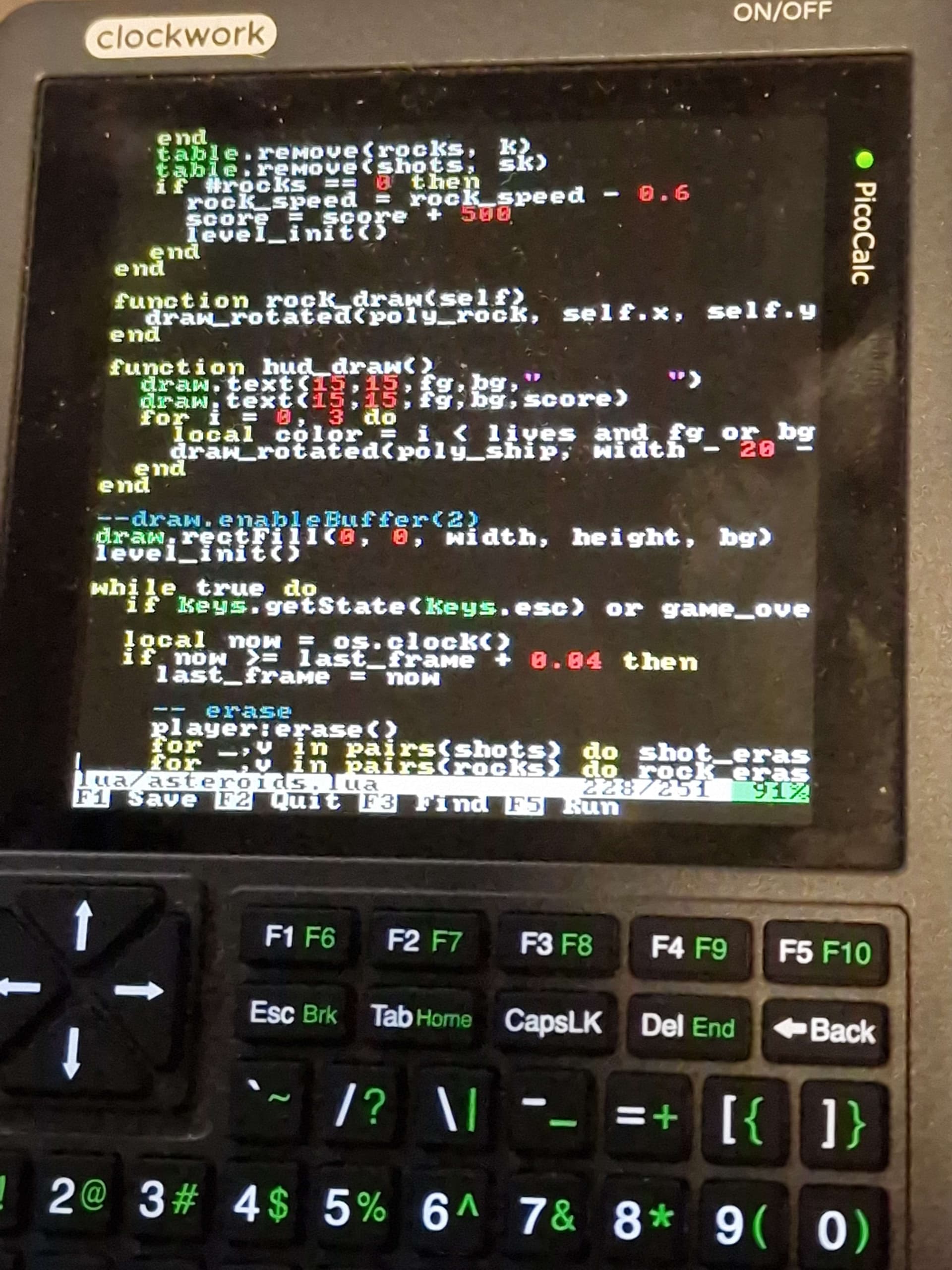
however the slower SPI speed makes it so a full buffer blit to the screen is actually slower with a faster CPU clock, so for example my asteroids game is less playable at 250MHz than it is at 125MHz if i make it use the RAM framebuffer
i already knew the clocks were inherent to one another somehow but it’s interesting to see it in numbers. and it tells me that none of my code had any performance loss, i just didn’t realize the benchmarks i’d ran before were at a higher SPI baudrate
this was all tested on a Pico1. i don’t know if the clocks on the 2350 are slightly different
EDIT: looks like if i properly set clk_peri after setting the sys clock i can get 110mhz spi? check out those numbers
the only issue i found was that the SD card needs a remount afterwards, since i have hotplugging just removing and inserting it makes it work again (i’ll just issue a remount with the setClock in the future)
I’m kinda surprised that works. According to the LCD controller’s (ILI9341) datasheet, it should only support 10 MHz SPI. Can you put a scope on the SPI1_SCK signal? Should be GP10 on the Pico.
(66ns min SCL write cycle which translates to roughly 15MHz, unless i’m mistaken)
i do have a scope but i don’t have it in a good place to use, so to set it up and open my picocalc i probably won’t do it too soon, but when i do i will report back :]
i can confirm around 240MHz sys/120"MHz?" spi i do start to get glitches in printing text and drawing the circles so fast, but 200/100 is a fantastic safe spot that is already a good speed boost imo
I may have missed a post about it somewhere, so this could be wrong… But from what I’ve read on people’s research in the forums, no one has actually confirmed that the display shipping with the PicoCalc is the one mentioned in the datasheet on the Clockwork git repo. In fact, there was some evidence that it wasn’t that display at all, though it’s close enough that software targeting it works. PicoMite got some speedups when I switched it over to use a different display driver, as a test, when Peter added it to the main code.
The general conscensus I’ve read on the forums seemed to be that the display is an unknown Chinese knockoff and there’s no 100% accurate datasheet for it. It’s also possible that the datasheet provided by Clockwork has errors. But whatever the display actually is, it’s close enough to act like several other displays, and at least work, though figuring out how to optimize specifcally for it is a challenge.
I’d say if you find a way to get faster screen updates and it’s stable and doesn’t seem to be harming the display, then go with that even if it contradicts the datasheet. You may have just figured out a better (or correct) way to use it, rather than the potentially untrustworthy info in the datasheet.
The display driver chip in the picocalc lcd is not an ili9488 or st7345p or ili9341 or anything we have managed to identify. There are a large number of drivers that share a basic command set, derived from the MIPI standard, and what we have shares those commands but returns bogus values when we try to query it for id.
Luckily it at least runs faster than 75MHz, which is as fast as I’ve gotten the Pico 2 spi to run so far.
not ready for prime time yet but i’m working on porting kilo to be callable directly from the firmware, which uses way less RAM than an editor based in Lua and should work well (as demonstrated here) on a pico1
While waiting for kilo, I managed to get the edit() working on Pico 1 by extracting just the tokens export from cc/internal/syntax/parser.lua into cc/internal/syntax/tokens.lua and updating the code that was requiring it.
yep, someone pointed that out for pico2, i was developing and debugging on a pico1 so i didn’t catch it. the timer for the keyboard seems to be getting stuck on 2350, not sure why, but i just attached a debug port to a spare 2 i had and will be checking it out later today to find out why
I couldn’t file an issue, but there is an uninitialized pointer in l_fs_readLine. You should initialize buffer to NULL and before returning, you should free it if it is not null (as there might have been an exception/error).
I had to make the same change for a different reason in the Starter Kit. On the RP2350 I could disable interrupts and still use sleep_ms but on the RP2040 it does not work. I switched to basy_wait_ms as you did to solve the problem.
Lua never keeps pointers to external strings (or to any other object, except to C functions, which are always static). For any string that it has to keep, Lua either makes an internal copy or reuses one. Therefore, you can free or modify your buffer as soon as these functions return.
ahh, i wasn’t aware i should be freeing dynamic allocations after giving them to Lua, i thought it would handle the pointers itself, thanks for pointing that out!
the numbers are an offset in samples of when the play function was called in reference to when the last buffer was filled, so in the next buffer fill it must start at that many samples in the future, so as to keep the same pace of the play calls rather than the pace of each buffer
i’m also adding a hook to allow you to make a repeating timer from lua, and with both those features you should be able to make music playing routines, sequencers, etc
the sound driver is almost ready :] i’ve added some presets to make getting started with sound easier, although you can still also manipulate any of the included wavetables freely:
because of how the driver works, and how limited RAM is on pico, i’d like to not focus at the moment on a mean for samples to be arbitrarily loaded from disk. right now we have 5 wavetables that each take around 11KB program space so far plus 7 C64 style drum samples (2 kicks, 2 snares, hat tom and cowbell). i want to know from you all if there are instruments/wavetables/samples you’d like included before the release is finished :]
here is a very simple tracker demo, the tracker code is entirely done on the lua side, to showcase what’s possible with this firmware: