Hi @maple , amazing work on PicoCalc Lua! I can’t wait to play with the features added to 0.5.
Something I noticed is that I can’t make any use of the io library. I’m running on a Pimoroni Pico + 2W, if that makes a difference. I would expect this:
> foo = io.read()
foobar!
> print(foo)
foobar!
But instead I get this:
> foo = io.read()
stdin:1: attempt to index a nil value (global 'io')
When I use the package table to print out the available libraries, I get the following:
Available libraries:
--> coroutine
--> sound
--> sys
--> package
--> _G
--> string
--> fs
--> term
--> math
--> table
--> draw
--> debug
--> keys
--> utf8
--> colors
--> os
I don’t know if I’m doing something wrong or if this is the expected behavior in this Lua build. I was wanting to be able to prompt for input on the console, but don’t know of another way to do it other than via io.read().
thanks for checking it out! i did remove the io library because of the lack of posix file operations which are implemented in the fs module instead, but i didn’t consider wanting to use it to print to the terminal/query stdin
if you use term.write you should have the same effect as using stdout, including the escape characters that the terminal driver supports, and keyboard input is handled with the keys module
frankly it was an early misguided choice by me to outright remove io because i was concerned it would lead to confusion about how to do file operations, but i’ll consider including it back for terminal operations (those should be handled ok by the stdin/out wrappers already in place anyway)
if you look at the demos included, and the API document, there should be some good examples on how to do input and output the way i designed it for
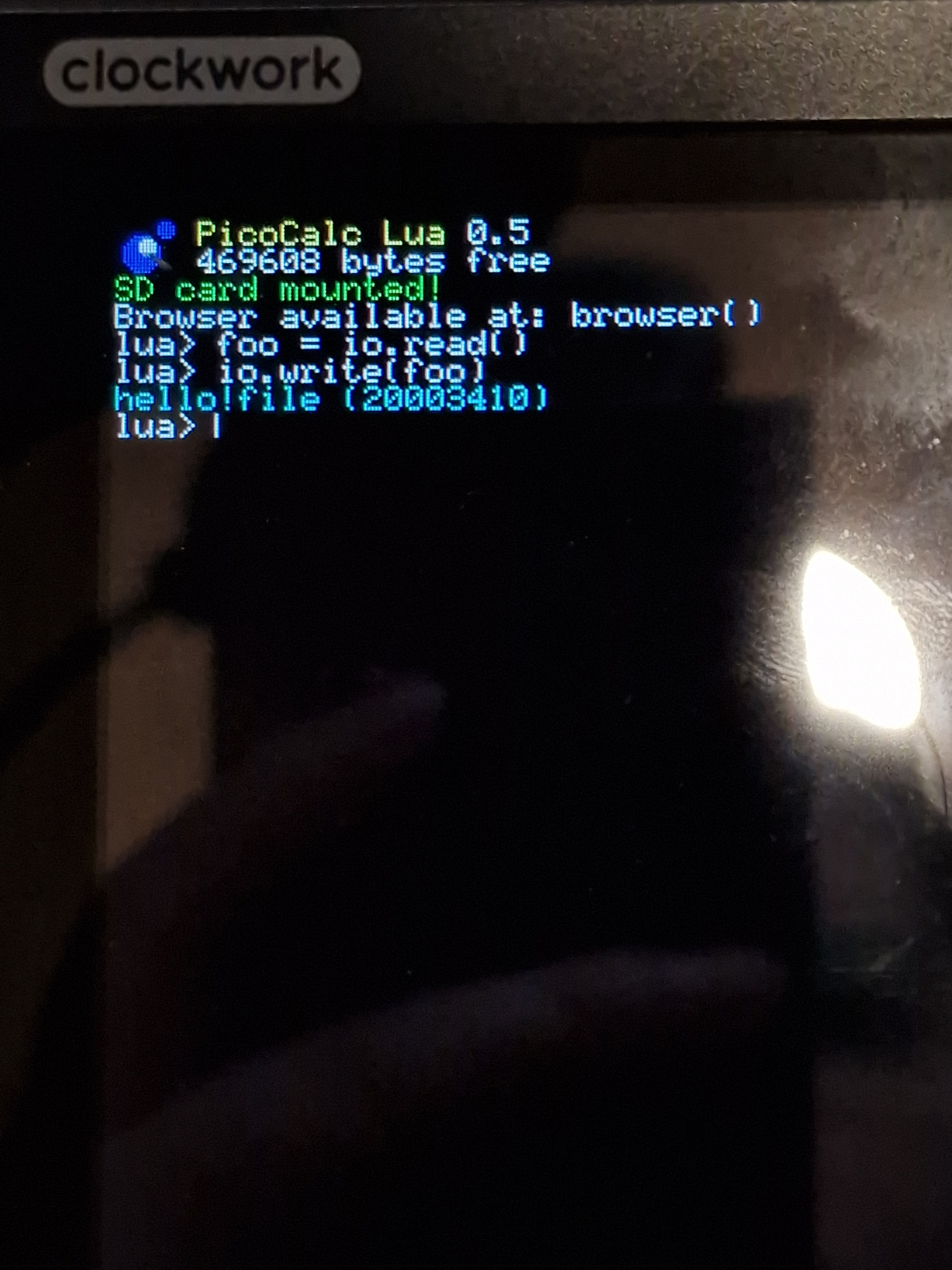
now, these (stdin not being echoed, write returning a value that gets printed along with our stdout) aren’t dealbreakers and have more to do with how the REPL is not set up like a true terminal’s STDIN, however, i wonder if it’d be worth it to modify the terminal to fit io better rather than just introduce a term input function which produces a prompt in a more custom way
let me know what you think, i want this firmware to be as easy to use as possible for people to write their own programs, it’s no fun if i’m the only one who knows how to use it :]
Oh, nice! I think the term.read and term.write will do fine as a sub for what I was trying to do with io.read and io.write. I’m new to Lua, and thought a fun and simple first program to learn some stuff would be to write a simple CLI shell for navigating and managing the file system as well as any other built-in convenience commands that come to mind. It’s funny because my initial thought was in line with the “browser.lua” that you had just included with this new release.