Guys Sharing the latest progress I’ve been making on Ubuntu 24.04 on Lyra:
I compiled a Linux Kernel that is compatible with the Ubuntu 24.04 rootfs from @markbirss based on nekocharm’s work (also known as boot.img). The current progress is as follows:
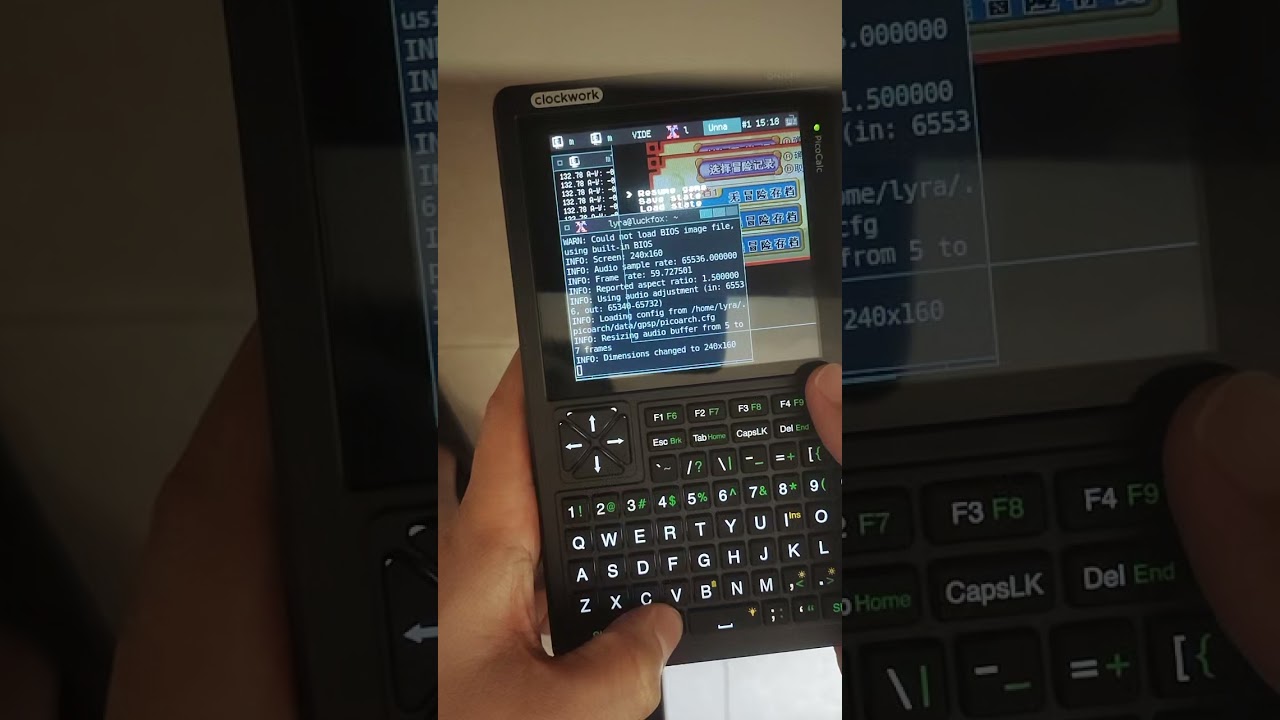
- Intree LCD driver,performance on the x11 gui has significantly improved; (40fps vs 18.5fps on Picoarch).
- Fixed the bug that LCD shutted down into blank screen when running Picoarch and ffplay.
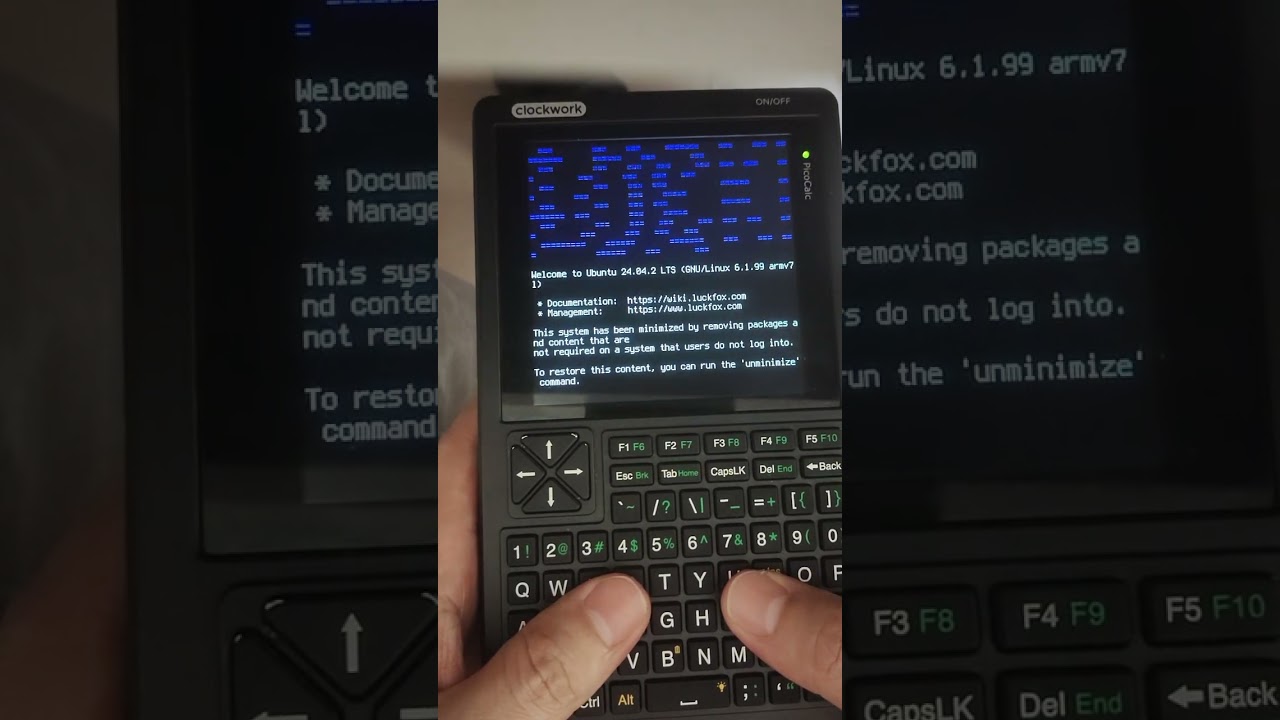
- Graphical Linux logo during startup.
- SD card slot on PicoCalc now works properly ;(mounting script required)
- Hardware pwm sound driver in .ko module ;(still based on RMIO12 pin output)
- Improvements keyboard driver in .ko module;(easy to develope the keyboard driver and no need to recomplite the whole kernel)
- adb and rndis (with adb, you can directly use the USB cable to enter shell with
adb shell,. This feature is very useful when the keyboard driver and Wi-Fi network drivers are not effective. and theadb reboot loaderkick the lyraboard into loader mode for flashing firmware is much more convenient than the method of removing backshell then remove and plugin the TF card again for only a firmware update.
【!】Images and the source codes are currently being organized,and will be released later.

Improvement description for the keyboard driver:
fixed the bug that press [alt + I = alt + insert] (Inherent logical flaw in the firmware)
R_Shift + Enter : Toggle_mouse_mode;
Mouse_Mode
- arrow key = mouse_move,
- leftbracket = mouse_left,
- righbracket = mouse_right
- rightbracket(mouse_right) + arrow key = mouse wheel(The behavior of xinput)
https://wayland.freedesktop.org/libinput/doc/latest/scrolling.html#on-button-scrolling
| Key | Normal | L_shift | R_shift | L_shift + R_shift |
|---|---|---|---|---|
| Up-Down | Mouse_Up-Down | Up-Down | PageUp-PageDown | No respond |
Keyboard_Mode
| Key | Normal | L_shift | R_shift | L_shift + R_shift |
|---|---|---|---|---|
| Up-Down | Up-Down | Shift + Up-Down | PageUP-PageDown | Shift + PageUp-PageDown |
| ---------- | --------- | ----------------- | -------------------- | ------------------------- |
| F1~F5 | F1~F5 | Shift + F1~F5 | F6~F10 | Shift + F6~F10 |
| Esc-Brk | Esc | Shift + Esc | Break | Shift + Break |
| Tab-Home | Tab | Shift + Tab | Home | Shift + Home |
| Del-End | Del | Shift + Del | End | Shift + End |
| Enter | Enter | Shift + Enter | Switch Mouse_Mode | N/A |
Show case
the power of apt is really bravo!


videos
boot time:
graphics performance show case:
special thanks
@hisptoot for keyboard & pwm_snd drivers;
@markbirss for the ubuntu 24.04 firmware;
@nekocharm for graphics,sdcard drivers and compilation tutorial