the mx1.25 4pin connector and the USB C port(according to product feature it support OTG mode but so far I didn’t see anyone try to enabled it
) on lyra board get a standard 5V output;
but most “wifi modules” comes with 3.3v,in this case will need another “adapter board” to provide mx1.25 connectors and dc-dc converter 5v
to 3.3v.
since the Lyra board get a 3v3 pin,solder the power line to it directly can save an adapter board.
Thanks for the great work on the firmware and instructions - it works great!!!
I even didn’t have to delete the internal flash, it booted from the MicroSD - just worked!
Regarding Upsilon, here you will find my butchered patches that I built to produce the binary you can found in the PKG repo. I managed to get compiled on picocalc, still fail to cross compile in Yocto.
A lot of work must be done, it’s only a quick hack.
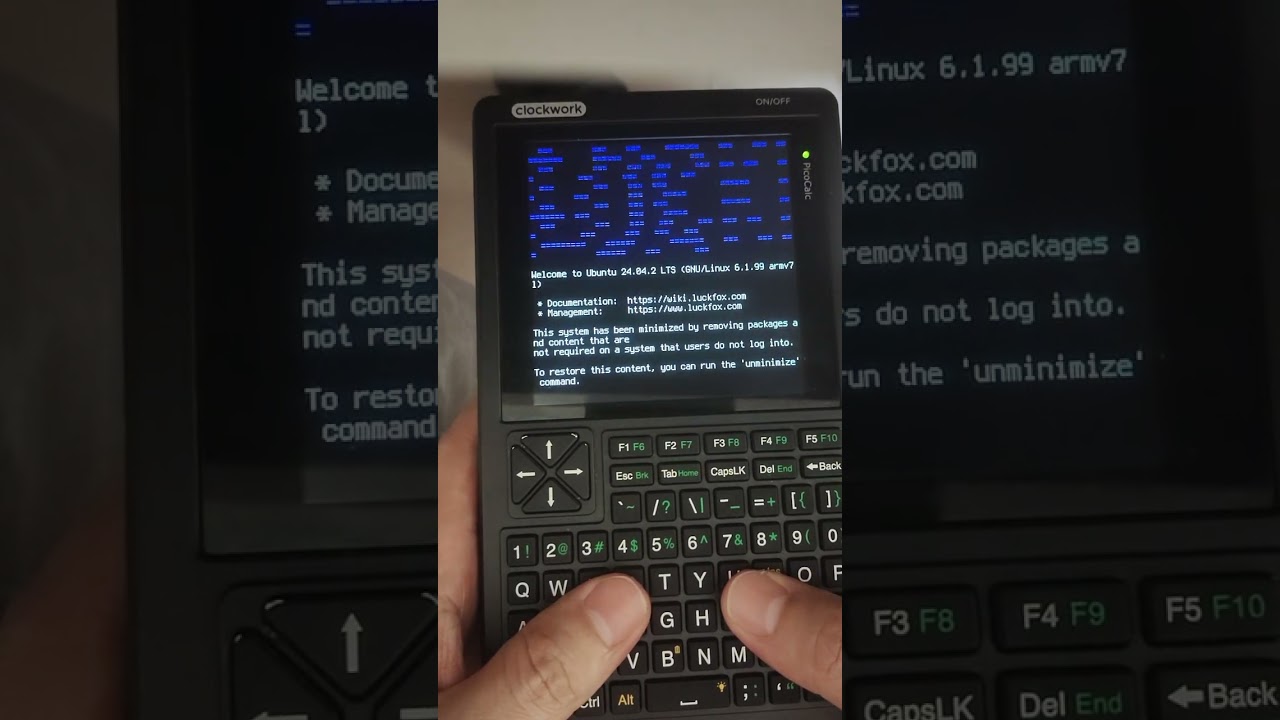
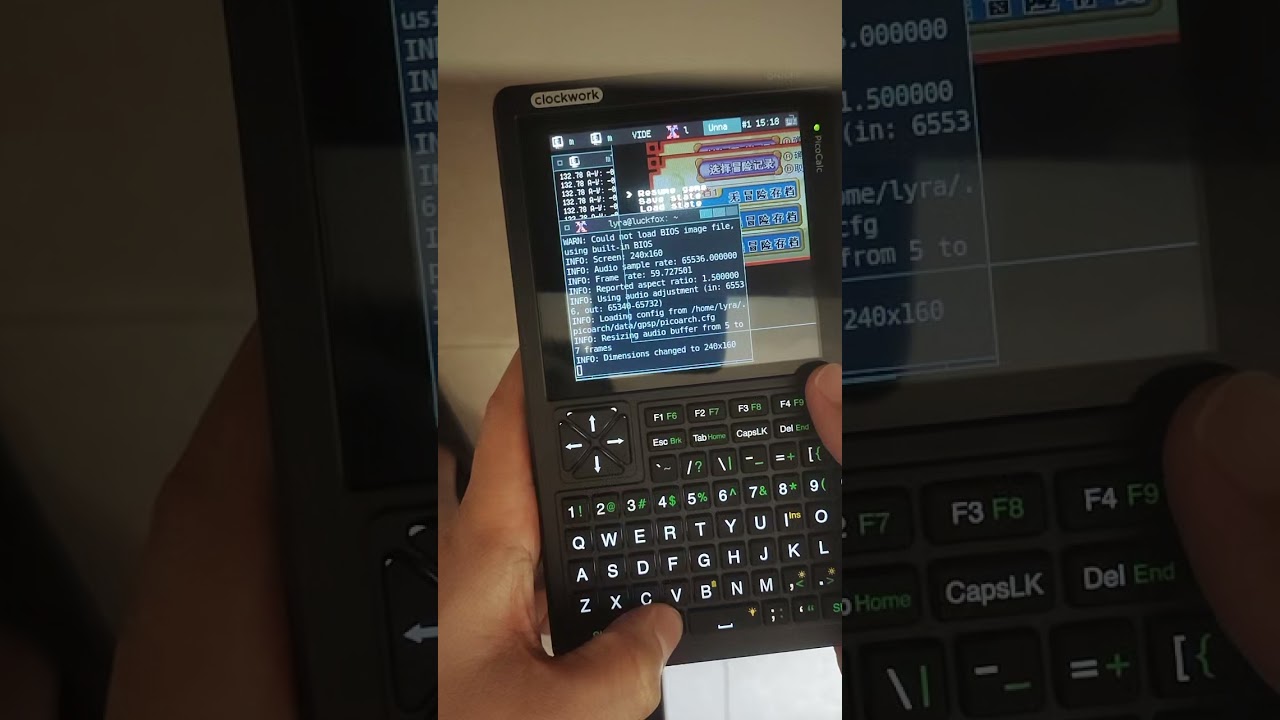
Guys Sharing the latest progress I’ve been making on Ubuntu 24.04 on Lyra:
I compiled a Linux Kernel that is compatible with the Ubuntu 24.04 rootfs from @markbirss based on nekocharm’s work (also known as boot.img). The current progress is as follows:
Intree LCD driver,performance on the x11 gui has significantly improved; (40fps vs 18.5fps on Picoarch).
Fixed the bug that LCD shutted down into blank screen when running Picoarch and ffplay.
Graphical Linux logo during startup.
SD card slot on PicoCalc now works properly ;(mounting script required)
Hardware pwm sound driver in .ko module ;(still based on RMIO12 pin output)
Improvements keyboard driver in .ko module;(easy to develope the keyboard driver and no need to recomplite the whole kernel)
adb and rndis (with adb, you can directly use the USB cable to enter shell withadb shell,. This feature is very useful when the keyboard driver and Wi-Fi network drivers are not effective. and the adb reboot loaderkick the lyraboard into loader mode for flashing firmware is much more convenient than the method of removing backshell then remove and plugin the TF card again for only a firmware update.
【!】Images and the source codes are currently being organized,and will be released later.
Improvement description for the keyboard driver:
fixed the bug that press [alt + I = alt + insert] (Inherent logical flaw in the firmware)
Is it a BL-M8188FU Module (rated for 3.3 V)? If so, did you connect all 4 pins to the MX1.25 connector or did you solder Vcc directly to pin 36 for 3.3 Volt?
I ask, because the Vcc pin of the 4-pin MX1.25 connector shows 3.3 V in battery mode, but 5 V when PicoCalc is powered via USB.
@johnlaur, thanks for your work on Calculinux. I just installed it and love having Linux on the PicoCalc.
When I installed Calculinux, I had JackCarterSmith’s firmware installed (v0.8) and I was not able to login to Calculinux, as no keypress was recognized. After returning to the official firmware v1.4 everything was fine.
JackCarterSmith said that the i2c bus shall run with 10 kHz to be on the safe side. Do I have a chance to configure the speed by editing any configuration file? Or do you have any other idea what the problem could be?