My kitchen board is ready for the new challenge… 
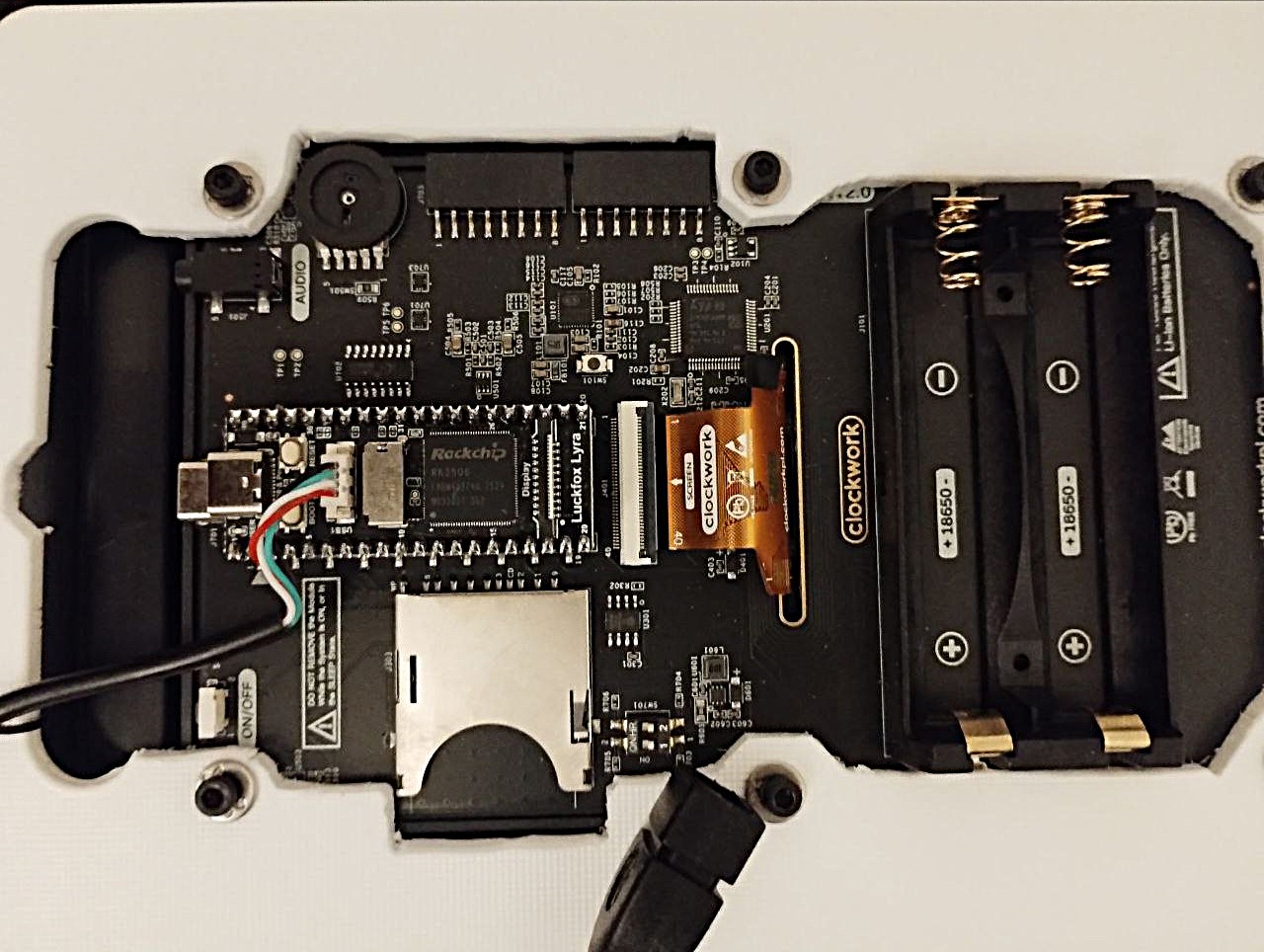
Has anybody tried the newer TP-Link ax900 +bt with the Lyra and can confirm it’s working or it is better to stick with the older ac600 +bt?
I’m intending to use with Calculinux. I’ve ordered all the parts and just waiting for delivery.

1 Like
In order too download without a already working wifi connection
Simple USB DHCP Configuration (Linux Host) - Internet Connection Sharing
No need for iptables and setting sysctl ipv4 ip forwarding
1. Determine the USB Connection name used for the Luckfox Lyra:
It typically wont be Wired connection 1
nmcli connection show
example
NAME UUID TYPE DEVICE
Wired connection 100 c57d31eb-bd98-365d-94df-60c2b875d4cc ethernet –
2. Apply shared internet connection:
sudo nmcli connection down "Wired connection 100"
sudo nmcli connection modify "Wired connection 100" ipv4.method shared
sudo nmcli connection up "Wired connection 100"
3. Obtain a DHCP client IP for Luckfox Lyra
adb shell dhclient usb0
Setting LLMNR support level “yes” for “2”, but the global support level is “no”.
4. View IP Address chosen for Luckfox Lyra
arp
Address                  HWtype  HWaddress           Flags Mask            Iface
10.42.0.126              ether   16:cf:d3:c6:1b:2c   C                     enx5a85fb60f7cd
1 Like
Shout out to benklop in the calculinux discord for helping me build amfora to browse Gemini Protocol, I think it’s a perfect fit for this little machine

2 Likes
Here my ad hoc solution for internal usb connector:
Screws replaced with bit longer, 10 mm round distancer made from transparent rubber pads. The only disadvantage is on/off button which is out of normal reach.
The USB WiFi is inside, note the green light. No modification on back case!


1 Like
I’m working on devicetree overlays, which will provide a way to make changes like this. I’ll provide an example overlay with 100khz operation..
1 Like
I haven’t personally tried the AC900 one, but I think it should work. It appears it should use the same aic8800 driver, but there are conflicting reports. I’m unsure if bluetooth will work - I’m going to do some more research on this..
1 Like
luckfox lyra or pi zero 2w?
what is that pouch you use please?
Pouch sourced from local https://www.tedi.com/
1 Like
not in uk. please pass a link, maybe they deliver to uk
oooh, local. meaning not online. got it
Michael made a video explaining the procedure: PicoCalc with LuckFox Lyra and Linux
1 Like
Hi everyone,
First of all, I would like to thank the community for all the work, testing, notes, and shared experiences around running Linux on a modified PicoCalc using a Luckfox Lyra B instead of the original RP2040 board.
Thanks to the information posted here, and after quite a few attempts, I was finally able to complete the project successfully. There were some confusing steps along the way, especially around Maskrom / Loader mode, selecting the correct storage target, and flashing the Ubuntu image, but the previous work shared by other users was essential to understand what was going on and solve the issues.
I wrote a detailed document describing the full process I followed. I hope it can be useful to anyone else trying to do the same modification or experimenting with Linux on the PicoCalc.
Here is the GitHub repository:
Thanks again to everyone who contributed information, tests, images, tools, and explanations. This kind of community work makes projects like this possible. 
4 Likes
Astralixi pre-release binary should work on the luckfox lyra