Hi Geoff,
hope to see your famous aviation pack SW on PicoCalc soon 
1 Like
Thanks for that 9a4db
And so it starts 

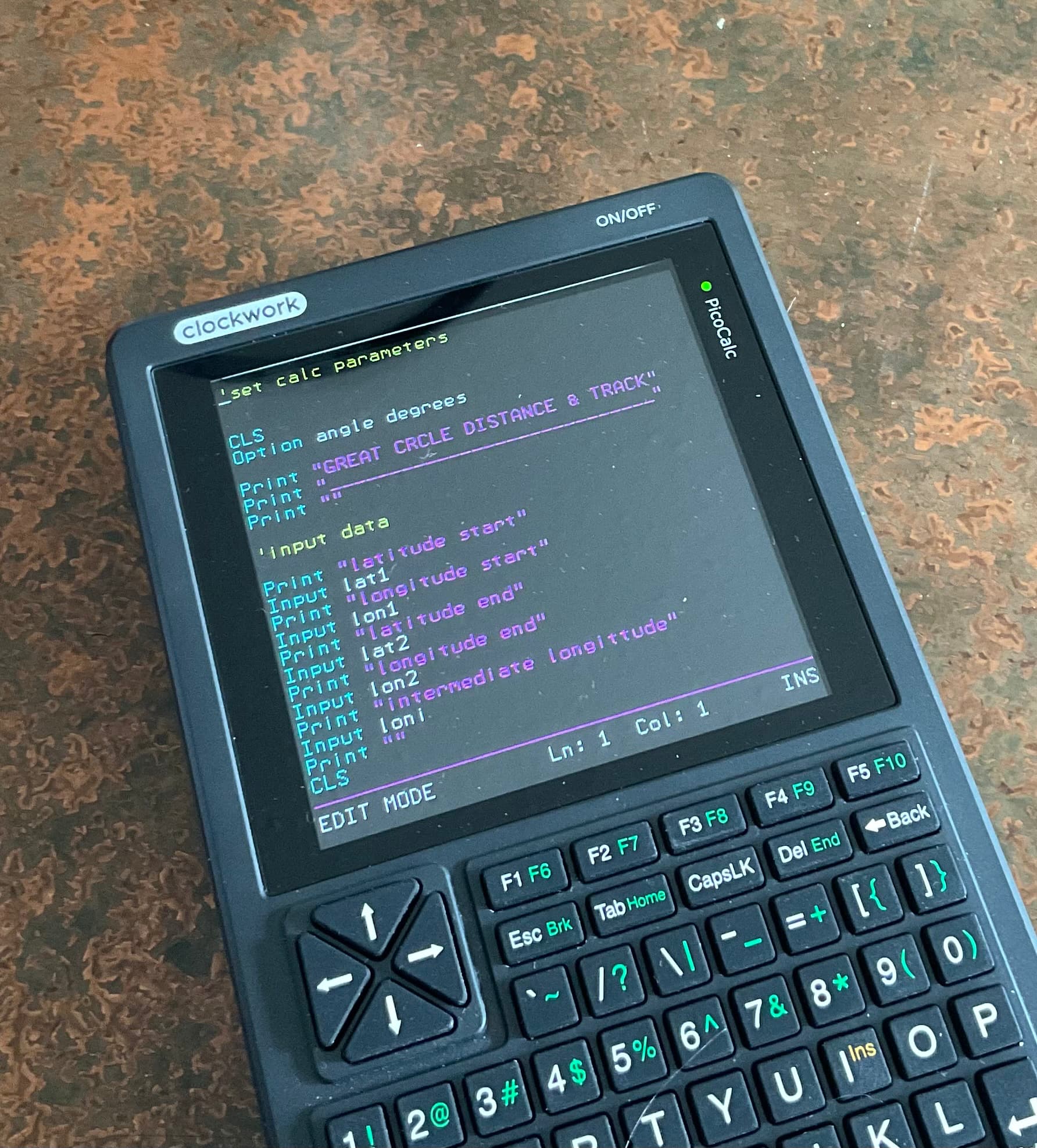
My first start and very rudimentary at that! Gotta get a handle on all the MM basic commands, and once the programs are set, I can spice them up visually.
Would be nice to install a GPS even is a clip on to the side pins that is accessible by program such as the great circle. Did this on my HP 29C with a panamatik upgrade, IR printing and GPS, which was sampled by routines programmed in 29c.
And so the programming starts:


3 Likes
Nicely done! Will incorporate that into my startup flash file. This is my boot screen at power on.

Blanked my phone number in the photo
1 Like
Hi, if I can ask a question re point #2, the keyboard problems. I noted that there might be a problem with having old keyboard firmware after updating to MMBasic 6.00.03, and confirmed this by trying “MM.INFO(BATTERY)” and getting “Error: Unknown Command”. I followed the instructions to update the firmware to PicoCalc_BIOS_v1.2.bin, which was successful.
The problem is that the MM.INFO command still gives the “Unknown Command” error, so I’m really not sure what happened. Do I have compatible firmware or not? Aside from this, the Picocalc appears to be working OK.
Try:
PRINT MM.INFO(BATTERY)
DOH! OK, so that works. That’s me mentally skipping over the phrase “there are a number of FUNCTIONS that support these commands”, and thinking MM.INFO is a command.
Thanks for the help.
1 Like