After kind lead by @Katsumi decided to try my luck with his Basic compiler and locally procured sensor module. The module on sale with bargain price level, less than 14 euro piece.
My basic skill goes back to old SHARP 1401 handheld, so do not expect the miracles here.
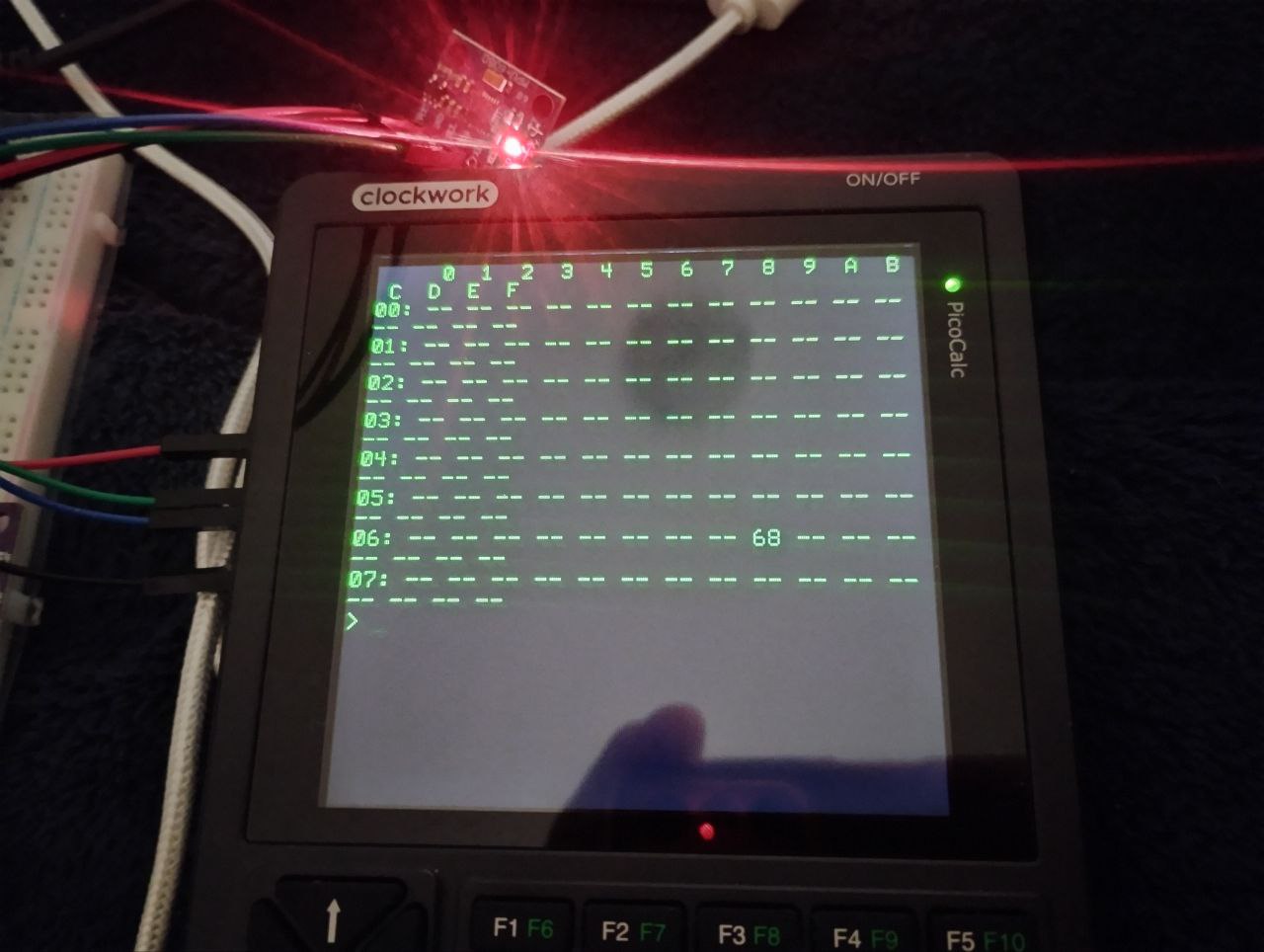
First try to modify the existing code - not going smooth. Can not communicate with module over i2c. The reason can be the level of power, PicoCalc known troubles over i2c or the module it self.
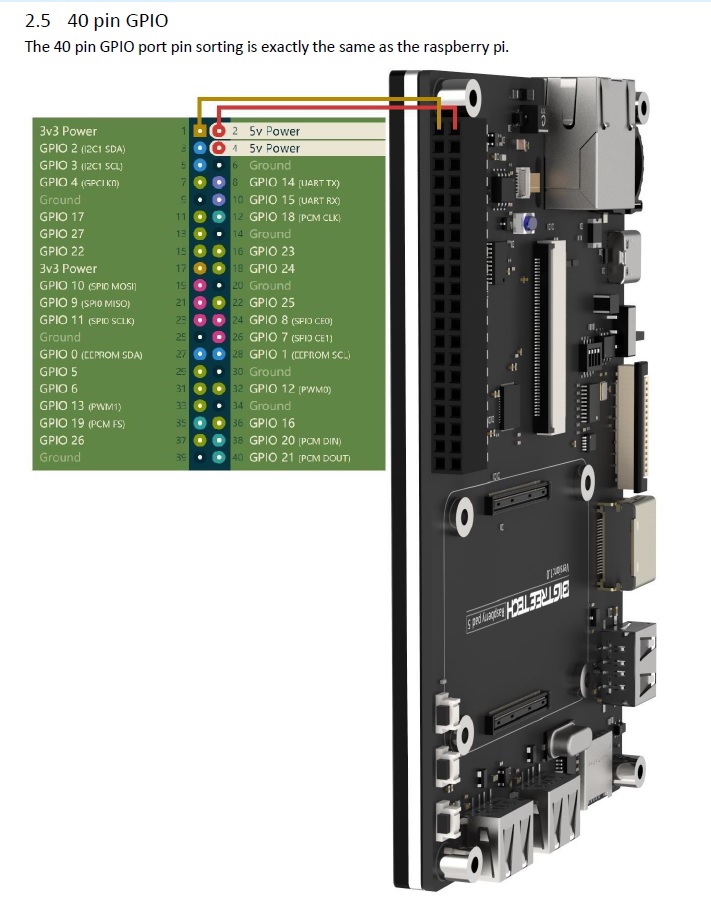
Therefore decided to first find out about the module health status. For that I am using the RPIpad which have CM4 module inside and GPIO on hand…
After several failures to get any reply from PicoCalc over I2c from LSM9DS1TR decided to replicate existing example with Basic compiler and MPU6050 => no luck…
First tested MPU6050 on 3v3 PicoCalc power, LED ok, run & error on I2c communication
Than made external 5V power for 6050, LED ok, again no luck
Than reduced the I2c speed 400 to 100, again no luck
Than load only MachiKania Basic compiler UF2 to avoid possible conflict with UF2 Loader, again no luck
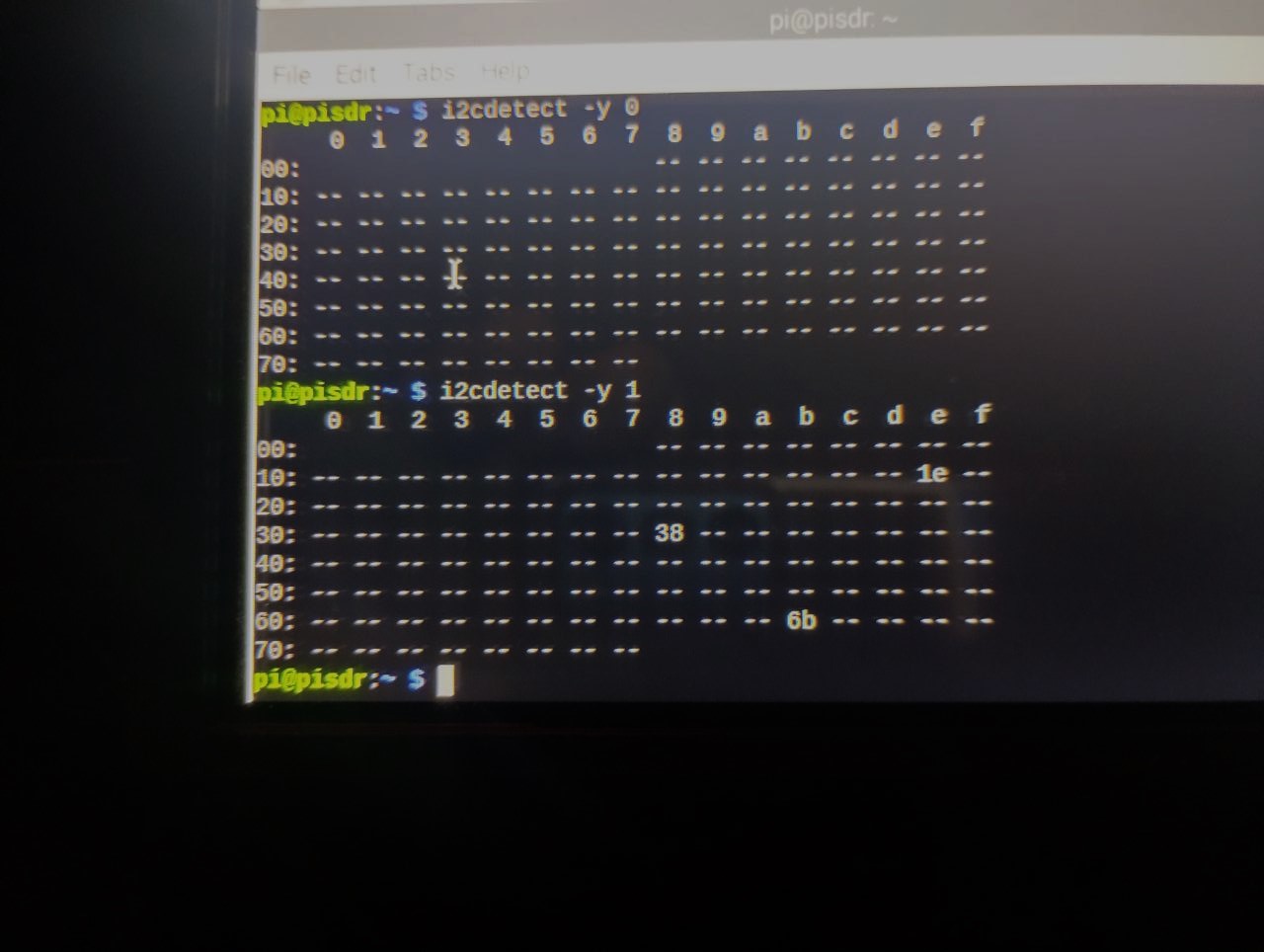
After all that I am able to detect both boards over I2C on above RPI with CM4
Must be some hardware glitch… on Pico2w or Pico main board….or possible I2c problem with this version of Basic compiler….
Print " 0 1 2 3 4 5 6 7 8 9 A B C D E F"
For y=0 To 7
Print Hex$(y,2);": “;
For x=0 To 15
addr = y*16+x
I2C write addr, 0, 1, &H00
If MM.I2C=0 Then
Print Hex$(addr,2);” ";
Else
Print "-- ";
EndIf
Next x
Print
Next y