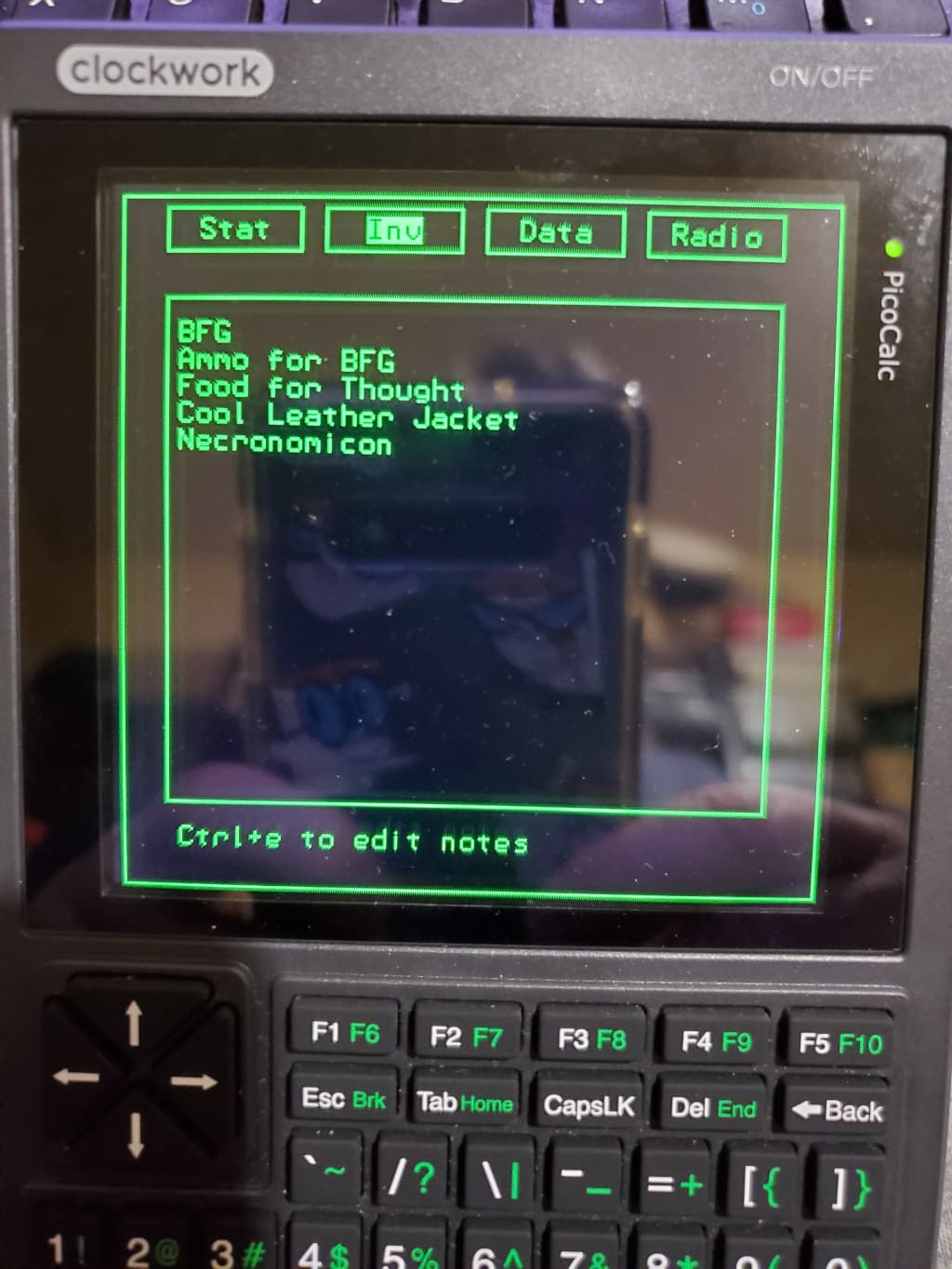
Either Inv or Data might be a useful place to have a simple file manager or menu that could run other BASIC programs. Could also be interesting to have some sort of file viewer(s) for text/image/etc. under Data.
It’s already an awesome idea though!
Either Inv or Data might be a useful place to have a simple file manager or menu that could run other BASIC programs. Could also be interesting to have some sort of file viewer(s) for text/image/etc. under Data.
It’s already an awesome idea though!
The Inv screen I have displaying a text file, then I wrote what can only be described as a quick and very dirty text editor** that can be called from that screen to alter the text, basically a simple note taking app. I like your ideas for the Data screen, a file manager that can run Basic programs and/or view text or image files, is a good idea.
** Folks, please don’t try to write a text editor in Basic. If you want to write one, there are much better languages to do it in.
I’ve got the Devterm, uconsole and Picocalc and still don’t know what to do with any of them besides admire them.
Almost like the now defunkt Wikireader that was made by openmoko IIRC!
There were also a couple of projects that used the hardware on the wikireader as well as a couple of old timers making updates from the most recent wikipedia dumps!
This actually a cool idea. All you really need to do is store Kwixi zim files on the SD card and then build a Zim file reader, of which there are several out there to base your program on. This is a very doable idea.
Have a portable zeptoforth machine I can take everywhere with me!
For me, the PicoCalc will be used to test and write custom BASIC applications. I wrote some BASIC code many years ago and besides that, I have fond memories writing games on my old TI calculator using TI-BASIC.
I like the Wikipedia idea people have mentioned here, but I’m probably going to do that on my uConsole when I get it, not the PicoCalc. It’ll support it better with its higher specs.
Yes! I noticed that the Kiwix library Kiwix Library has the english wikipedia available clocking in at 109GB as direct or via torrent download! Am downloading it now for when i get my PicoCalc! and will try and use it on my uConsole!
I use Wikipedia Simple English, it is considerably smaller. The one that takes up the most storage on my uConsole is Project Gutenberg, that cashes in at 72GB.
It doesn’t seem the smaller ones (including the Simple English) are as up to date as the full version.
How big is the SD card you’re using in your uConsole?
No, they are not as up to date, but I don’t really need them to be. Most of the information I use is pretty static from year to year.
I use a 256 GB SD card in my uConsole, I am considering a 512 GB at some point.
That’s fair enough. I was trying to figure out the best balance between size and up to date info. I also wanted to put developer documentation on there for a couple programming languages.
I use a 256 GB SD card in my uConsole, I am considering a 512 GB at some point.
I thought about this too, but the site said the maximum supported size is 256 GB. I’m sure it can go higher, but I’m slightly worried about potential issues.
For what it’s worth, I’ve successfully used a 400GB Sandisk card in both my Devterm (CM4 8GB) and uConsole (CM4 4GB). So 512 would likely work and I vaguely remember someone posting they’d used one. Even 1TB might work but I don’t think anyone has mentioned trying it.
That makes sense. Lots of devices actually work with bigger cards than they say for the max. And it usually depends more on the OS than anything but I wasn’t sure with a device like this compared to a general consumer product.
This is what I thought that the TRS-80 Model 100 should have been (and then WAY, WAY more.  ) I want my PicoCalc to do everything that Radio Shack claimed that the 100 could do.
So, I have been going through back issues of Portable 100 magazine (Club 100) and other old magazines, looking for programs that seem interesting.
I’ve ported a few Model 100 programs over to the PicoCalc. Both are 40 column screens, so the port is fairly easy.
But the Model 100 only has a 8 line screen, while the PicoCalc has a 24 (I think) line screen. So Model 100 apps would be “squished”.
But those Model 100 programs are a good start.
So, that means that programs from the Tandy Model 200 (with 16 lines of 40 characters) should also work. Nice.
I’m looking to make a little GPS logger / display / basic 3d mapping. I’ve got a heap of stuff written for 8 bit atmel in Bascom, but having a better display and ability to edit without a laptop seems like a good thing. I’m a bit sus on this interpreted basic, but we’ll see once the calc is delivered.
Also - the ability to write quick and dirty scripts to visualise / graph serial data will be handy at work. Maybe.
Also - LUA looks like a sure bet on this thing, hopefully someone with way more brains than me can get a full working implementation.
For LUA, if you haven’t seen it already, check this thread:
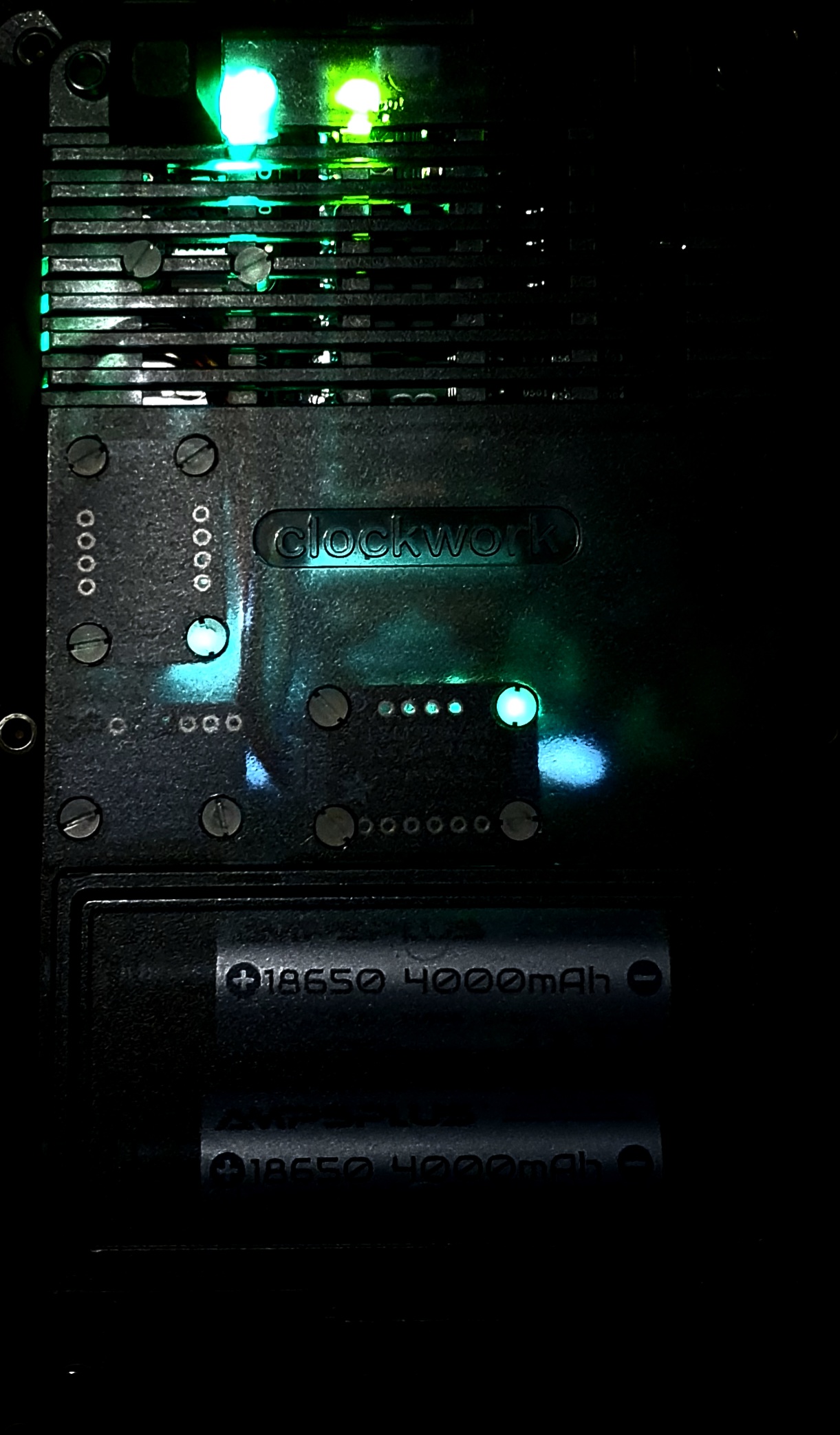
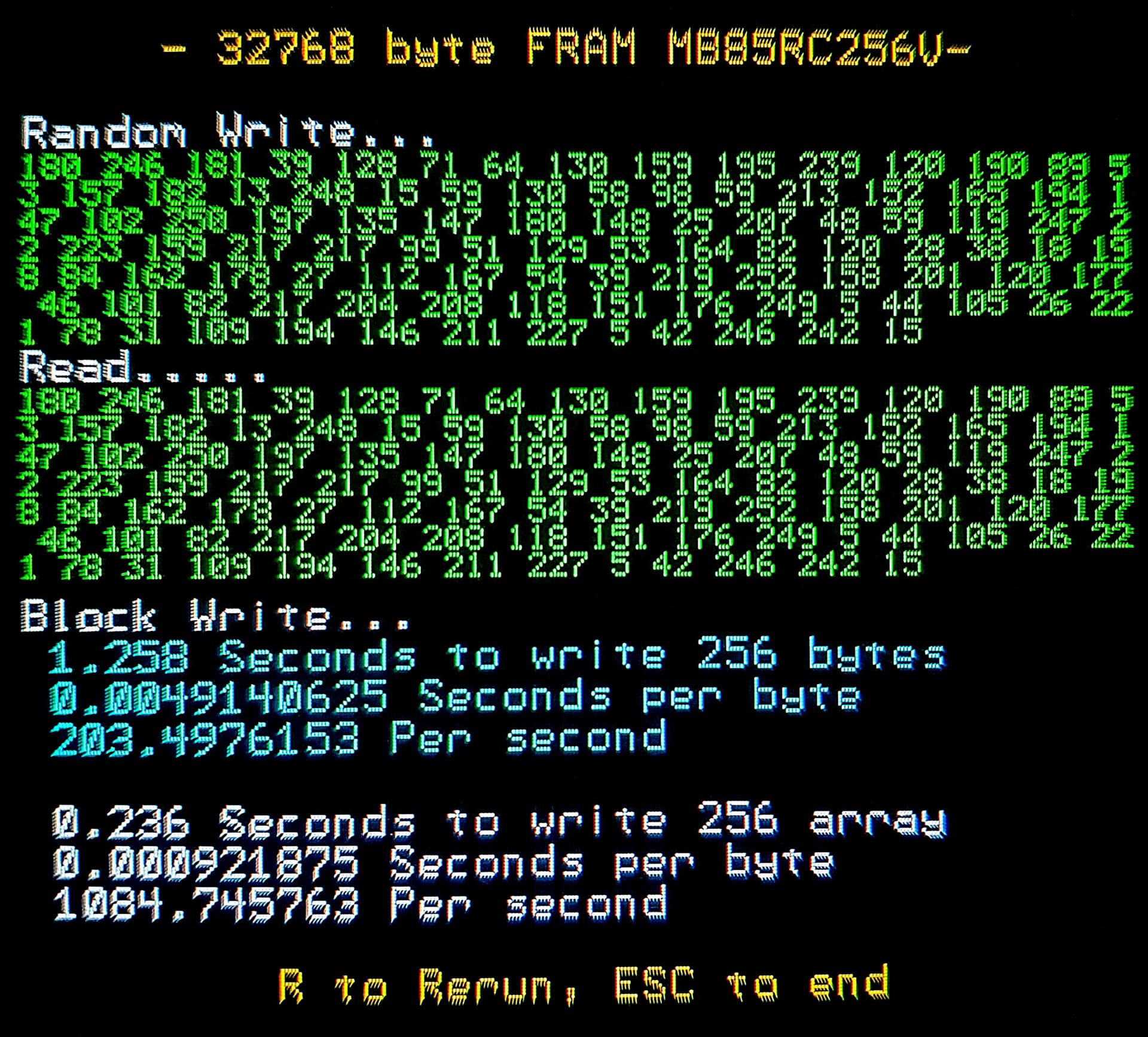
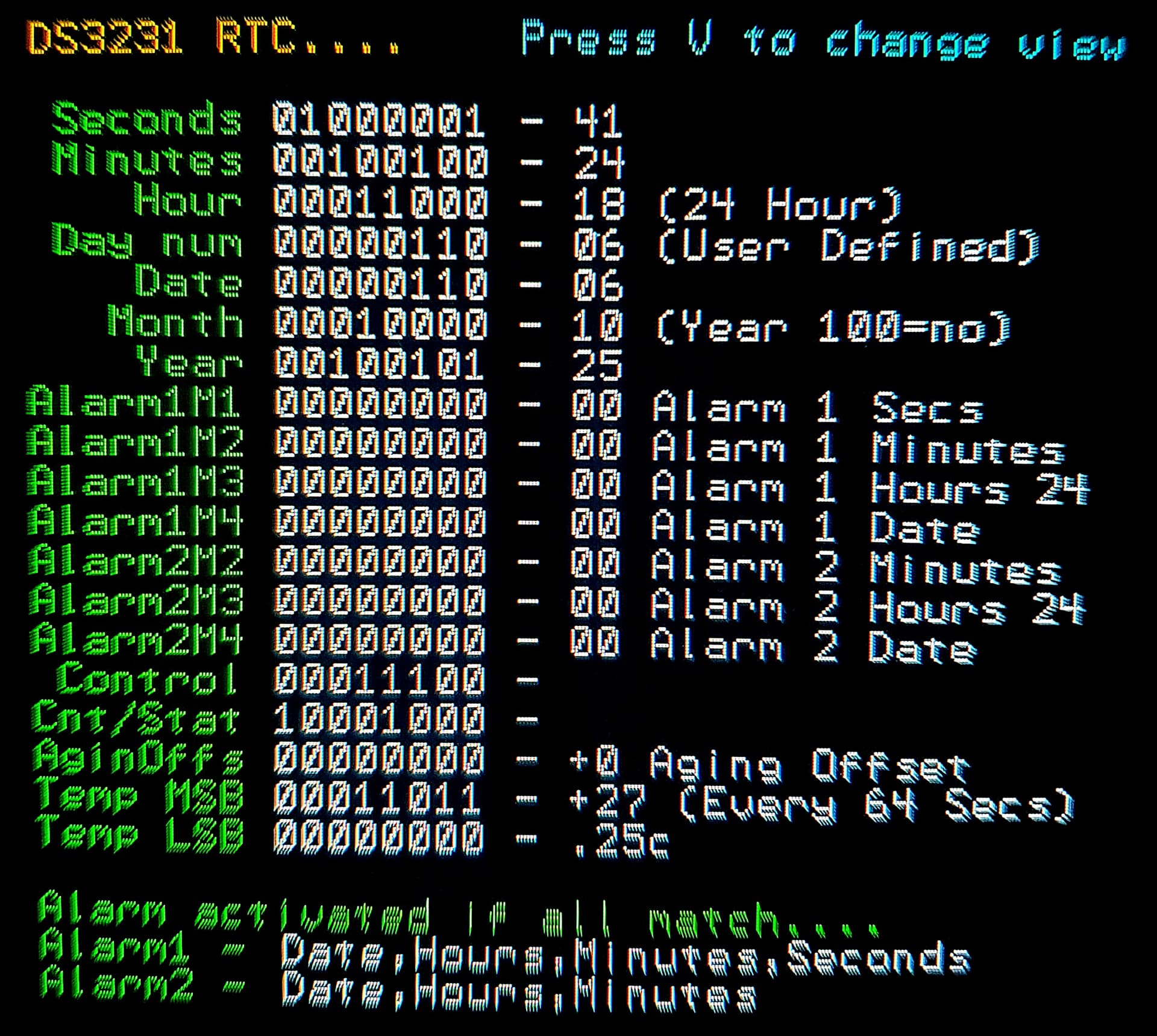
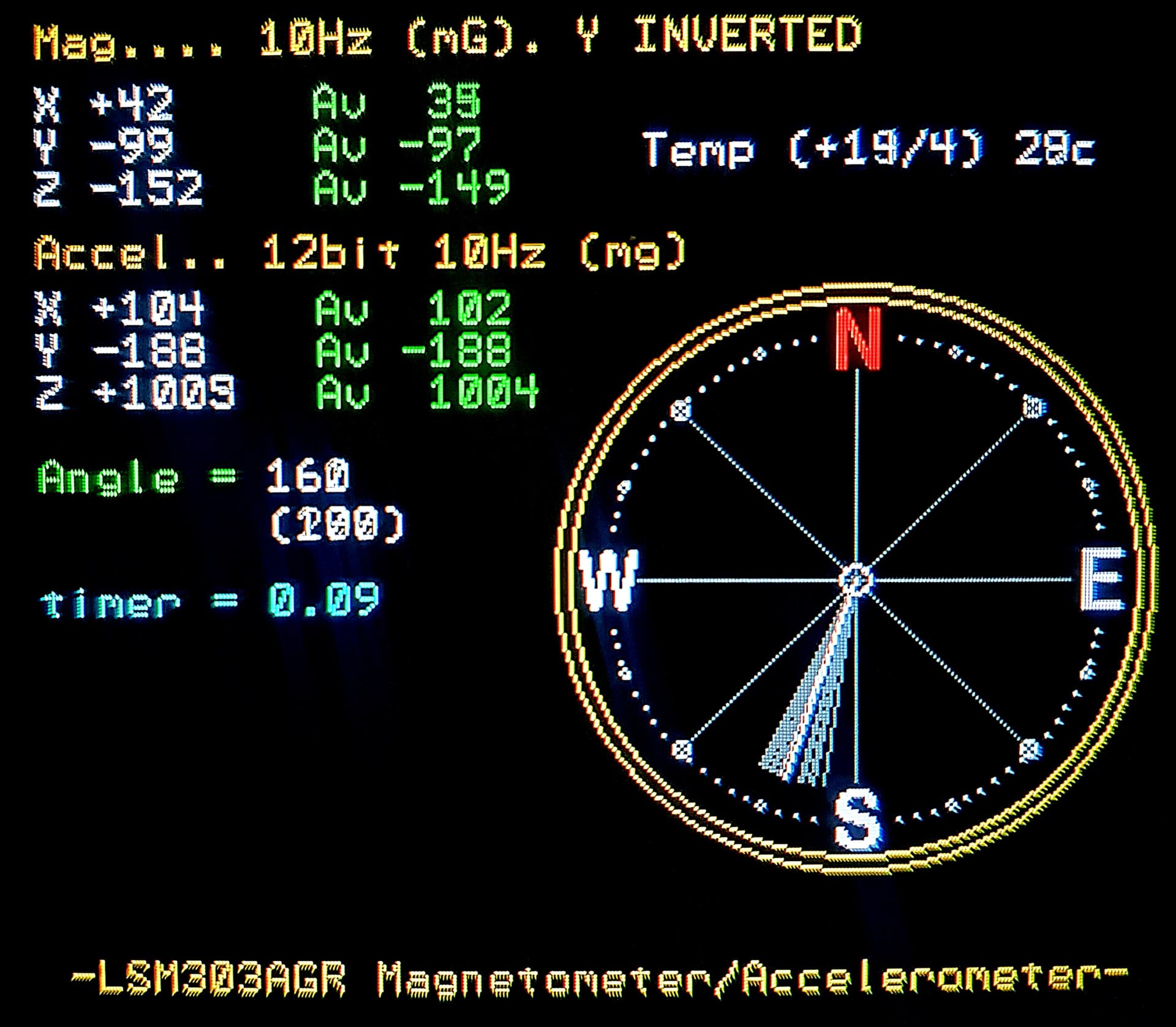
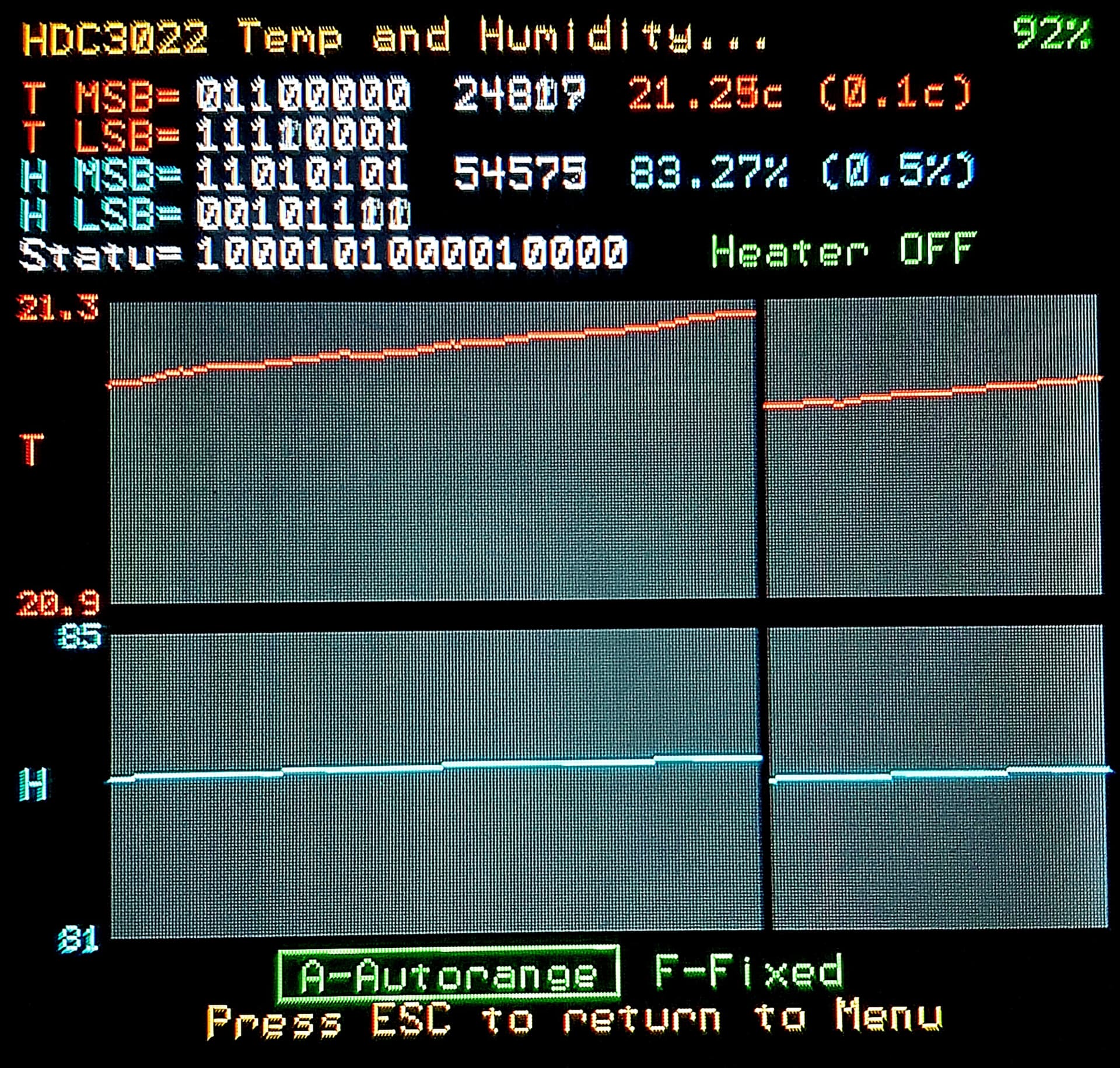
Accurate RTC, FRAM, temperature/humidity, magnetometer/accelerometer so far…. Soon a heartrate/blood oxygen sensor, FRAM 4-8x increase, speech, move to the unused i2C channel to increase FRAM speed and add gp28 ambient light sensing to auto adjust both backlights (Picomite update needed @adcockm !!, coffee ?). Possible future led bar, distance measuring, IR camera, IR send/recieve for TV remote etc. shorter/twistedpair/screened i2C cables and larger copper Pico2 heatsink etc….
Software in early stages with daily updates…. Magnetometer surprisingly bad out of the box, needs serious initial/frequent calibration, Mag calibration routine, complex math updates, floating compass graphics, accelerometer graphics (note gravity in screenshot below ?) and alerts to do….. Temp sensor suffering from self-heating (no surpise Ti !) making a mockery of the amazing 0.1C accuracy. and lots of graphing updates/additions to do there..…