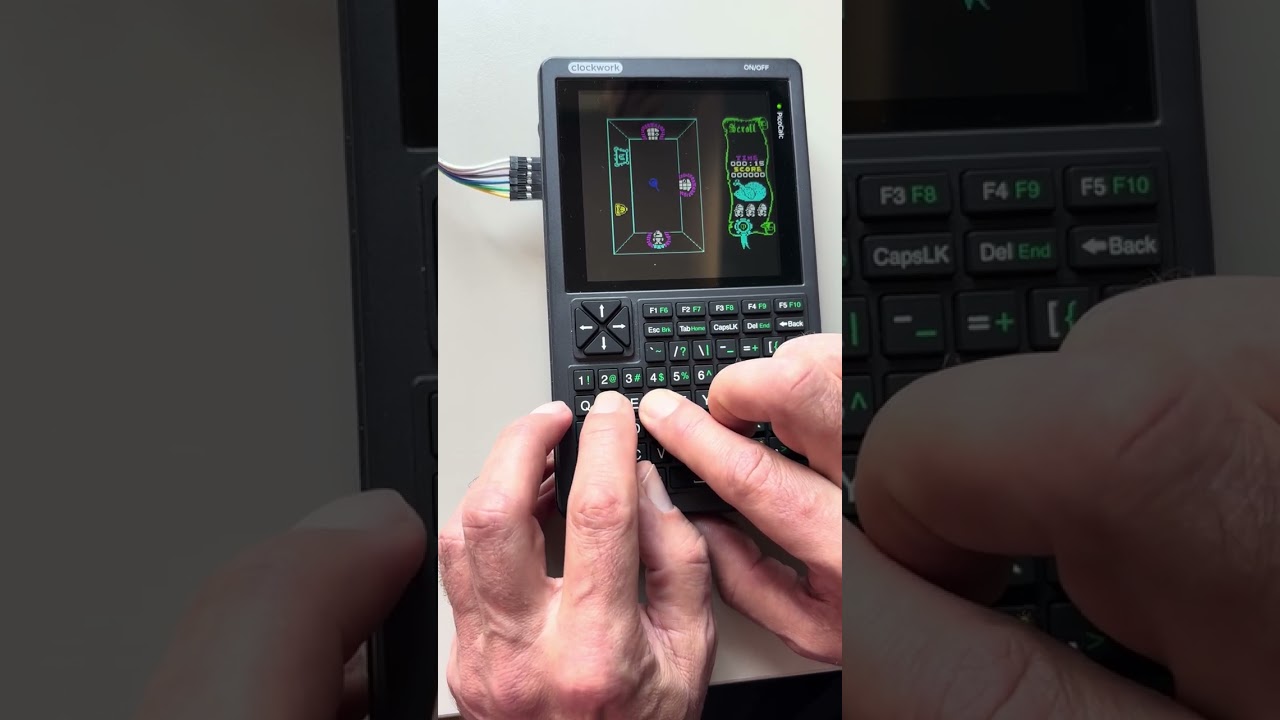
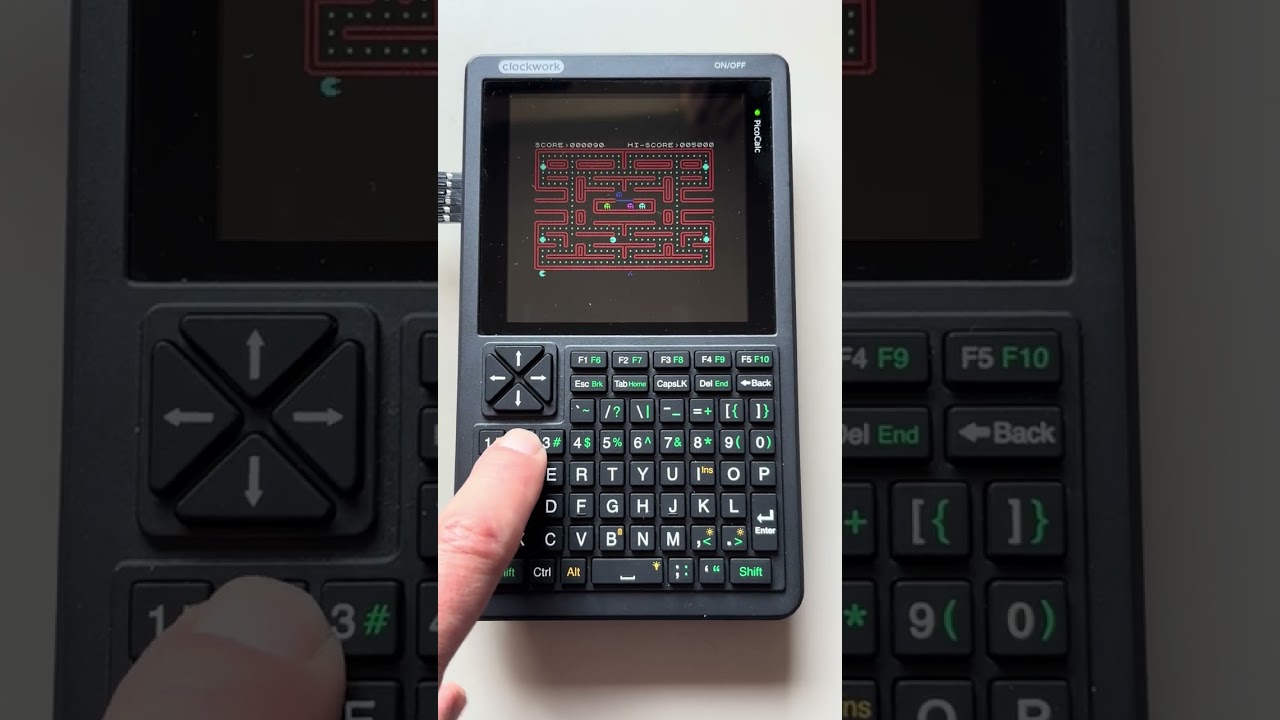
ZX-Picocalc (Sinclair ZX Spectrum emulator)

Hi, I’m working on emulating Sinclair ZX Spectrum 8-bit computer on PicoCalc.

PicoCalc, with its color 320x320 display and rubber qwerty keyboard is in many ways so much similar to ZX Spectrum…

And so I have zx-2040 emulator somewhat running now on Picocalc. Main issue is a low-level keyboard driver, or lack of it. I’d love to have it interrupt-based, but I can’t find information how to do it or whether it’s possible. If you have a knowledge on advanced I2C keyboard programming - please contact me.

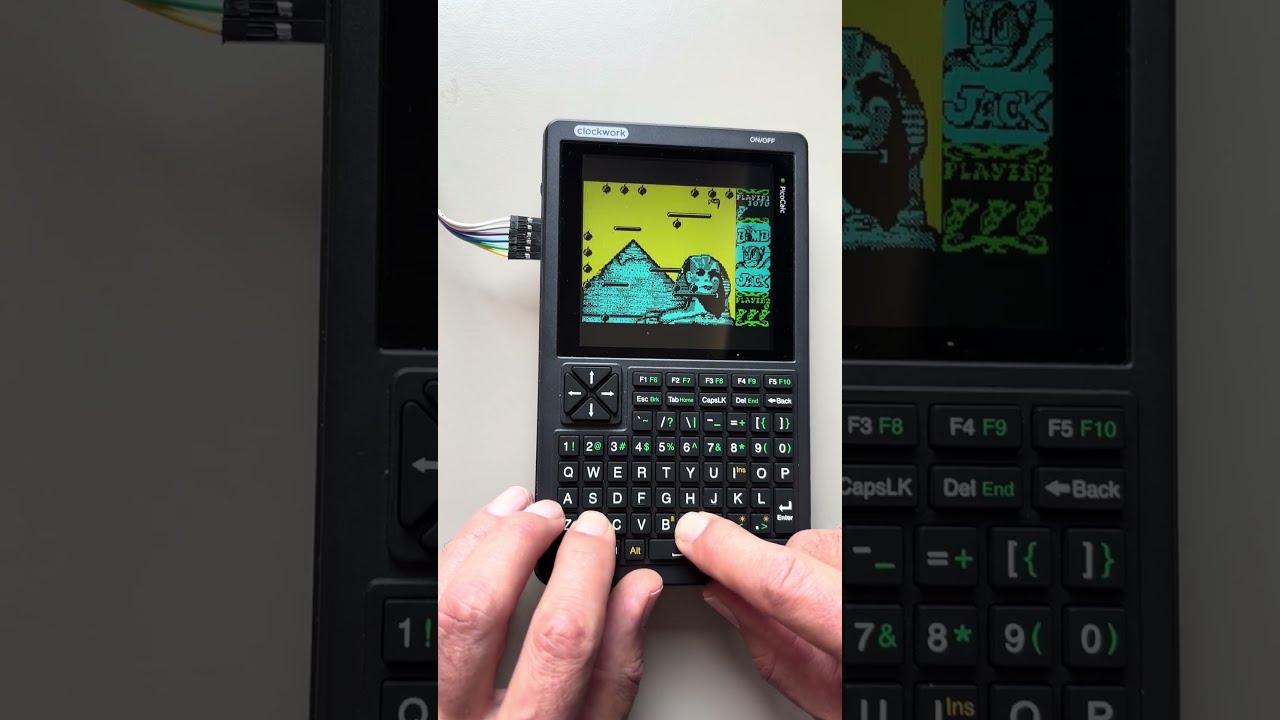
Anyway, here are some Spectrum games I tried:

More information about zx-picocalc project on my blog.

8 Likes

interrupt-driven keyboard polling isn’t possible because that’s not how the I2C keyboard communicates to the pico

Blair Leduc’s picocalc-text-starter has a good example of polling the keyboard with a timer detached from the main loop however, and from there you can make a soft-“interrupt” which calls your emulator to let it know there’s a key being pressed: picocalc-text-starter/drivers/keyboard.c at main · BlairLeduc/picocalc-text-starter · GitHub

3 Likes

Thanks, I’ll look into it

You should upload your source to your fork to let people in with the fun

1 Like

I’m very interested in this port also (played too much time with a ZX Spectrum as a kid). Something super cool would be to map the Kempston joystick input to the cursor keys in the PicoCalc, so it’s a lot more straightforward experience.

I just got a PicoCal over the weekend, could try to add that mapping if you post a link to your code?

1 Like

Nice project, thanks !
Since the pico keyboard is quite cramped, i would remap the direction keys as follow :

Up = Q

DOWN = C

RIGHT = P

LEFT = U

SHOOT = SPACEBAR

And have a remap option built into the emulator (could be inside a config text file)

oooooohhhh

QAOP!!! :rofl:

1 Like

Hi, first version of zx-picocalc is more or less ready, enjoy!

There is no games included in the package btw, you need to get .z80 files by yourself and then upload them. More info in README.md

6 Likes

What’s the possibility of a Pico2 2350 version ?

Yeah, why not :slightly_smiling_face:

New release includes version for pico2_w.

4 Likes

Done! I also included pre-built uf2 files.

1 Like

Pico2w ?… How about a plain Pico2 (overclocked to 378Mhz)

Nice ZX emulator ! Thank you !

The W is about wireless capability. They have the same processing chip so it shouldn’t be a problem

I have added an ability to load the snapshots/games from an SD card. Enjoy!

Known issue: On RP2040 the size of a game loaded that way is limited. On RP2350 even 48kb games work correctly.

2 Likes

Well the stm32f103 keyboard controller could be reprogrammed to act as I2c master by updating Code/picocalc_keyboard/picocalc_keyboard.ino

Changing roles could give you interrupt capability for keyboard.

Be careful with reprogramming, stm32 controls PMU.

1 Like

oh, yes, i know the possibility is there, but then you’d need people to use a special keyboard firmware just to use your Pico firmware

1 Like

Yeah, I’d rather have BIOS updated by ClockworkPi to limit fragmentation. I think I will just move keyboard polling to a second core and leave the first one with z80 emulation.

Btw, what I’d really love would be additional I2C command that reads raw keyboard row/column state. That way the games could easily support several key pressed at a time. Passing that info to the emulators would also be much more direct.

Don’t get me wrong, current BIOS function does a great job returning ASCII codes for regular productivity apps, but there are other use cases…

Actually, I could support both APIs for maximum compatibility
you can already support several key presses at the same time if you simply store the state of each key updated by their pressed and released events. my Lua firmware does this: picocalc_lua/drivers/keyboard.c at eeb26709ed167af3c9b841de927dd628b57fbac8 · Lana-chan/picocalc_lua · GitHub

4 Likes

Yeah, I’m doing that as well.

Matrix keyboard driver would be much simpler and more elegant though.