My bad, Geoff. The color is hard coded into the PicoCalc changes. In FileIO.c, line 5022, change GREEN to whatever color you want (all uppercase!), or better yet, comment that line out altogether so you can make changes on the fly that will survive a reboot.
That would work, but it would be temporary unless you executed it at all times in which case you could just stick the option default color yellow black as the first line of any program that you write.
Which is what I ended up doing until I see TomL’s suggestion!
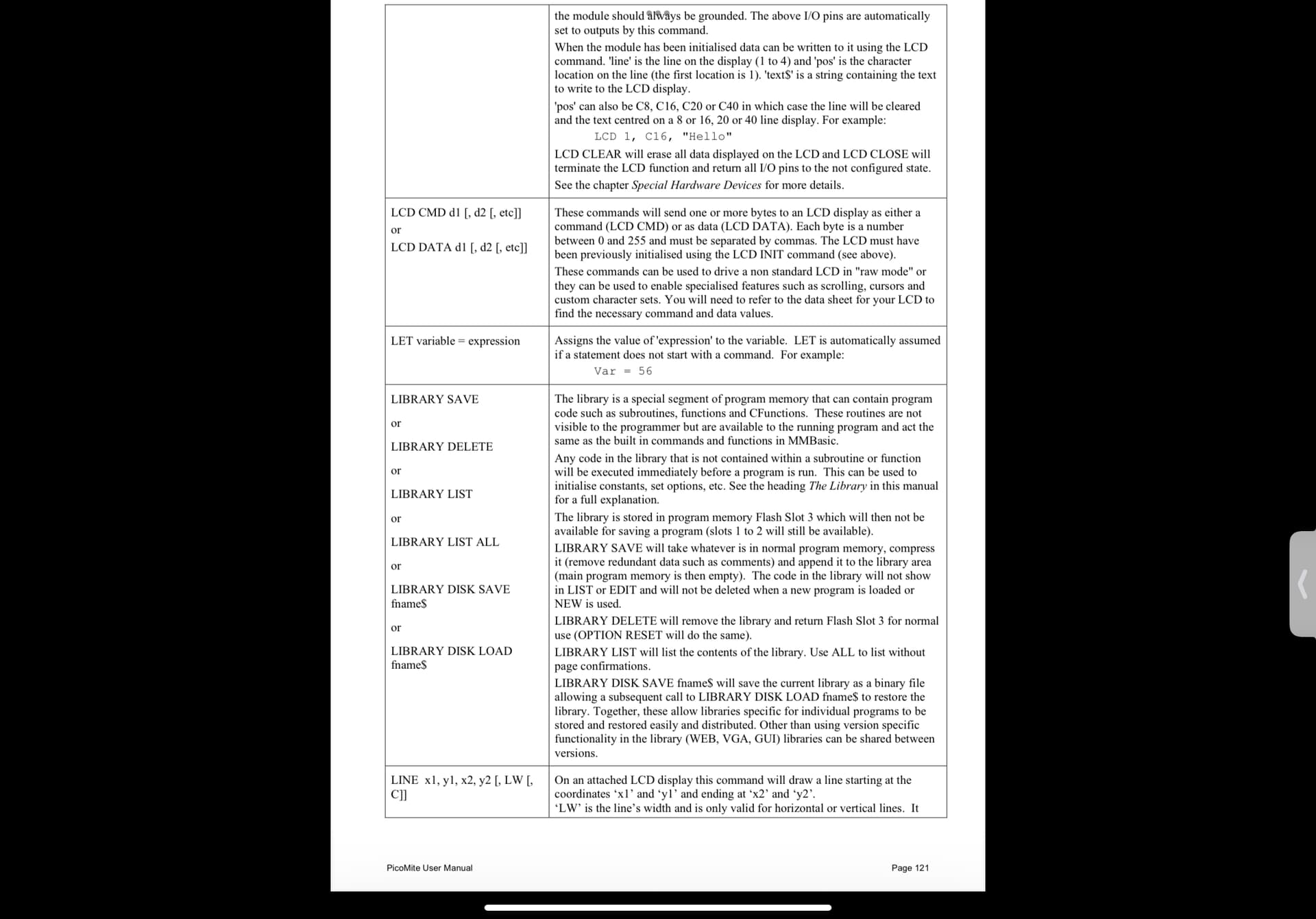
Will list the functions you have created in library flash 3
Library delete
Looks like it deletes all of library in flash 3
I do not see a library edit
I have yet to play with the library, but will be adding a function that I call HMS/HR which will convert degrees minutes seconds or hours minutes seconds to decimal degrees or decimal time.
And another called HR/HMS, which will do the opposite.
Let me know if you find an edit function, but I do not see one.
I have a question for you on the subject of flight computers. I’d like to convert (if possible) some of the older flight software’s over to MMBasic just for fun, Do you have any suggestions on where to look or names of these old programs?
There is a very expensive book due to its extremely limited run back in 1980 or so called “Axioms of flight”.
It is a paperback but commands around $200 if you can find a copy at Amazon or the like. It has many formulas and basic program coding for those formulas with explanations, etc…. It also gives rules of fun, which approximate the answers that the formula and the basic computer would create.
Other books would be, navigation for sailing and flying.
I created a manual for the Hewlett-Packard 15 CE as part of the aviation pack I developed for the same handheld calculator. It would give you guidance on specific conversions, navigation, altimeter pressure, altitude, and etc.
You can find that manual for free download however it is in RPN line programming but has the formulas that were used and program code in RPN for use..
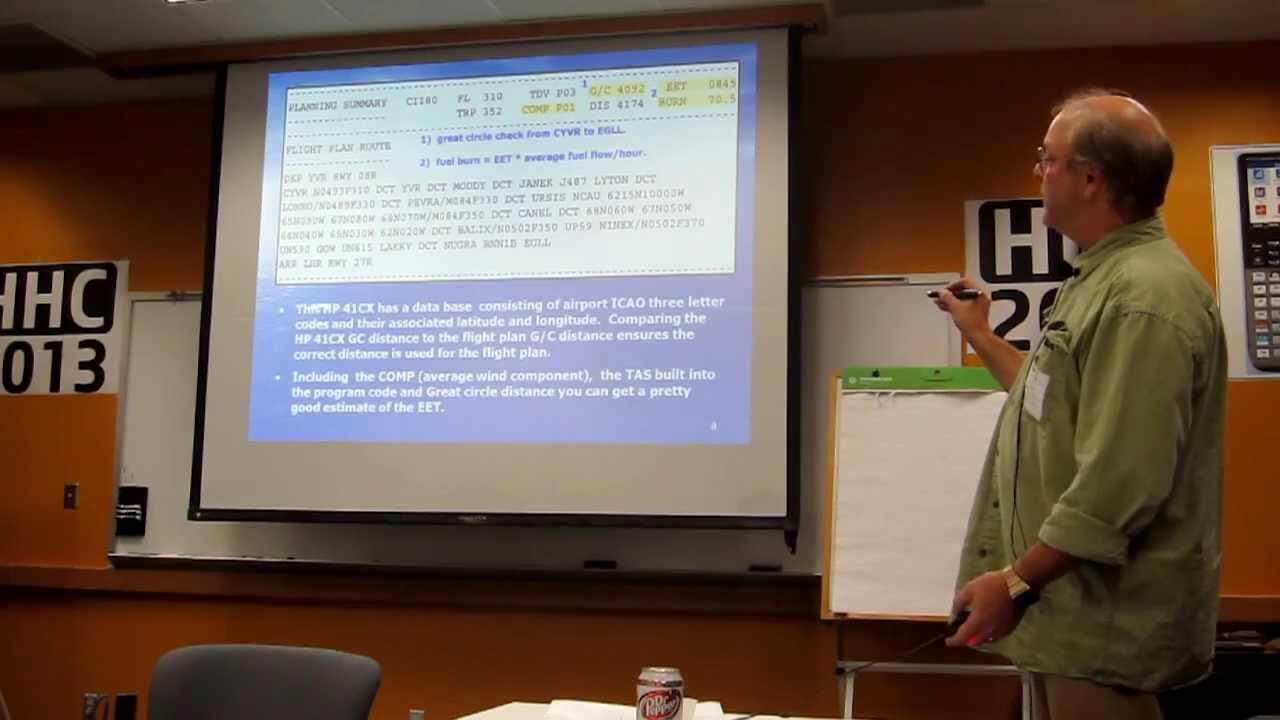
You could also check out this HHC conference video, talk I gave a few years ago about Hewlett-Packard and aviation
Cheers
That is what I am developing for this PicoCalc. The program is now up to 25K in length which they may not get longer depending on how I enhance the output and decrease the coding redundancy. MM basic is new to me as I am used to HP basic with much less GUI interface, but more scientific functions.
There is no library edit function. Keep a copy of your library in BASIC format and whenever you make a change to it, make sure to do a SAVE"yourlibname" BEFORE you do a LIBRARY SAVE or else you won’t be able to see your changes in the BASIC program since LIBRARY SAVE deletes the program from the edit buffer as it copies it to the library.
My cousin is training to become a commercial pilot, and he recently got his PicoCalc. I’ve been trying to teach him how to code in BASIC, but he’s decided to go with MicroPython instead. I want to help him create a frequency textbook/notebook on the PicoCalc, using the same concept I had for PicoPub.
What would be interesting to create, and I will probably look into that even though I don’t need one now,
But a logbook APP
It would include
Off time
On time
Total time for leg
Total running time for career
Aircraft type
Night time
Instrument time
Simulator time
Float plane time
…
A notes page for each leg
Captain’s name
Copilot’s name
Pilot monitoring leg
Pilot flying leg
…
And other things, all transferable to your home computer, where it can be printed in the correct format for a logbook.
Well, that would be a big project but let me finish this big project, first.
Just completed a world time clock program, which will display world times in as many cities as you would care to enter.
!! CAUTION !!
‘library save’ will ADD whatever is in the program buffer to the current library contents !. See the effect with ‘library list’ after a few saves. If you want to update the whole library contents and not add to them you must ‘library delete’ before ‘library save’ !
I just have ‘option angle degrees’ in there and set it by simply entering it into the editor and exiting with F1 before ‘library save’. I may add useful subroutines and functions in the future when program space reaches limits (hence freeing program space)…
I am trying to change the default text/background colours too. Tried the “option default colours …”, which one presumes is as the name suggests but it isn’t permanent, goes back to green/black. As a newbie to the Pico/PicoCalc, are the options just for ‘on-the-fly’changes or as another mentioned, some options are simply hard-coded in?
I know a lot to learn, which is part of the fun but frustratimng at times when things are not too clear.
is hard-coded in Madcock’s PicoCalc changes. If you want to either make a different default or change to no default so you can change it, you’ll have to compile the source yourself. Start with line 5022 of FileIO.c to change the default foreground color. There may be other changes needed. https://github.com/madcock/PicoMiteAllVersions/tree/main
A bit beyond me at present, total beginner with Pico/PicoCalc, probably go the ‘autostart’ way with some options but not important, just playing around. Question, though, why is it there if hard-coded and ‘ignored’ bit confusioing for novices or is it documented?
The manual has a section on “Options” but ‘Colours’ not listed or are these “Options” different?
OPTION DEFAULT COLOURS foreground [,background]
Set the default foreground and background colours for both the
monochrome and colour modes. The colour must be one of the following:
white, yellow, lilac, brown, fuchsia, rust, magenta, red, cyan, green,
cerulean, midgreen, cobalt, myrtle, blue and black. A numeric value
cannot be used. The default is white, black.
If background is omitted it defaults to black.