Has anyone been able to write text to the screen o the PicoCalc in color using the provided MMBasic? If so, do you have a code snipet that shows how?
color rgb(yellow)
print "This is in yellow on black"
color rgb(blue),rgb(white)
print "This is blue on white"
color rgb(green)
print "Back to green on black"
Thank you, Tomi. I was just going to color up some of my windows MMBasic programs using its 0 to 15 number system. I am writing these programs on my windows 11 laptop so that I’ll have some of them ready to go when I receive my PicoCalc. I ordered it last week hoping to have it by Christmas.
Thank you. It is so simple but I wasn’t getting it right.
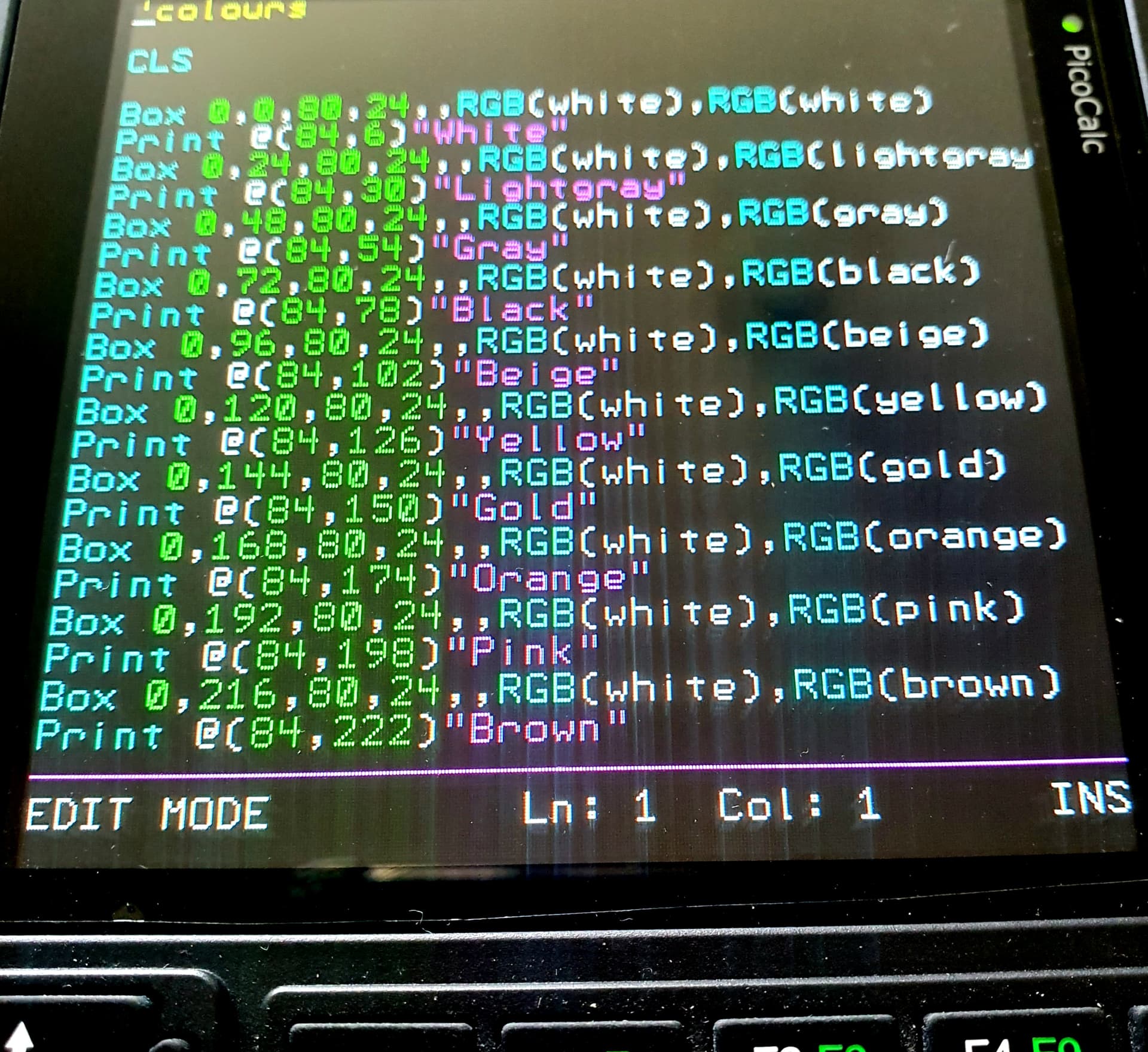
According to the manual (pg. 105), if the background color is not specified, it should default to black. This is incorrect. If the background color is not specified, it remains the current background color. This works as intended:
color rgb(yellow)
print "This is in yellow on black"
color rgb(blue),rgb(white)
print "This is blue on white"
color rgb(green),rgb(black)
print "Back to green on black"


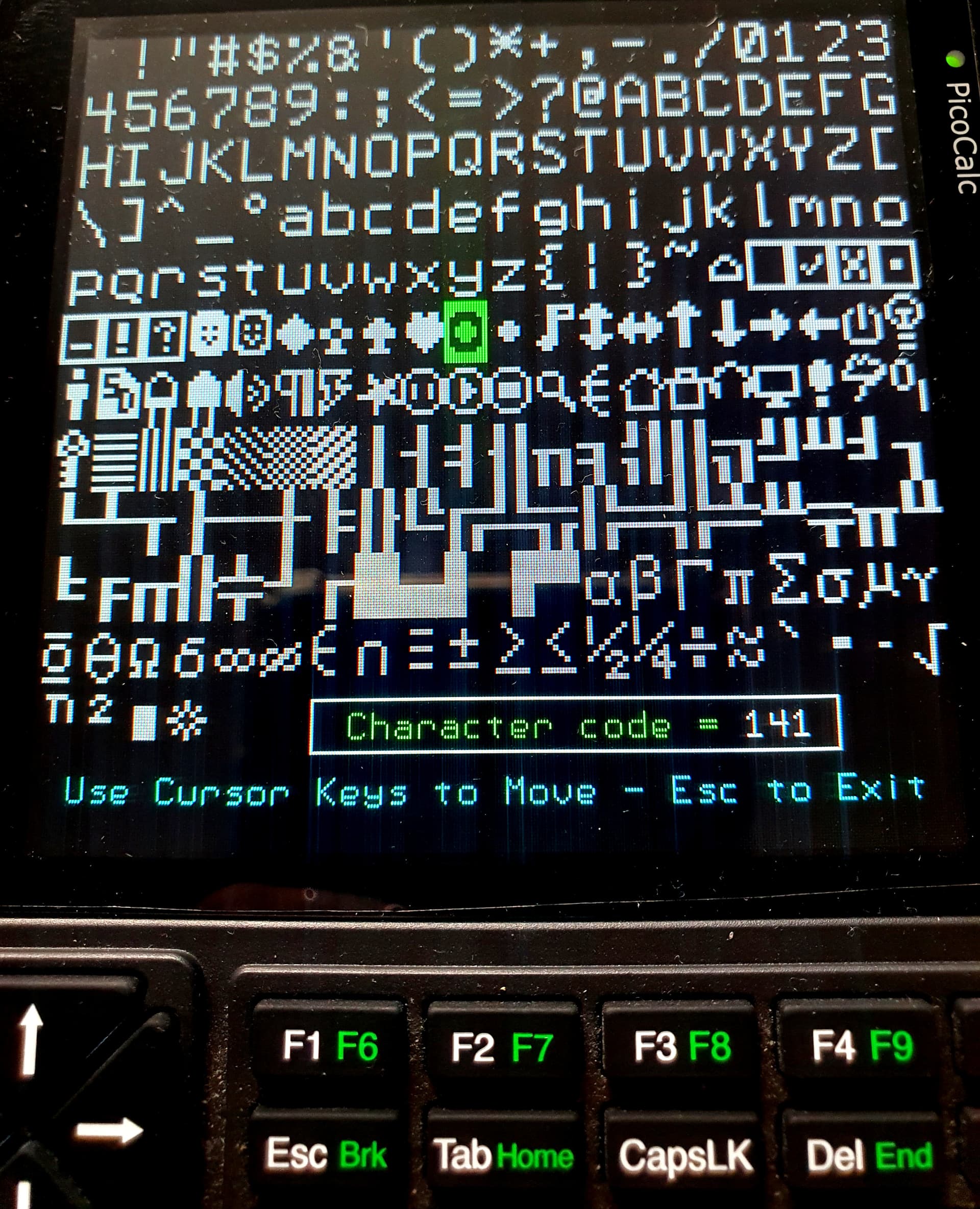
Would it be possible to get the code for this “font viewer” program (3rd screenshot)?
I end up having to go into the documentation and manually calculating which character corresponds to which character code so many times… 
Thank you.
1 Like
Absolutely, you may wish to change the last line as returns to my menu program. Note the first character beeps to remind you it’s a black box, not green !. Formatting lost copying from Windows 
'Character Set

CLS
Dim integer cx, cy
Color RGB(200,200,200)

Font 1,2
For ch=32 To 255
Print Chr$(ch);
Next
Font 1,1

Color RGB(white)
Box 98,268,181,19
Color RGB(green)
Print @(110,272) “Character code =”
Color RGB(cyan)
Print @(12,294) “Use Cursor Keys to Move - Esc to Exit”
Color RGB(white)

cx=9:cy=5
Color RGB(green)
Font 1,2
Print @(cx*16,cy*24)Chr$(cx+32+cy\*20)

Do
Color RGB(white)
Font 1,1
Print @(238,272)cy\*20+cx+32;" "

Color RGB(green)
Font 1,2

k$=Inkey$
Select Case k$

Case Chr$(128) 'up
If cy>0 Then
Color RGB(200,200,200)
Print @(cx*16,cy*24)Chr$(cx+32+cy*20)
cy=cy-1
Color RGB(green)
If cx=0 And cy=0 Then
Print @(cx*16,cy*24)Chr$(219)
Play tone 2000,2000,20
Else
Print @(cx*16,cy*24)Chr$(cx+32+cy*20)
EndIf
EndIf

Case Chr$(129) 'down
If cy<11 Then
Color RGB(200,200,200)
Print @(cx*16,cy*24)Chr$(cx+32+cy*20)
cy=cy+1
If cy=11 And cx>3 Then cx=3
Color RGB(green)
Print @(cx*16,cy*24)Chr$(cx+32+cy*20)
EndIf

Case Chr$(130) 'left
If cx>0 Then
Color RGB(200,200,200)
Print @(cx*16,cy*24)Chr$(cx+32+cy*20)
cx=cx-1
Color RGB(green)
If cx=0 And cy=0 Then
Print @(cx*16,cy*24)Chr$(219)
Play tone 2000,2000,20
Else
Print @(cx*16,cy*24)Chr$(cx+32+cy*20)
EndIf
EndIf

Case Chr$(131) 'right
If cx<19 Then
Color RGB(200,200,200)
Print @(cx*16,cy*24)Chr$(cx+32+cy*20)
cx=cx+1
If cy=11 And cx>3 Then cx=3
Color RGB(green)
Print @(cx*16,cy*24)Chr$(cx+32+cy*20)
EndIf

End Select

Loop Until k$=Chr$(27)
Run “m”
3 Likes