It even looks like these pads are right next to each other, so that’s easy!

3 Likes
Total GPIO current must me less than 50mA (cm5 datasheet) GPIO_VREF is GPIO power supply. I think 0.15mm is ok.
2 Likes
Thanks, man—it works perfectly. Now I can remove my custom switch and reboot the uConsole without removing the batteries. 
I removed the resistor and soldered directly on the CM5.
This solder point is much easier.
2 Likes
So… connecting the two pads in the pic of the CM5 allows you to long-press the power button to force a power off of the CM5-based uConsole? Just a jumper, no resistor or anything? Any negative side effects to doing that? Like, does it disable some other important functionality, kick off the war between humans and AI, cause cats and dogs to live together, or other chaos?
Yep, your GPIO_REF now locked to 3.3. You just can’t use 1.8v ref
Gotcha. So anything attached to the CM5 via GPIO that expects 1.8v is going to have a bad day with this mod.
Actually I make connection on the adapter, not compute module. I can disconnect my compute module and use it in any 1.8 rev board.
Hi there, I just bridged the two points on the CM5 and remove the 0Ohm Resistor on the uConsole Mainboard…
I have no side affects noticed.
If you bridge the points on the CM5 you better not use the CM5 in other devices but the uConsole. (Only important if you plan to swap the CM5 between different devices)
Now a very long press on the power Button shuts the uConsole down.
There is also a new Mainboard which would fix the power button: Discord
Invite: uConsole_DIYer
Is there a non-Discord link to information? If not, could you screenshot public announcements on there and share them in a reply to my hardware directory? I’d really appreciate it. Thank you!
New mainboard is not ready. WIP
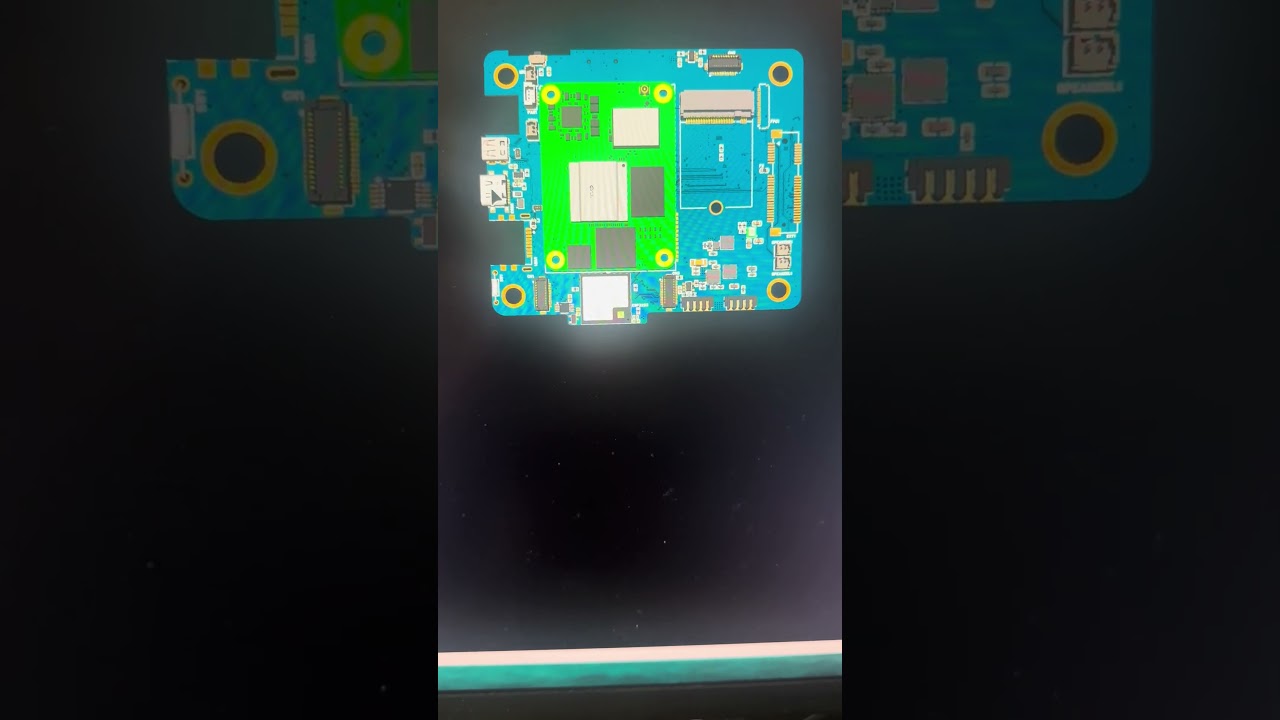
3 Likes
Trying to do this mod as described here. Is the only thing necessary to solder those two test pads together? Is there something else that needs to be removed/added?
I’ve connected the two pads and the uconsole partially responds to a held power button. It seems to shut down some portion of the device, but my nvme drive power indicator stays on, along with the green light on the power button, and the display backlight stays on as well.
CM5 is a 108000, still booting off the micro sd, not the nvme (yet).
You also need remove R120
1 Like