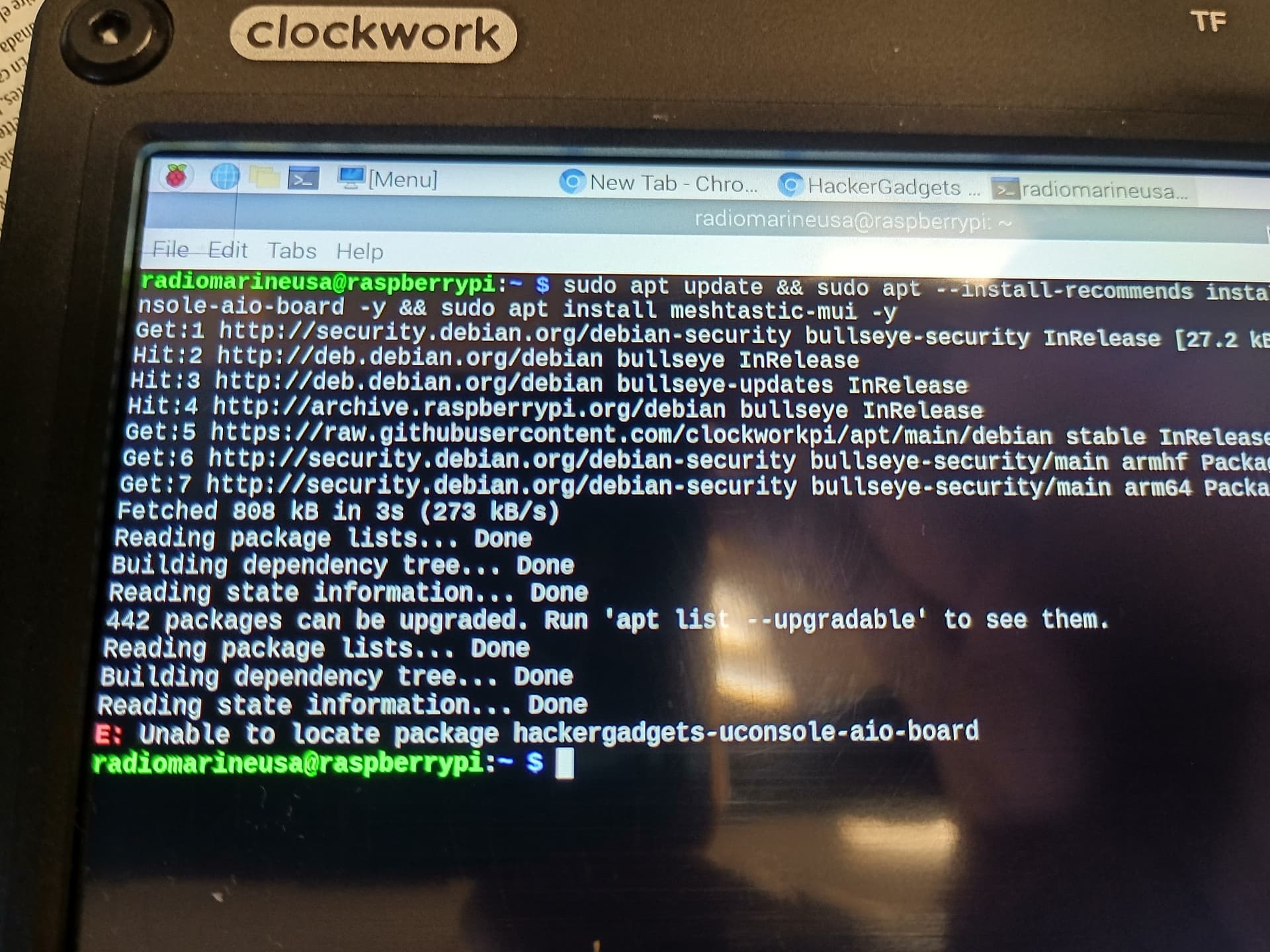
osiris@clockworkpi:~ $ sudo apt update && sudo apt --install-recommends install hackergadgets-uconsole-aio-board
Hit:1 http://deb.debian.org/debian bookworm InRelease
Hit:2 http://deb.debian.org/debian-security bookworm-security InRelease
Hit:3 http://deb.debian.org/debian bookworm-updates InRelease
Get:4 https://raw.githubusercontent.com/ak-rex/ClockworkPi-apt/main/bookworm stable InRelease [2,684 B]
Hit:5 http://archive.raspberrypi.com/debian bookworm InRelease
Fetched 2,684 B in 1s (1,904 B/s)
Reading package lists... Done
Building dependency tree... Done
Reading state information... Done
104 packages can be upgraded. Run 'apt list --upgradable' to see them.
Reading package lists... Done
Building dependency tree... Done
Reading state information... Done
The following NEW packages will be installed:
  hackergadgets-uconsole-aio-board
0 upgraded, 1 newly installed, 0 to remove and 104 not upgraded.
1 not fully installed or removed.
Need to get 0 B/1,516 B of archives.
After this operation, 0 B of additional disk space will be used.
Selecting previously unselected package hackergadgets-uconsole-aio-board.
(Reading database ... 124288 files and directories currently installed.)
Preparing to unpack .../hackergadgets-uconsole-aio-board_1.35_all.deb ...
Unpacking hackergadgets-uconsole-aio-board (1.35) ...
Setting up initramfs-tools (0.142+rpt4+deb12u3) ...
update-initramfs: deferring update (trigger activated)
Setting up hackergadgets-uconsole-aio-board (1.35) ...
deb http://download.opensuse.org/repositories/network:/Meshtastic:/beta/Raspbian
_12/ /
Hit:1 http://deb.debian.org/debian bookworm InRelease
Hit:2 http://deb.debian.org/debian-security bookworm-security InRelease
Hit:3 http://deb.debian.org/debian bookworm-updates InRelease
Get:4 https://raw.githubusercontent.com/ak-rex/ClockworkPi-apt/main/bookworm sta
ble InRelease [2,684 B]
Hit:5 http://archive.raspberrypi.com/debian bookworm InRelease
Get:6 http://download.opensuse.org/repositories/network:/Meshtastic:/beta/Raspbi
an_12  InRelease [1,899 B]
Get:7 http://download.opensuse.org/repositories/network:/Meshtastic:/beta/Raspbi
an_12  Packages [1,877 B]
Fetched 6,460 B in 2s (3,515 B/s)
Reading package lists... Done
Building dependency tree... Done
Reading state information... Done
104 packages can be upgraded. Run 'apt list --upgradable' to see them.
A restart is required for changes to take effect.
To set RTC do (sudo hwclock -w) after reboot and time is acquired
Processing triggers for initramfs-tools (0.142+rpt4+deb12u3) ...
update-initramfs: Generating /boot/initrd.img-6.12.40-v8-16k+
mkinitramfs: failed to determine device for /
mkinitramfs: workaround is MODULES=most, check:
grep -r MODULES /etc/initramfs-tools

Error please report bug on initramfs-tools
Include the output of 'mount' and 'cat /proc/mounts'
update-initramfs: failed for /boot/initrd.img-6.12.40-v8-16k+ with 1.
dpkg: error processing package initramfs-tools (--configure):
 installed initramfs-tools package post-installation script subprocess returned
error exit status 1
Errors were encountered while processing:
 initramfs-tools
E: Sub-process /usr/bin/dpkg returned an error code (1)
osiris@clockworkpi:~ $
Currently getting this issue. Mesh isn’t loaded but the others are. Running onCM4
After install the AIO Board package, will this package install with the OS that. Comes with the UConsole or do I have to install Debian OS, Here’s the fault that I get,
Yes you are using the stock clockworkpi image. It runs Debian 11 bullseye. My images are newer I have Debian 12 bookworm & 13 Trixie available. I’m updating the Trixie image as we speak. The apt repo the package is on is my own and is already included in my Debian based images. You might have success adding it to bullseye through. You can add it from my GitHub links is in my profile. I’d flash a newer image myself though.
I wanted to chime in with another report of a failed SDR chip or something to that effect. It’s not showing up in lsusb, even after re-seat and a fresh install of Rex’s bookworm. It seems like I’m not the only one and despite it being what seems like a relatively uncommon issue, is there any indication as to what causes it? If it’s something related to how I’m handling the chip during install, I’d love to know so I can avoid it in the future.
Fortunately, LoRa and GPS still work fine. Something odd of note, when I first installed it, I did see it popup in SDR++ briefly with no serial number but it did not function. After that, nothing.
Yeah, I’m already engaged with Vileer about it. Mainly posting in case others come across it and to see if anyone had information about what causes it so I can avoid it happening, if possible.
I appreciate the work you do, by the way! It’s pretty amazing.
I already have the CM5, and the Aio kit +antenna… im about to received the C
Uconsole next week
So, is the REX of the image (like the Dragon OS) already got the driver for the board, or i need to follow the installation instructions?
And I’m wondering if someone use the Kali image instead, and install the app describe on the top of this thread (and if you to work well)
I’m puzzled if i will stay with booting with to microSD card (one with DragonOS, one with Kali).. Or if i will purchased the other kit made by HackerGadgets… the one with the SDR M2 (and then, stay with one image)…
Or maybe simply change boot order to have booth…
BTW… thanks for that time spent to create those Awsome tools
This package is currently only made to work with debian bookworm or trixie. Kali has been reported to not work with this package, when I get some time I’ll looking to it and see what I have to change to get it all installed.
So the Bookworm kit on the shared gDrive (latest version is 6.12.45) + following the instructions and I’m good to go with the CM5 (unless the Firmware is not updated.. But i purchase it 2 month ago.. Hope it’s already ok)
I have been noticing odd behavior on my Meshtastic and only now am getting to raising the question. Everything seems normal and working until I try sending something from my uC. It seems that I cannot transmit. After a few seconds, the message box turns red so I started the UI from a terminal to see the output. Here is a relevant part of the log. Does anyone have an ideas?
the red box means your device did not receive a acknowledgement from another node that it received the message. do you have a second node? if in the USA, in the web settings under LoRa config set the channel to 20.
Thank you! I turned on another node that I have and now the box does turn green. I guess I was confused by the lines in the log saying “routing tag variant: 3, error 5” and “rmoving request ec8f1968” etc.
I loaded your ClockworkPi-ParrotSecurity-6.12.45 image, with the same results. I was able to edit the region, time and date though. Please forgive my current lack of knowledge for figuring this out. I am a server and cloud systems engineer, but have only recently delved into the world of Raspberry Pi. Still learning the ropes so to speak. The uConsole is actually my first Pi device.
Hi Rex. Love your work. Been running a fresh load of your ClockworkPi-ParrotSecurity-6.12.34 image, and tried to load your hackergadgets-uconsole-aio-board package. It will install Meshtastic, PyGPSClient and tar1090. SDR++ Brown is missing. Meshtastic and PyGPSClient are working. However tar1090 will not launch. I also am unable to verify RTC because it appears you can’t set or edit the time or date. The Time and Date Manager in your build of Parrot is locked out. It opens, but nothing can be changed. Thank you for any help you can provide, and do provide with your distros and packages for everyone! You are very much appreciated!