To enter the CM5 boot menu at power on !. There must be a way we can impliment this on Uconsole. Two keyboards, one only having one button (space) ?
I’m not sure it’s possible, the v5 mainboards don’t power USB by default because of a shutdown power issue with the old cm3.
And I assume that includes the keyboard power too.
1 Like
There must be a way as announced by Raspberry ! (latest firmware).
Maybe a very basic low power keyboard (<1A, no backlights etc) connected to the internal usb might work… If so then we need a USB dongle and switch that mimics just a keyboard space bar.
E.g. Amazon (melairo Mini Keyboard Macro Keypad RGB DIY)… Program as space bar, remove housing, backlights and switch. Wire direct to usb and push switch on Uconsole side panel.

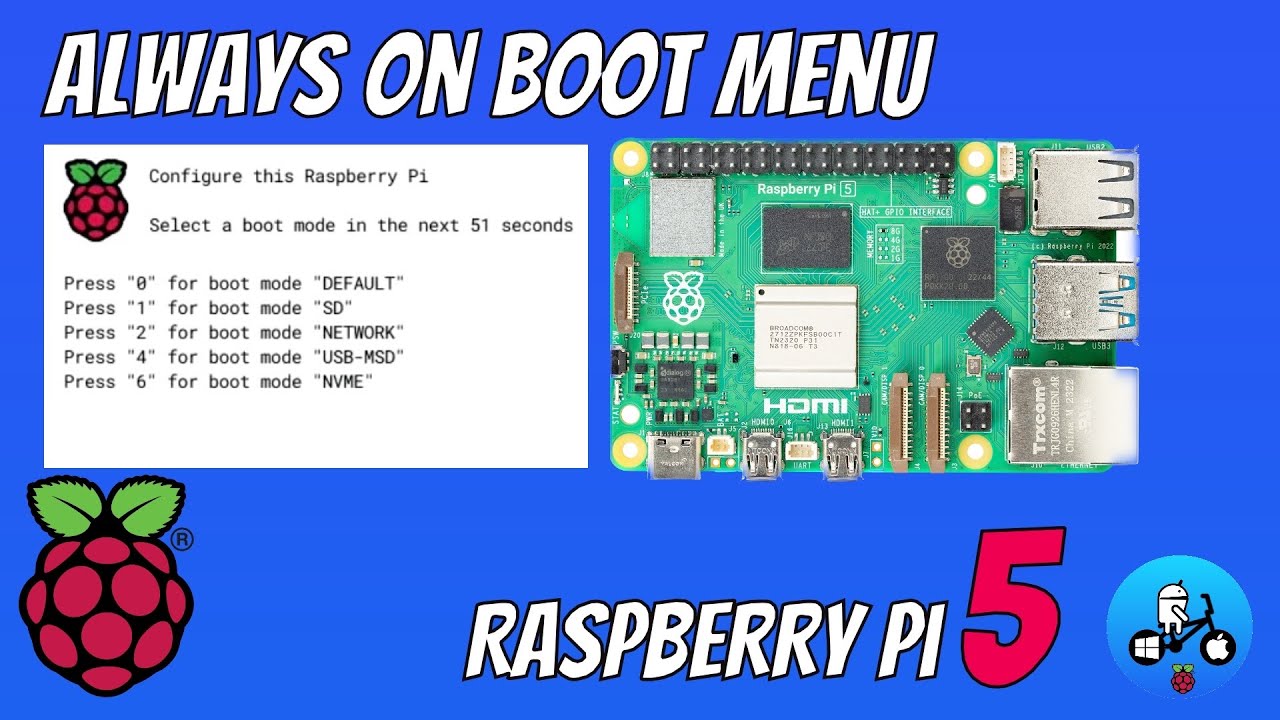
the usb ports don’t turn on until the kernel is loaded, you can’t boot from USB either
As the DSI video output needs a custom driver it’s unlikely any sort of boot screen could be done without considerable porting work. Multiple people have asked about that here. Even if you did get it working:
I hadn’t seen Void and PostmarketOS at the time; they differ more than Debian and Arch, being runit+musl and OpenRC+musl distributions instead of SystemD+glibc or SystemD+glibc (all respectively), but still do much of the same.
1 Like