How much ram does ubuntu take, out of the 128mb of total ram. And are you talking about ubuntu CLI or GUI??
Also, any OSs fit on 1gb micro sd card with a GUI or a TUI for the luckfox lyra? And which OSs also support the sd card slot on the PicoCalc?
What is the current status of Astralixi?
I thought you were even developing your own operating system.
I am seeing lot of Buildroot SDK build based image building tutorials.
Was wondering how the ubuntu image was modified to support the pico hardware peripherals like the keyboard , display and the speaker.
Is there a step by step guide for that ?
for a short time luckfox released an ubuntu image, then retracted it in the next release of the SDK due to legal questions AFAIK. I believe there will eventually be an armbian port, based on rumblings I’ve heard, but I don’t know much more than that. I personally decided to stay away from Ubuntu because it seemed like it would be a bit rough to use in the small amount of ram.
Also note that @markbirss has donr a lot of experimentation with higher memory Lyra boards than the 128 mb model that fits in the picocalc, by printing modified backplates and having adapter boards made. I assumed he was using one of those because of the usb stick that appears to be sticking up out of the top of the picocalc to the left.
1 Like
if you find a guide, let me know and I’ll get a copy of it up in the calculinux docs.
that gives some clarity.
I found this in @markbirss repo.
Will build this and see if I can get a vanilla ubuntu 24.04 for Pico calc. His prebuilt image has some lora stuff prebuilt into the ROM but was powerful enough and well configured to build the kernel modules from the device.
I used @cjstoddard repo info to add support for my wifi chip
Overall these guys have kept the dev community live with their dedication and contribution.
2 Likes
I am, but it’s final version wont be done until next year June. So I wanna run some other OS until then.
Where can I get a working buildroot with a GUI or a TUI for the PicoCalc, pre built?
Where here can I find the necessary files for the OS, the display, and the keyboard?
i admire your stubbornness, it will become a powerful driving force as soon as you learn to control it and use it for productive ends rather than ignoring answers that were already given to you just because you think they’re inconvenient
5 Likes
I’m currently just asking how can I get the necessary files right now, to run lightweight linux with a GUI on my PicoCalc.
just install ubuntu and remove the GUI, no need to overcomplicate stuff
but how do I install ubuntu on my PicoCalc?
The sdk was modified to include the picocalc drivers in the kernel tree. So when you compiled the drivers will load with the modified device tree entries.
Further i went to modify the used ubuntu.tar already upgraded to 24.04.x
1 Like
I have 2 PicoCalc
the one with USB wifi sticking out is the 128mb Luckfox Lyra
the other Zero W 512mb already has wifi and ble
The Luckfox Lyra Pi W version with onboard emmc performs much better to boot up XFCE4
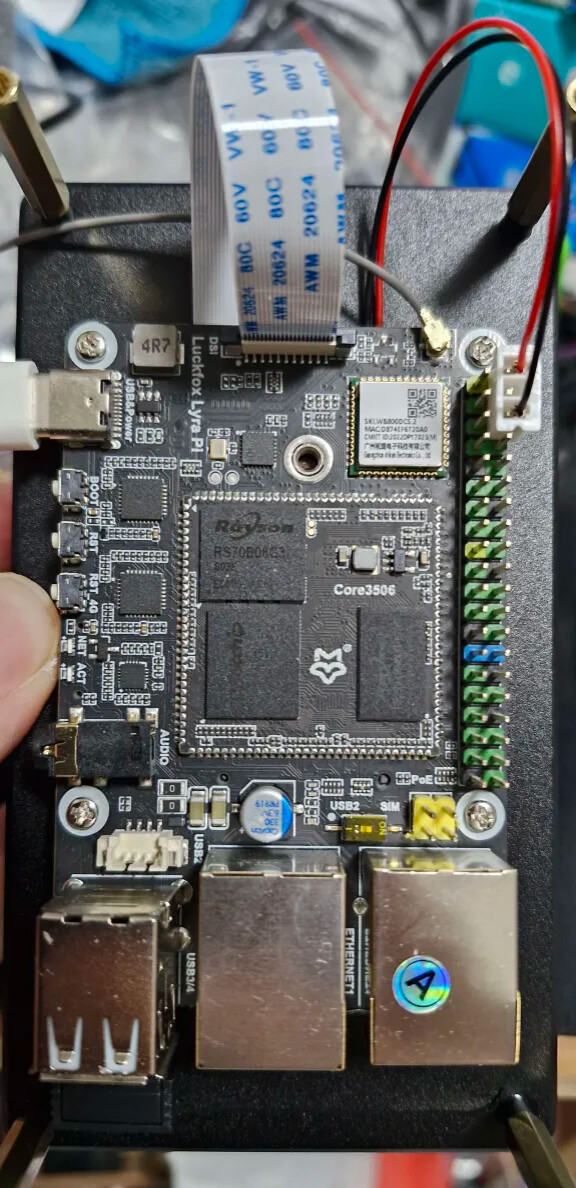

it a 5 inch mipi display on the other side
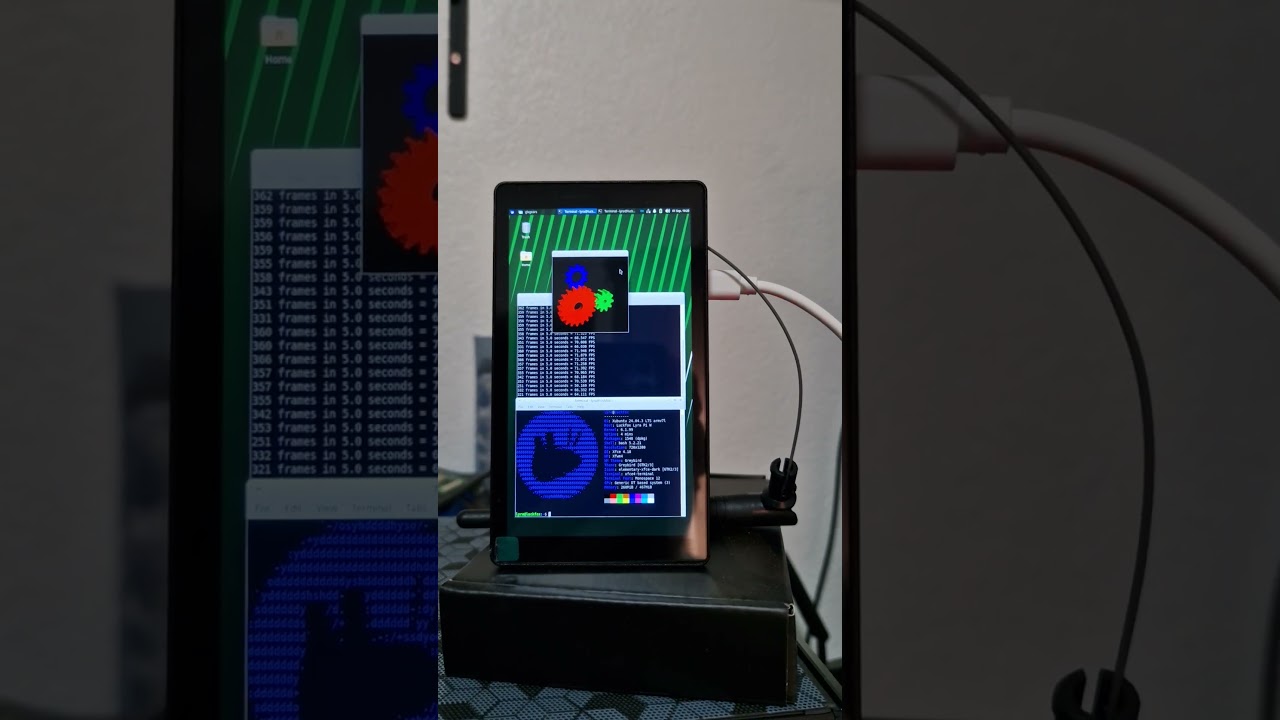
Not able to find the steps you followed anywhere ?
Can you share them ?
It would be a good learning material and starting point for many who want to build embedded linux systems.
I am not able to go beyond building a read only root using buildroot.
Thanks for the guidance.
some of the stuff were posted in this thread. sorry dont have a guide. take some time to look at how the sdk works - the last lyra ubuntu sdk is still avaialable from google drive -
backup - 2503
or look at
or follow along with
a number of us have already joined @benklop and others on his discord server
2 Likes
Ok now I understood the reason for going for a prebuilt ubuntu rootfs.
Pico has become a good learning tool
- with support for on device c/c++ compiler
- ability to build kernel modules on device
- disassemble arm code
- step and debug c/mixed assembly code
- vim/nano/mle/tilde runs well
- running python code
- net access via lynx
Possibilities are endless
Have to see if it can act as a mqtt server , modbus/can logger etc.
Maybe try to make xfce work for simple GUI apps on TKinter.
Thanks to the dev team.
Would using Ubuntu with lxde eat my RAM? (On the lyra btw not the zero)