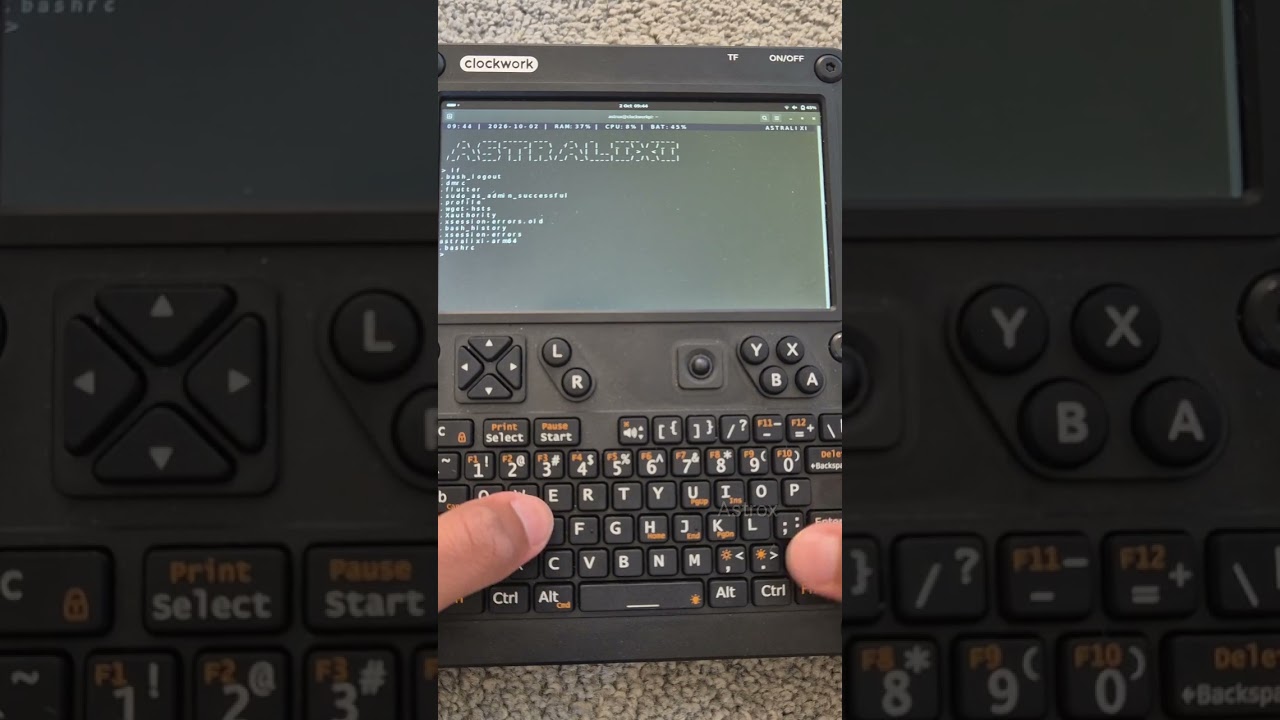
…any chance you can make a video tutorial how you got the AI going as well?
Like how I made it run on my uconsole?
yea this would be an interesting thing to watch, needless to say replicate
1 Like
Will add that to my content ideas, but don’t expect it to be uploaded too soon. And it will be a yt short by the way if your okay with that. Cause content is content.
looking forward to your os project in general and will certainly closely follow it with great interest, also dw about time, just if you ever feel like it, if not then not.
1 Like
ollama and llama.cpp both work on Arch Linux ARM, though ollama censors tool output. I use dolphin-llama3; my bare minimum is that an LLM assistant must be able to tell me how to “cook meth” without complaining about me hurting myself, because I refuse to use restricted tools. dolphin-llama3 through ollama won’t, but through llama.cpp will. So far I haven’t found any interesting uses for LLMs, though, as anything not worth a human writing is usually not worth a human reading or running.
I don’t quite understand how an LLM that could run on a uConsole could meet the bar of “employee” within a programming collective. It isn’t much more complex than a compiler.
2 Likes
23/04/26
Hello everyone!
I just want to put it out there that I have been using the uConsole as my daily driver, main computer for the last month!
I plan to continue indefinitely with it as my daily driving computer, and I plan to upload a daily driver update soon!
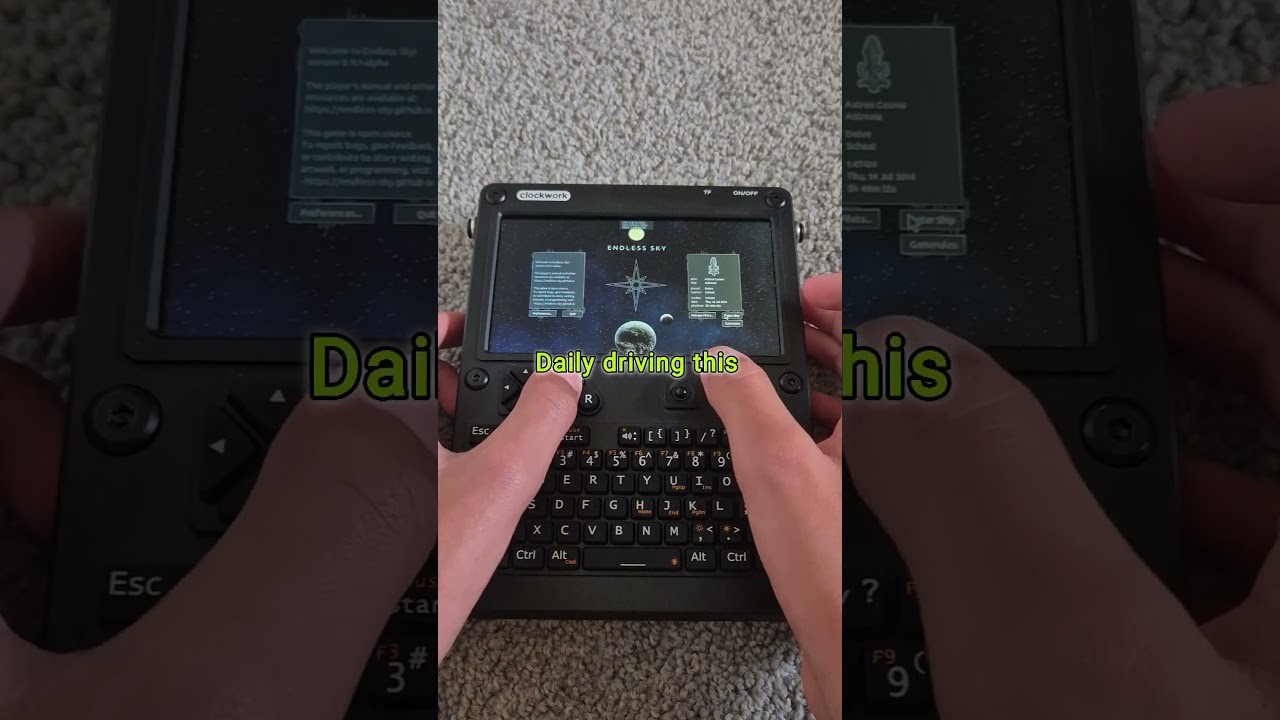
I watched your video but was disappointed to find no new information about the uConsole. The actual content was the same as your others’.
Will take that feedback in, for future updates, I realised that too after uploading, that I didn’t really add any new information.
Thanks.
05/05/26
I have a micro-hdmi cable now. I’ve been daily driving the uConsole for over a month. It doesn’t feel weird anymore for using the uConsole as my main daily driver. I have got used to it.
If you have any questions about my daily driving experience, feel free to send them.
This, sir, is genius!
1 Like
>Can you provide a link to a magnetic head, that’s cheap, and works with the uconsole?
Doesn’t Google or whatever work in your country? You are asking somewhat naive questions that a rudimentary search or Gemini whatever can answer for you.
What do you mean “works with the uconsole”. This is simple hardware with no drivers. It either works or it’s defective. I apologize to come off agro, but com’on.
I saw your post on the other thread. I haven’t yet, but as soon as possible I recommend getting the hackergadgets ssd upgrade, as if something happens to the microSD or if it’s too slow, SSD is always available.
Also if you have a monitor spare, I recommend getting a micro-hdmi to hdmi cable, to display your uConsole on a bigger screen, and have a keyboard and mouse for long sessions.
Thank you, @Astrox . I can always SSH into the thing, I’m not in the pursuit of replacing my MBP M5 with uConsole. I am more interested in getting the “bare metal” experience right now. Out of the box, the system’s UI requires a magnifying glass for me to use it, that’s my main pain point atm.
Did you try the screen scaling setting?
We’re approaching 2 months of fully daily-driving the uConsole!
I love it.
Been daily driving the uconsole for 5 months now! Anyone else?