Can you tell me the output of the command below?
cat /sys/class/backlight/backlight@0
Can you tell me the output of the command below?
cat /sys/class/backlight/backlight@0
It is dir.
/bl_power?
cat /sys/class/backlight/backlight@0/bl_power
while screen off:
4
while screen is active:
0
ls -la /sys/class/backlight/backlight@0/
cat /boot/firmware/config.txt
ls -tlra /sys/class/backlight/backlight@0/

-rw-r--r-- 1 root root  16384 мар 16 11:43 uevent
drwxr-xr-x 3 root root      0 мар 16 11:43 ..
drwxr-xr-x 3 root root      0 мар 16 11:43 .
-r--r--r-- 1 root root  16384 мар 16 11:43 type
lrwxrwxrwx 1 root root      0 мар 16 11:43 subsystem -> ../../../../../class/backlight
-r--r--r-- 1 root root  16384 мар 16 11:43 max_brightness
lrwxrwxrwx 1 root root      0 мар 16 11:43 device -> ../../../backlight@0
-r--r--r-- 1 root root  16384 мар 16 21:53 scale
drwxr-xr-x 2 root root      0 мар 16 21:53 power
-r--r--r-- 1 root root  16384 мар 16 21:53 display_name
-r--r--r-- 1 root root  16384 мар 16 21:53 actual_brightness
-rw-r--r-- 1 root root  16384 мар 16 21:58 bl_power
-rw-rw-r-- 1 root video 16384 мар 16 22:02 brightness
[all]
ignore_lcd=1
max_framebuffers=2
disable_overscan=1
dtparam=audio=on
dtoverlay=audremap,pins_12_13
dtoverlay=dwc2,dr_mode=host
dtparam=ant2

[pi4]
#dtoverlay=clockworkpi-devterm
dtoverlay=clockworkpi-uconsole
dtoverlay=vc4-kms-v3d-pi4,cma-384
dtparam=spi=on

[pi5]
dtoverlay=clockworkpi-uconsole-cm5
dtoverlay=vc4-kms-v3d-pi5,cma-384
dtoverlay=spi0-0cs
dtparam=pciex1=off
dtoverlay=test-rp1-audio-out

##only edit the section of the pi you have, other section will be ignored.
##if you have a devterm uncomment devterm and comment out entries with uconsole.
Could you put initial_turbo=0
on your config.txt?
systemd initialize the daemon too early i think.
If true, i must make my script lazy
cant see any difference with config:
[all]
initial_turbo=0
ignore_lcd=1
max_framebuffers=2
disable_overscan=1
dtparam=audio=on
dtoverlay=audremap,pins_12_13
dtoverlay=dwc2,dr_mode=host
dtparam=ant2

[pi4]
#dtoverlay=clockworkpi-devterm
dtoverlay=clockworkpi-uconsole
dtoverlay=vc4-kms-v3d-pi4,cma-384
dtparam=spi=on

[pi5]
dtoverlay=clockworkpi-uconsole-cm5
dtoverlay=vc4-kms-v3d-pi5,cma-384
#dtoverlay=spi0-0cs
dtparam=pciex1=off
#dtoverlay=test-rp1-audio-out
enable_uart=0
I think it’s working well.
Your default clock range is
Min: 1500000
Max: 2400000
And
In the sleep state
Min: 1500000
Max: 1500000
It has the expected value of.
If wake up from a sleep state, it changes as follows.
Sleep → Wake
1.5GHz~1.5GHz → 1.5GHz~2.4GHz
Set arm_freq_min in config.txt to lower the minimum clock further if you want
Example: arm_freq_min=300
If you apply this, the expected value is as follows.
Sleep → Wake
0.3GHz~0.3GHz → 0.3GHz~2.4GHz
sudo ./sleep_power_control
/sys/bus/usb/devices/1-1.1/power/autosuspend_delay_ms = 0
saving_cpu_freq_min: 1500000
saving_cpu_freq_max: 1500000
default_cpu_freq_min: 1500000
default_cpu_freq_max: 2400000
cpu freq max: 2400000
cpu freq min: 1500000
Error occurred: [Errno 16] Device or resource busy, on init. ignored
Monitoring /sys/class/backlight/backlight@0/bl_power for changes...
cpu freq max: 2400000
cpu freq min: 1500000
Error occurred: [Errno 16] Device or resource busy
kb power state: unbind
cpu freq min: 1500000
cpu freq max: 1500000
cpu freq max: 2400000
cpu freq min: 1500000
kb power state: bind
kb power state: unbind
cpu freq min: 1500000
cpu freq max: 1500000
The above error is because you duplicated it with the system daemon.
Thank you for clarification
The power button didn’t remap. How do i manually do it or trigger it?
Will this work on al the different OS available from rex inc bookworm etc?
Got it working on the Dragon OS worked perfectly thank you. I will test it on Bookworm and ubuntu.
Hi @paragonnov! Great stuff. Thank you very much for developing this.
I have a little problem with the sleep-power-control.service. It does not start as intended:
$ sudo systemctl status sleep-power-control.service
× sleep-power-control.service - Sleep Power Control Based on Display and Sleep State
     Loaded: loaded (/etc/systemd/system/sleep-power-control.service; enabled; preset: enabled)
     Active: failed (Result: exit-code) since Sun 2025-06-29 22:09:12 BST; 12h ago
   Duration: 467ms
    Process: 871 ExecStart=/usr/local/bin/sleep_power_control (code=exited, status=1/FAILURE)
   Main PID: 871 (code=exited, status=1/FAILURE)
        CPU: 465ms

Jun 29 22:09:12 clockworkpi systemd[1]: sleep-power-control.service: Scheduled restart job, restart counter is at 5.
Jun 29 22:09:12 clockworkpi systemd[1]: Stopped sleep-power-control.service - Sleep Power Control Based on Display and Sleep State.
Jun 29 22:09:12 clockworkpi systemd[1]: sleep-power-control.service: Start request repeated too quickly.
Jun 29 22:09:12 clockworkpi systemd[1]: sleep-power-control.service: Failed with result 'exit-code'.
Jun 29 22:09:12 clockworkpi systemd[1]: Failed to start sleep-power-control.service - Sleep Power Control Based on Display and Sleep State.
From what I see it cannot find a USB device:
$ sudo /usr/local/bin/sleep_power_control
Traceback (most recent call last):
  File "sleep_power_control.py", line 62, in <module>
Exception: there's no matched kb
[PYI-15095:ERROR] Failed to execute script 'sleep_power_control' due to unhandled exception!
In the source code I find out you are looking for these ids=["feed:0000", "1eaf:0003"]. But non of these is present in my system:
$ lsusb
Bus 001 Device 004: ID 1eaf:0024 Leaflabs uConsole
Bus 001 Device 002: ID 05e3:0608 Genesys Logic, Inc. Hub
Bus 001 Device 001: ID 1d6b:0002 Linux Foundation 2.0 root hub
I am running bookworm as provided by @Rex. Ref: Bookworm 6.6.y for the uConsole and DevTerm
I guess 1eaf:0024 looks kind of similar to what you are looking for. Do you think I can just add it to the list and recompile the package or the problem may be more complex than that?
Thanks!
I’m still having random screen rotation issue…, is it possible to bypass this step? it doesn’t always happen, but when it happens it’s pretty hard to recover from unless do a reboot.
Any chance this is renaming /usr/bin/lxde-pi-shutdown-helper to /usr/bin/pishutdown? Appears to break the logout command on main menu.
If you use SWAY, you can add such lines to the config
### Idle configuration
exec swayidle -w \
    timeout 300 'swaymsg "output * dpms off"; \
                swaymsg "input 7855:36:ClockworkPI_uConsole_Mouse events disabled"; \
                swaymsg "input 7855:36:ClockworkPI_uConsole_Keyboard events disabled"; \
                swaymsg "input 7855:36:ClockworkPI_uConsole_Consumer_Control events disabled"' \
    resume 'swaymsg "output * dpms on"; \
            swaymsg "input 7855:36:ClockworkPI_uConsole_Mouse events enabled"; \
            swaymsg "input 7855:36:ClockworkPI_uConsole_Keyboard events enabled"; \
            swaymsg "input 7855:36:ClockworkPI_uConsole_Consumer_Control events enabled"'
This will turn off the display, keyboard and mouse after 5 minutes of inactivity. And turn it back on when you press the power button.
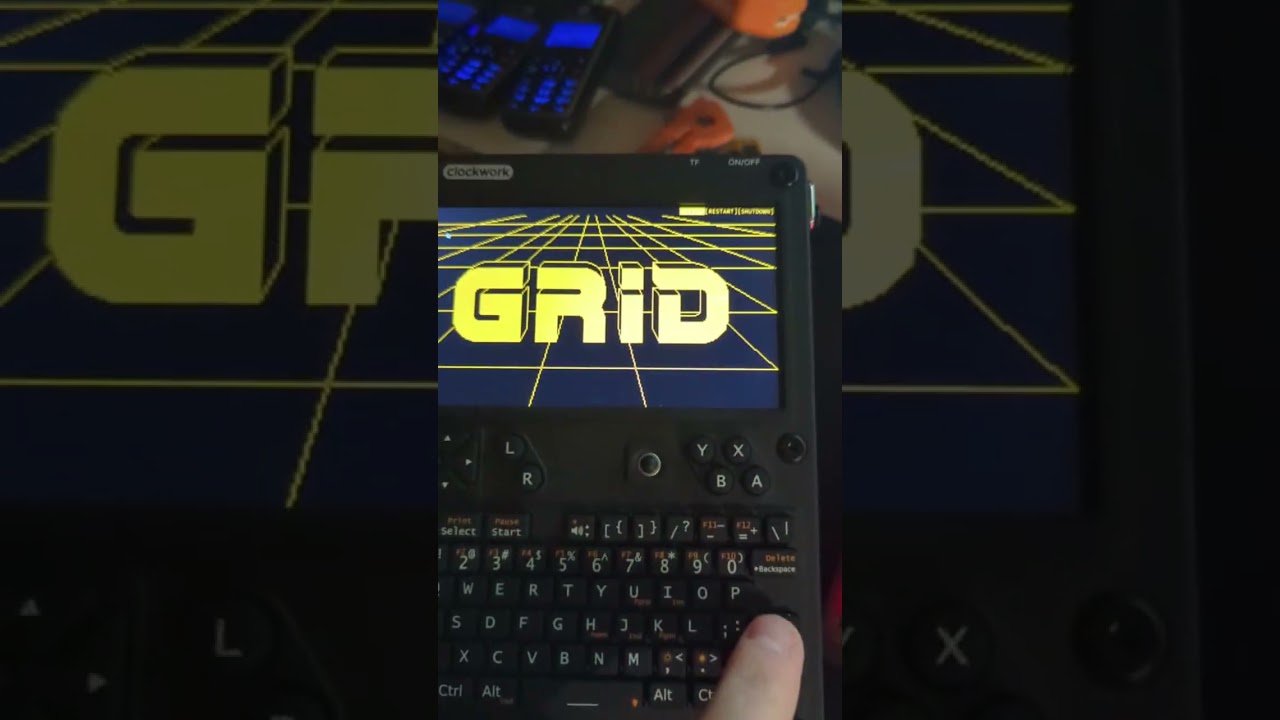
I used crutches for the sake of customization and maintaining a single style. I did some magic with TOFI and got a great menu for the power key.
Note that these identifiers can change from system to system (I don’t know if this differs between units or between firmware versions). For example, your mouse is 7855:36:ClockworkPI_uConsole_Mouse and mine is 65261:0:Clockwork_uConsole_Keyboard_Mouse. One can determine one’s device identifiers with $ swaymsg -t get_inputs.
And there’s still some work to do. Install swayidle (sudo apt install swayidle) and disable processing of short presses of the power button (sudo nano /etc/systemd/logind.conf)
HandlePowerKey=ignore
HandlePowerKeyLongPress=poweroff
hey, what key did you choose for $mod?