That was an inspiring code. Therefore i have converted it to Python with PyGame and run it on my laptop: (I know it is not fair, sorry)
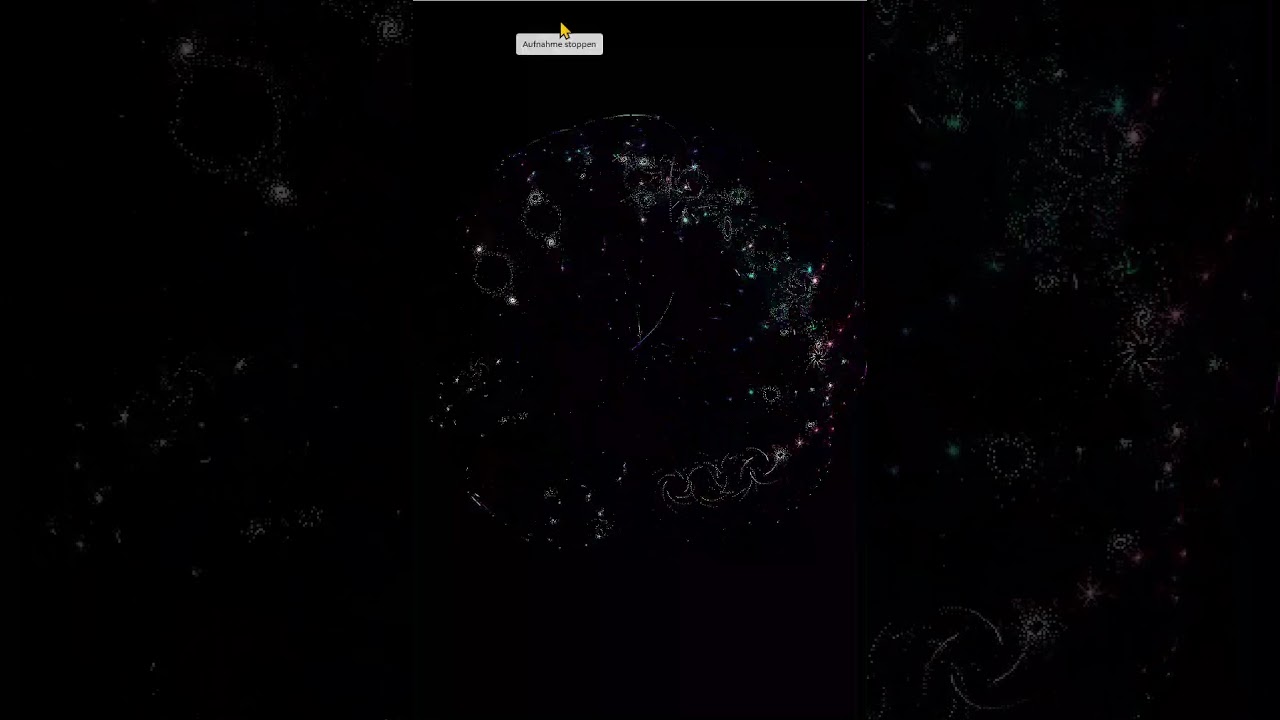
import pygame
import math
import time
import sys
w = 160
n = 160
step=2
r = math.pi*2/n
x,y,t = 0,0,0
pygame.init()
window = pygame.display.set_mode((w*2,n*2))
running=True
while running:
   for event in pygame.event.get():
     if event == pygame.QUIT:
         running=False
     elif event.type == pygame.KEYDOWN:
         if event.key == pygame.K_q:
            running=False
   window.fill(pygame.Color(0,0,0))
   for i in range(0, n-1,step):
      for c in range(0, n-1,step):
        u = math.sin(float(i)+y)+math.sin(r*float(i)+x)
        v = math.cos(float(i)+y)+math.cos(r*float(i)+x)
        x = u + t
        y = v
        px=u*n/2+w/2
        py=y*n/2+w/2
        pygame.Surface.set_at(window,(int(px+n/2), int(py+n/2)), pygame.Color(math.floor(i/n*255),math.floor(c/n*255),168))
   pygame.display.update()
   t=float(t)+0.01
   #time.sleep(0.1)
pygame.quit()
sys.exit()
Update: Fixed the code for pressing “q” to exit.