My red LED comes on and I don’t even have an M.2 device installed yet. Make sure the contacts on the battery board are firmly in their slots on the adapter board. It’s possible to screw down the battery board and still not have the power connectors right.
1 Like
I checked the connections, and they are fine but no red light, i have pluged another pci express hat into the conector on the cm5 board and that lights up so i think either the ribon cable is faulty or the battery board is faulty at this point.
edit: I am dumb
post character limit
just found dtparam=pciex1=off in my config.txt just changed it to just dtparam=pciex1 and it now sees the drive on my nvme hat so am just going to try the socket on the battery board again to see if that works now that the config.txt file has been changed, one to look out for as i used a trixie build from this group for the cm5 so others might also have it set to off.
1 Like
still nothing from the battery board but i have a work around for now, need to look at making contact to get it looked at.
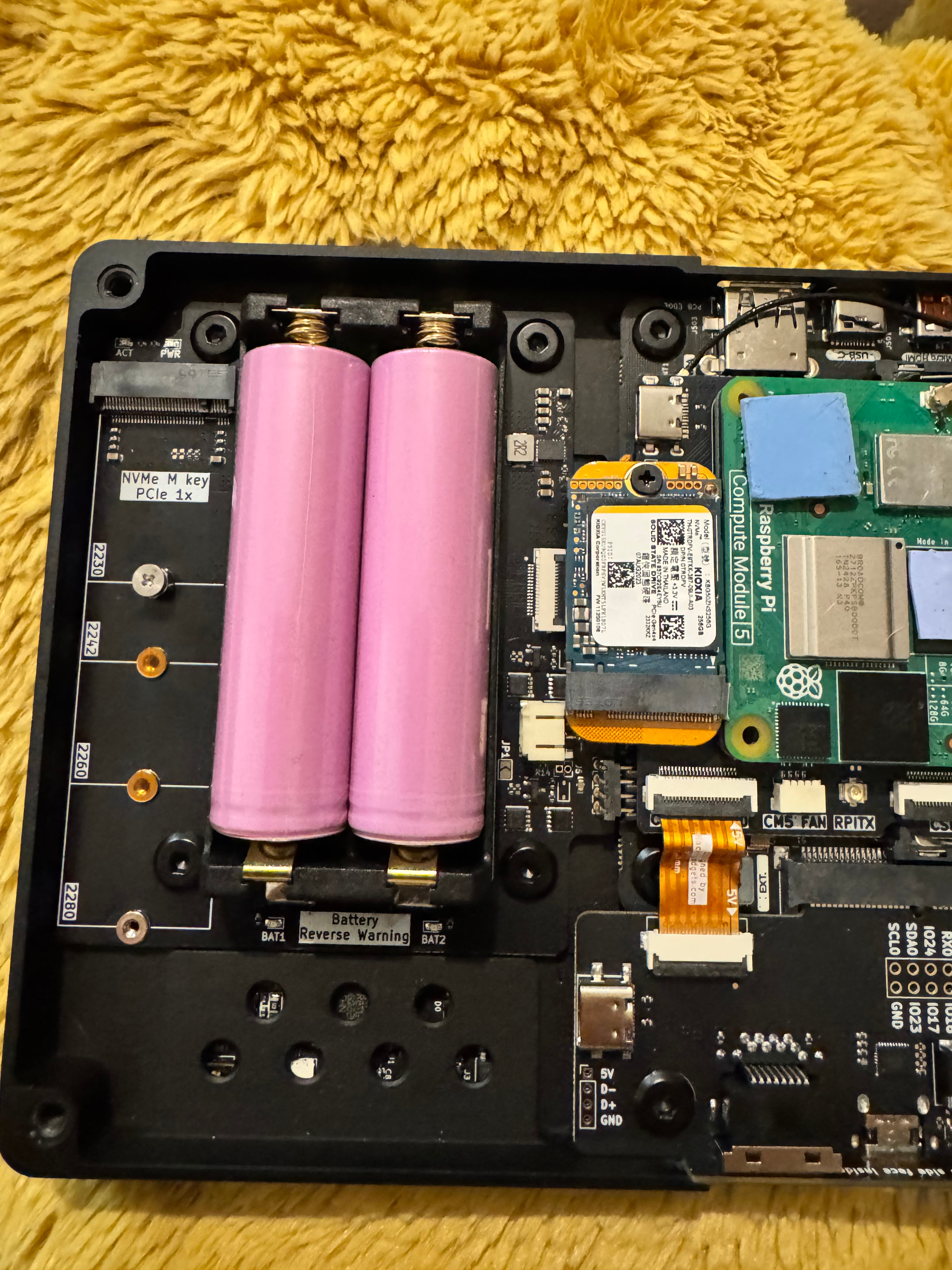
2 Likes
In my case, the issue was that I am an idiot and attached the ribbon cable backwards. 
1 Like
do you have a picture of the correct way?

The RTC connect is MX1.25.
Many thanks Vileer and just to say the boards look great, thanks for your hard work 
1 Like
That’s how I was installing it thanks for the picture. Do you have any idea of what I can do to test what the fault might be?
Do you mean you can detect the SSD with other Pi hat connect to the adapter board, but can’t detect it when the battery board was connected to the adapter board?
The 5V above the connector should have given it away.
I did also not see it the first time 
yes, i have it now running from a SSD using the very small m.2 adaptor you can see in my picture for now and it allows me to close up the back cover no problem.
What kind of RTC can be used and exactly how can we hook it up? Are there instructions somewhere?
It’s just for a battery iirc, the CM5 has a built in rtc
I must say these updated boards are amazing, the eithernet and USB 3 board makes so much difference and the SSD is making my 8gb RAM CM5 run so fast compared to the EMMC, brilliant work done on this thanks.
3 Likes
Those of us still waiting, LMAO.
Taking note over here for when it’s my turn 

My first one will be here tomorrow. I am going to take the day off to install it.
You’re taking the whole day? It takes more time to unscrew the screws than to install the boards!
Seriously, you’ll have a ball with your upgrade. Enjoy!