Este “uBasic”?
1 Like
uBasic by Adam Dunkels
1 Like
Can the starter kit, only be used on the rp2040 and the rp2350?
Like, not luckfox lyra, or any other similar boards?
It was written using the Pico-series C/C++ SDK.
No, it will not.
Blair, would it be correct to say it will only work with Pico1- or Pico2-”compatible” designs (f.e. Pimoroni Pico Plus, Plus2, etc.). The RaspPi Pico SDK and toolchain is generally limited to building for rp2040 and rp2350 SoCs, and its internal headers are tuned more specifically to Pico(1)- and Pico2-type SBC designs. Probably limited to ARM cores on RP2350, as well, right?
In any case, “Luckfox Lyra RK3506G2” has three ARM Cortex-A7 cores, an ARM Cortex-M0 core, and a host of other hardware and PSRAM / Flash interfaces, VDP, etc. It’s built on the Rockchip RK3506G2 SoC, and requires a VERY different toolchain than the Pico SDK provides. Where Pico SDK is Cortex-M (2040 is dual M0+, 2350 is dual M33 or dual Hazard3 RISC-V) the RK3506 is three Cortex-A7s plus a Cortex-M0 as low-power controller. Cortex-A7s are much more powerful “system-class” processors with MMUs etc., less “microcontroller” more “microcomputer” as it were. Lyra’s are really a whole level above the “tier” that the Pico’s live in, and are competitively better thought of as “extra-tiny Zero/Zero2-type RPi’s” than “Picos with a lot of added hw”.
Once you’re into Pico-pin-compatible variant SBCs like ESP32-S3-based parts, you’re not even dealing with ARM processor cores at all any longer. Instead those have Tensilica (/Cadence) LX7 cores, and wildly different physical memory maps, etc. Not only do you need different headers/BSPs and toolchains, you’re dealing with a completely different processor family (think ARM vs MIPS – and yes, I know the RP2350 SoC breaks the dang metaphor horribly, but I’m trying ;D ). Point is, by the time you’re putting an ESP32-S3-based “Pico-compatible” into a Picocalc, you’ve pretty much tossed software compatibility out the window, and need to understand the processor you have to get anywhere, Pico knowledge isn’t going to be of much use there.
Hope that helps!
-John W
P.S. There’s also a Luckfox Pico Plus M that’s based on the RV1103, another Rockchip SoC, which has a yet-different composition of cores and hardware, and requires yet different SDK (headers/BSP) and toolchain versus the RK3506.
The quick overall answer is: Know what you’re buying, and if you want to use Pico1/2-targeted software, then be certain you’re using a “Pico” based on RP2040 or RP2350. If you need lots of resources beyond what Pico or Pico2 offer, consider the Pimoroni Pico Plus / Plus2 (W).
2 Likes
Just my opinion, but unless you’re really “desperate” to run Linux, or willing to do an inordinate amount of spelunking to dig out hardware details, Luckfox options are probably going to be too much of a hassle for most.
Rockchip TRMs are available for both the RV1106 and the RK3506GM, but they’re incomplete, esp. for the RK3506GM which at last check was missing fairly important info regarding graphics/video mgmt. Unless you plan to live in their binaries-provided Linux distro, or are comfortable starting from nothing at all, using Luckfox offering will be a slog and a half.
Just a friendly head’s up, not trying to scare folks away, just give a clear picture of what you’ll be facing. I’ve got both Luckfox Lyra RK3506GM and Pico Plus, and they are very nice, well-equipped little SBCs, no question, but they require a time and effort investment that goes well beyond firmware updates and copying uf2s.
You’re basically starting from metal unless you’re using their Linux distro, and even getting that installed is an “involved” process. Again, if you need Linux, it’s the only decent choice, just understand the effort involved is quite a bit more than a normal Linux distro install.
If not using Linux, then you’re booting from hard reset, and will quickly discover a lot of info is missing or unclear in the TRM w.r.t. very early config. At that point you’ll need to examine the Linux src to figure it out, at which point a rude surprise is forthcoming, but I won’t spoil it for anyone.  Not impossible, but not an easy road to success by any means, either.
Forewarned is forearmed…no wait, that sounds off…anyway, point is know your limits and expect it to try and sneak past them more than a few times before you’re done.
Have fun!
2 Likes
Yes, the Pico-series C/C++ SDK only supports the RP2040 and the RP2350 microcontrollers and since this starter kit is written on this SDK, it does as well.
Hi, I tried to compile text-starter, created an in-source build directory where I invoked cmake -DPICO_SDK_PATH=xxxx -DPICO_BOARD=pico -B build -S ., it compiled just fine, and have a uf2 file (alongside .elf, .hex etc) which i flashed to my picocalc in bootsel mode. Then restarted and all I can see is a black screen.
I have BIOS_1.4 on my device. How can I find out what is wrong?
With Picoware, uf2loader I had success, but not with this. Maybe a hardware defect?
Let me put a pico 1 in my PicoCalc and see if I experience the same.
1 Like
I found the problem. Hopefully, I will have an updated release this evening.
2 Likes
This release corrects an initialisation error that affects the Pico 1 (RP2040) in the lcd driver. It also included a set of small changes since v0.10.
3 Likes
Thanks, it works fine. What a goldmine of code snippets!
2 Likes
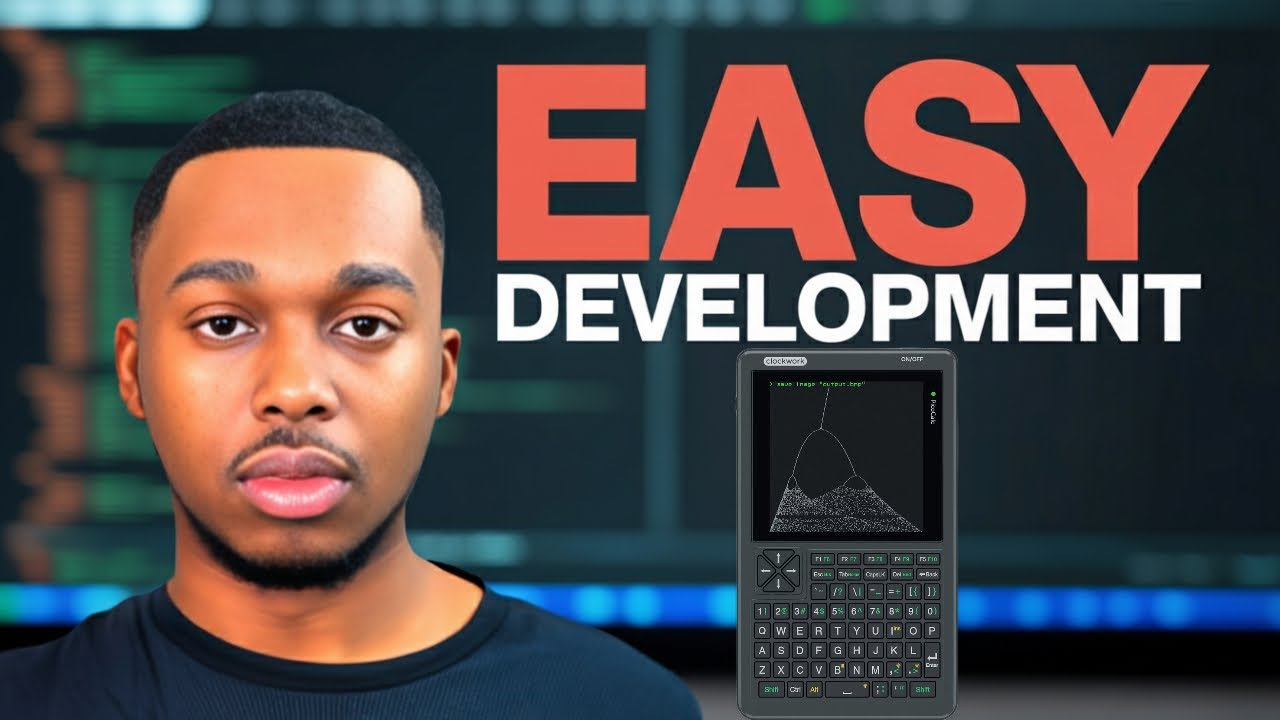
Here’s an upcoming tutorial/review of this project:
2 Likes
Hey, @jblanked, thank you for the focused video and your kind words.
1 Like
Yessir! thanks for your contributions to the community 
1 Like
Hello everyone,
Starting from the code and repository by BlairLeduc – thank you, BlairLeduc, for the great work – I’ve added a few more commands to get more familiar with the device.
In particular, I worked on:
- Command history management, allowing you to navigate and recall previously entered commands.
- Display of images in RGB565 format (examples:
picocalc.rawandtest_raw.raw). For this purpose, I created a Python utility calledimg2raw.py, which converts images from PNG, BMP, and JPEG formats into RGB565. - Support for the RTC DS3231 module. The
"time"command now displays the current date and time if used without parameters, or sets the RTC clock when a date and time are provided as parameters.
I’d also like to add that there’s a command to display the contents of a file in hexadecimal format
Since I’m Italian, there might still be some strings that haven’t been fully translated into English.
I hope this work proves useful to someone!
3 Likes
Hello everyone,
I’ve added a new command called viewtext that allows you to display text directly on the screen.
It’s a simple and lightweight feature, designed mainly for quick checks and debugging.
In addition, I’ve introduced a test implementation for tile and tilemap management, which can generate a complete screen layout.
On top of that, sprite handling has been integrated, allowing a movable object to be rendered over the tilemap.
Both features can be tested easily from the command line using:
-
viewtext– to display sample text -
sprite– to show a basic tilemap and sprite demonstration
These are only tests and therefore do not claim to be exhaustive or optimized.
3 Likes
I truly love your contributions in helping others get going in our community!
4 Likes
Thank you very much, it’s a real pleasure for me to work on this device. I’ve also noticed that the community is very active and helps each other out.
2 Likes
Hi, tried to compile ce636cebebb0d032caf1a12cc49ab7e74bb0853d
, but failed.
diff --git a/CMakeLists.txt b/CMakeLists.txt
index da87bd3..48e89c3 100644
--- a/CMakeLists.txt
+++ b/CMakeLists.txt
@@ -109,6 +109,7 @@ target_link_libraries(picocalc-text-starter
pico_float
pico_status_led
pico_rand
+ hardware_dma
hardware_gpio
hardware_i2c
hardware_spi
It works now.