your are a monster! I like it.
1 Like
Hi sven, I just want to say “Thank you” for publishing your drawing.
After having completed my hand-wired adapter board, the display didn’t work, until I realized (thanks to your drawing) that I had confused “SPI TX” with “UART TX”. Now that I have fixed this, my little Raspberry Pi W (no “2”) works nicely, without X11.
I know I am a bit late to the party, but I wanted to share my enthusiasm about the little success I’ve just had, thanks to your efforts here.
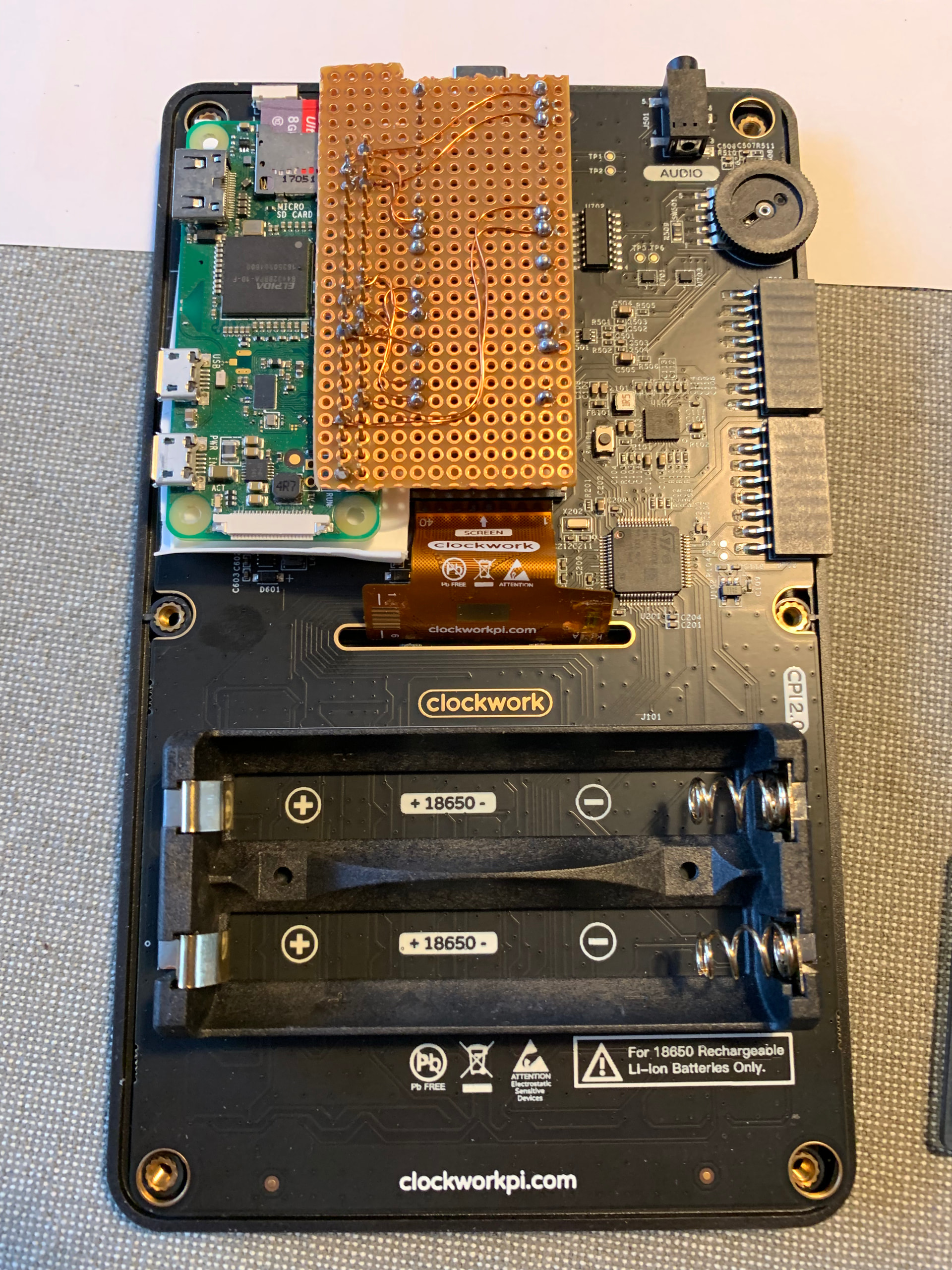
I have soldered a small board directly to a Raspeberry Pi Zero (no “2”), connecting the 11 wires necessary. Initially, I had a little hickup where I mixed up SPI1_TX with UART TX, which I could resolve thanks to sven’s drawing. Other than that, the Pi Zero runs Trixie, where I have applied the code from michael_mayer’s GitHub - ironat/picocalc_trixie . This just works - thank you very much.
I wish you all a lovely 2026 – Olav
1 Like
I have a question, maybe somebody has found a solution.
A Bluetooth mouse was happy to connect. I‘ve managed to run X11, using i3 as Windows Manager.
Now I‘ve noticed that all keys with yellow second functions (Space, B, <, >) have the ALT key auto-applied. <> change the Display brightness, for example. This only happens under X11. On the console, no such problem exists.
Best,
— Olav
with Trixie 32, did not notice that…
My problem is that can not set up virtual desktop, for example
xrandr --fb 640x480 --output Unknown19-1 --mode 320x320 --panning 640x480
–output 19-1 and all other combination reporting an error instead of extended virtual desktop. Pure xandr run producing:
>xrandr
Screen 0: minimum 320x200, current 320x320, maximum 320x320
Unknown19-1 connected 320x320+0+0
HDMI-1-1 disconnected
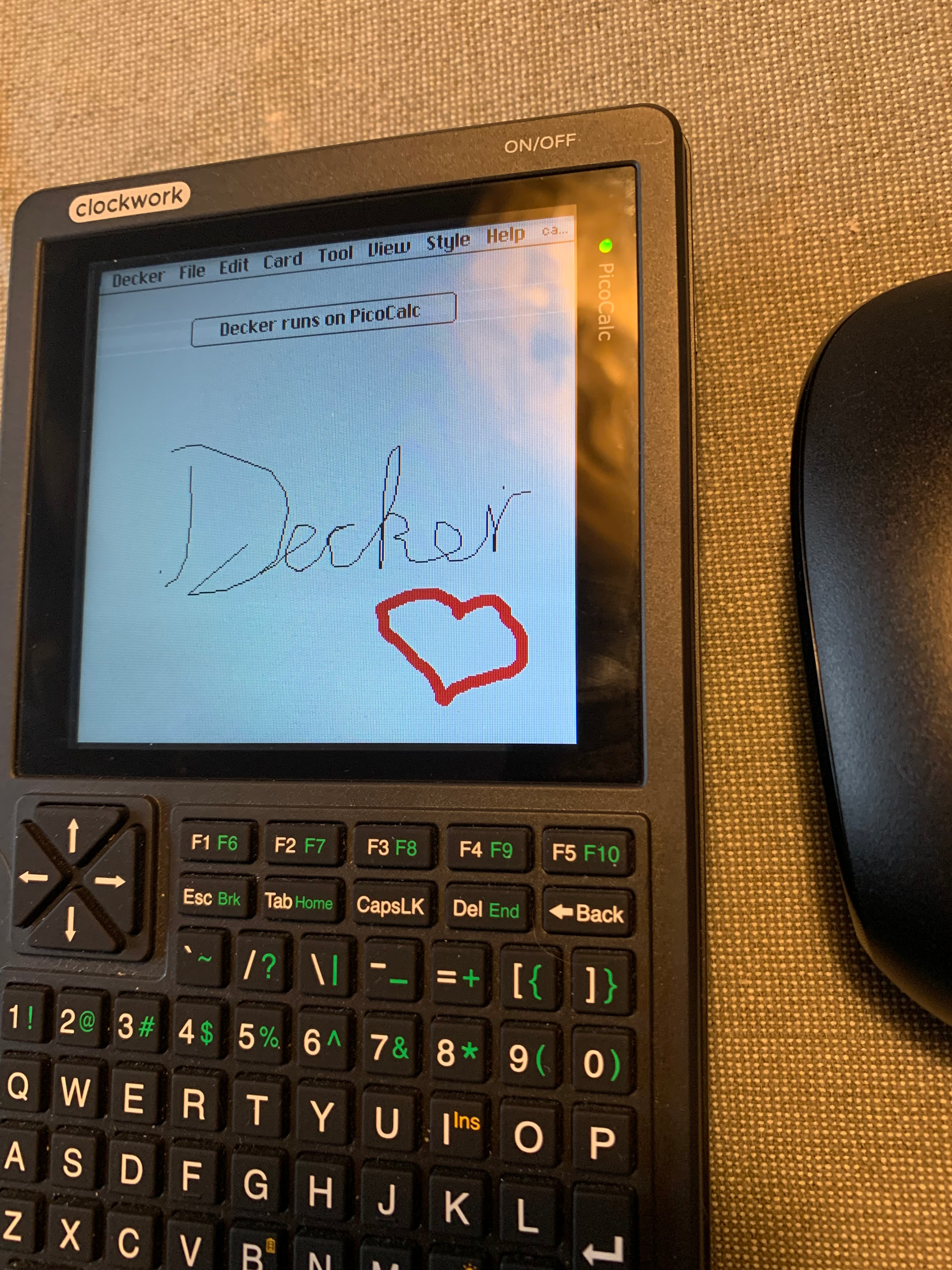
And because yesterday I had to answer the soul-crushing question by a loved one “Now, what is it good for?” Shortly after that, I managed (it was trivial) to compile and run Decker on it. In its own words: “Decker is a multimedia platform for creating and sharing interactive documents, with sound, images, hypertext, and scripted behavior.”
With my bluetooth mouse connected, I can now draw and code little apps on the PicoCalc screen, using the included tools or the Lilt scripting language.
The only hurdle I had to overcome was that I needed to prepare an initial .deck file for the small screen size of 320x320. As the file format ist simply text, I could edit any of the included examples and save it as my initial Deck.
With Decker installed, the PicoCalc comes very close to the vision of a Dynabook, a dedicated small machine for digital creativity.
4 Likes
It has worked for me with wayland.
1 Like
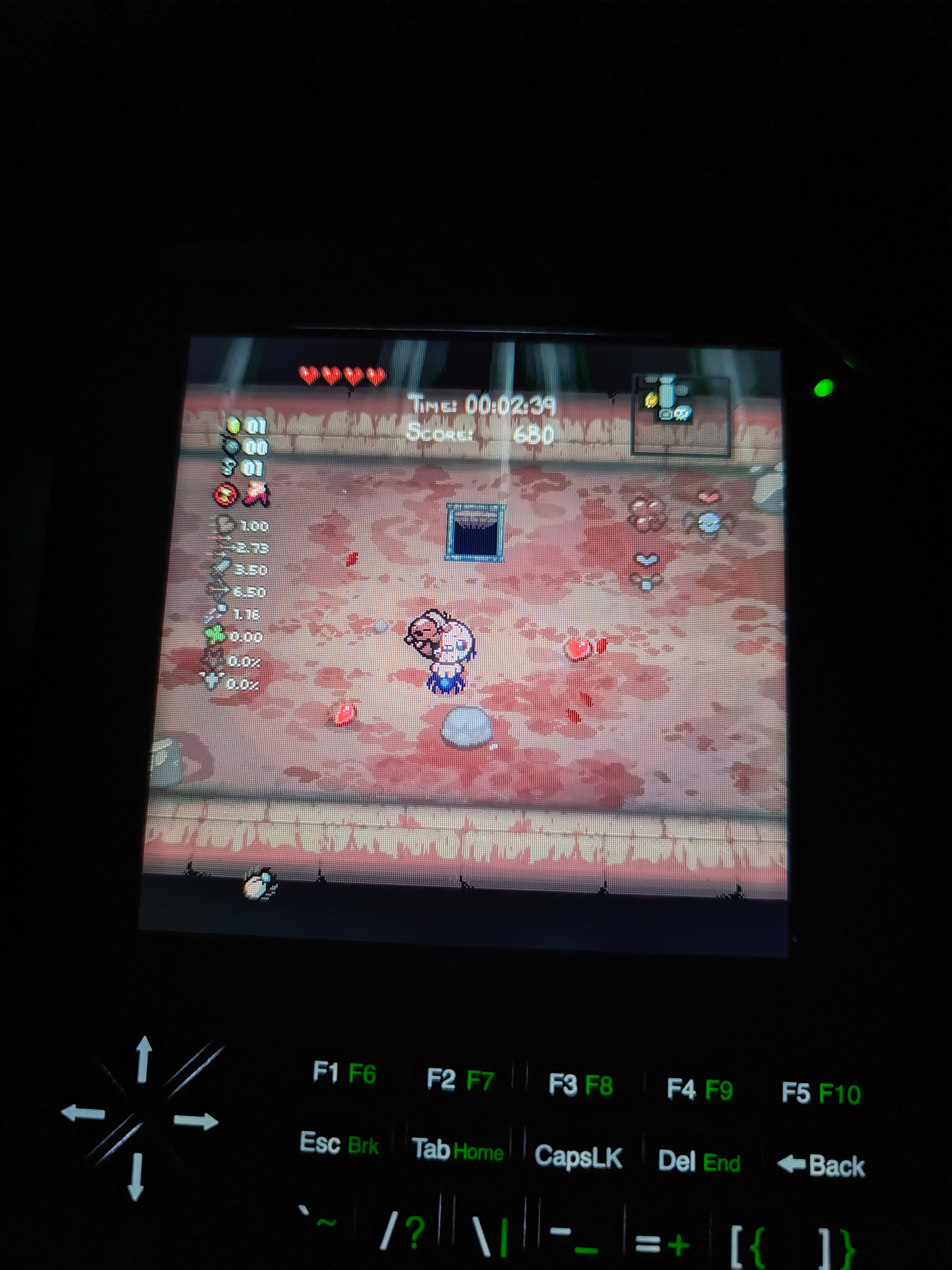
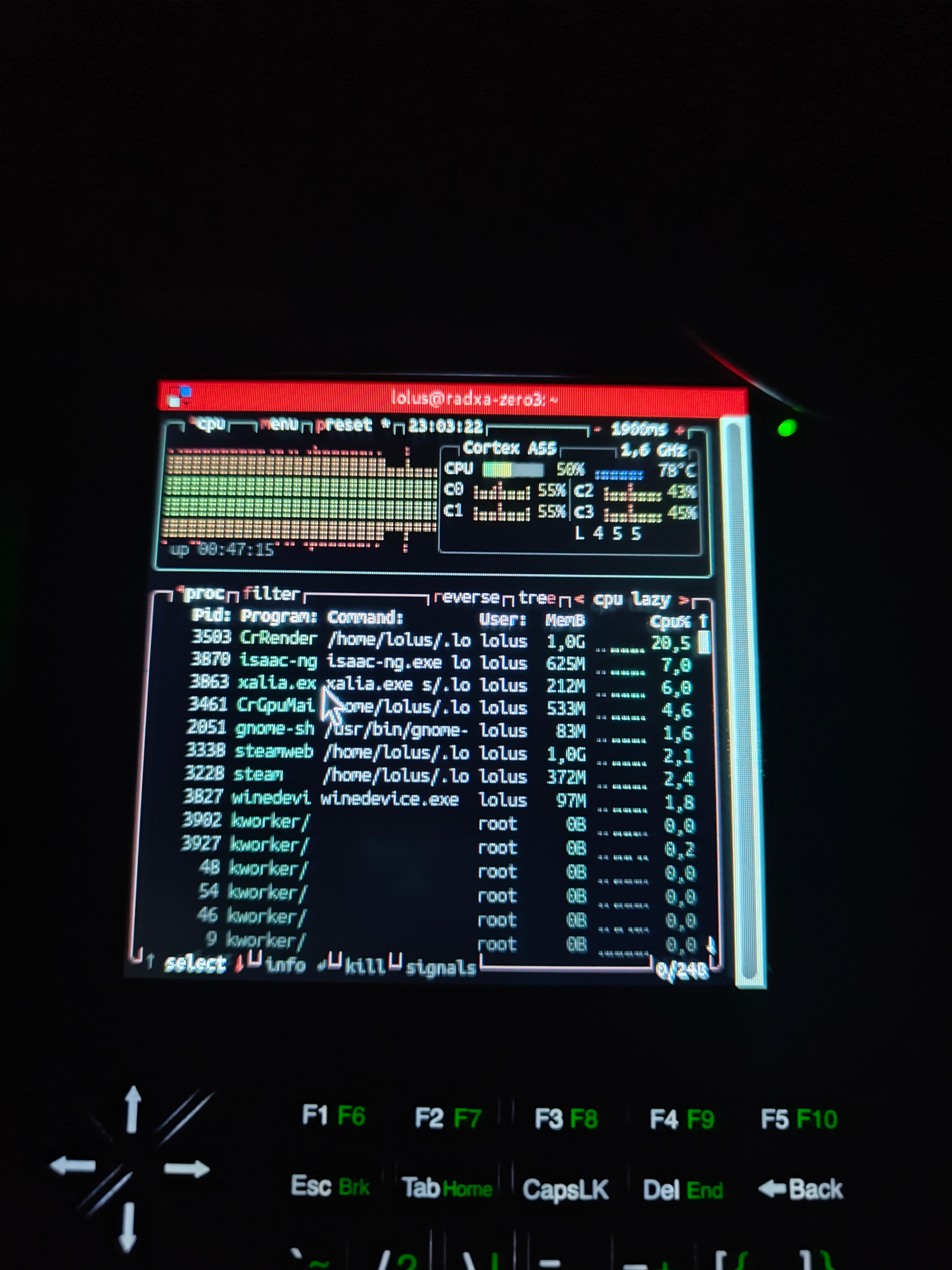
Got an update on the mipi-dbi-spi driver - it is working on gnome Wayland, I think it is only issue on X11 and shell. Thanks to that I have managed to get Isaac rebirth working with ok fps, bit hot as there is still no heatsink inside.
Also, anyone knows how to get fps counter? Steam in-built one does not work nor does mangohud
2 Likes
Does anyone have a solution for windows opening outside of the screen? Because in my case the taskbar and everything fits in the screen, but when i open an window, it opens outside of the screen and then i have to manually drag the window into the screen when i want to use the hidden part of the window…..
Is this with the Radxa Zero 3w? Please mention if you using a differnt board, otherwise it would be confusion for other readers.
yes, sorry. it is on the radxa zero 3 w. form what I understand it is a DRM related issue. also got a few other games to work too, rocket League works but it is very slow (5-7 fps), would be cool to make it playable, always wanted to have something handheld to play it
1 Like
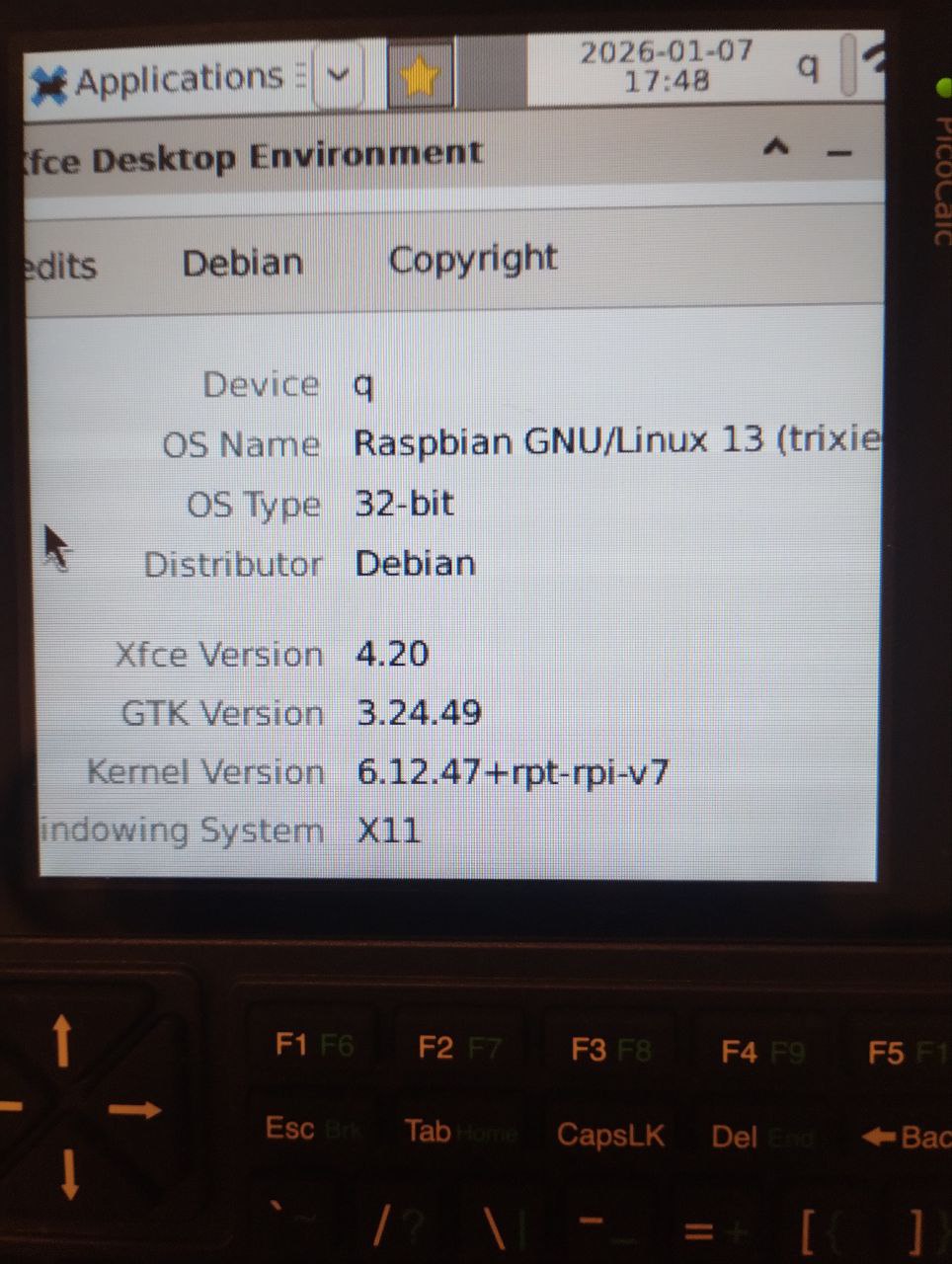
This is my system info.
Regarding the Wayland it seems that is supported on experimental level for advanced user - which is hardly my case 
ok, I see. I think we have to wait a while until xfce is supported in wayland.
1 Like
Guess this was mistake 
PicoCalc keyboard is not talking to RPI Zero, after
sudo apt install raspberrypi-ui-mods
must SSH later, to check….
X11 server is complete mess, must re-start with fresh image…
I have the problem with the keyboard not working when the kernel is updated with an apt upgrade. It is fixable if you recompile the keyboard driver with the new kernel version, or copy the driver kernel module to the new kernel folder.
1 Like

Hi,
Happy new year and best wishes for everyone here
Since and update/upgrade of the RPI OS 64 today, the keyboard doesn’t work anymore (the screen works). I have remake all the way of the installation process and nothing seems broken in the various configuration files.
Did someone experience this issue?
Christophe
Edit: I did not tried a re-installation but I tried to put a pico 2w in it with lua and the keyboard works fine
for the 64 bit version, you need to remove the kernel from the keyboard package. this isnt the case for the 32 bit version.
Thanks for your reply.
Before the issue that I mentioned, I had a working installation of Trixie 64 bit on the PI zero 2/Picocalc, so it is another cause.
I have relaunched the script installing the keyboard and it changed nothing.
Do recompile the keyboard you may have to do a make clean, or redownload the source. It will not recompile or copy the files if it is allready build.