I use an external NVME enclosure to flash the image to it from my main rig also. Works without a hitch.
1 Like
I just got my kit and it is an absolute blast. CM5+ NVMe drive makes this thing very fast. Now time to install all my HAM radio software and have fun. Thanks to community for the insights!
1 Like
THANK YOU!!! Good recommendations. Time to get started!
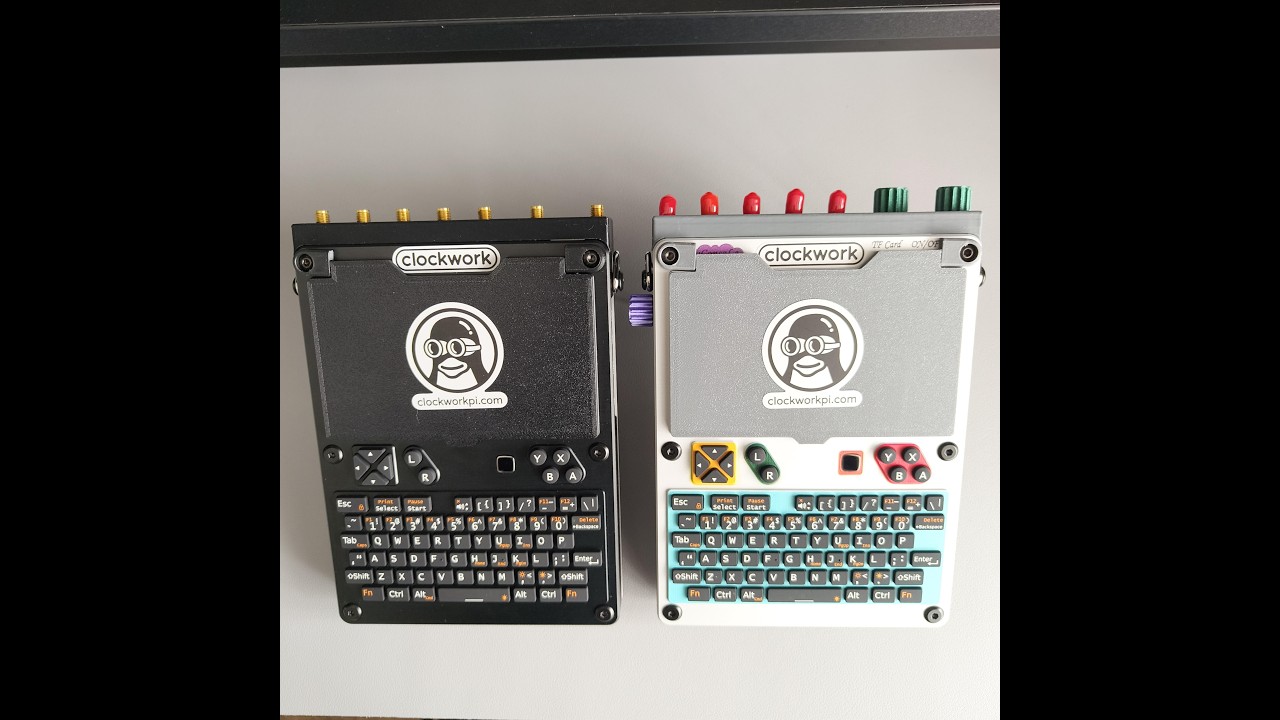

Hello! You’re doing a great job, and after learning about the devices you’ve made, I realized it was time to purchase a uconsole. However, I was disappointed to find that I couldn’t order the upgrade kit from AliExpress. I was able to order both the uconsole and the aio v2, but I couldn’t find the upgrade kit anywhere. HG.com doesn’t ship orders to my country, and I’ve tried using special purchase services to have the upgrade kit purchased and shipped to me, but they either don’t like the “Pre-Order” option or don’t want to deal with the hackergadgets domain, thinking it’s illegal.
I got the adapter boards a while back when CM5 prices used to make some sort of sense. I never thought about upgrading again, but today i done the upgrades, still on CM4. Carrier board plus battery/nvme board plus usb/rj45 board.
It all works well minus the NVME. Ive updated de EEPROM, I flashed the drive (in a usb enclosre at the time) with pi-imager and Rex’s bookworm image, i chaged the booting file on the booting partition on the drive to dtparam=pciex1, I changed boot order. Still errors on boot: nvme: error 10, failed to open device: ‘‘nvme’’.
The drive is a 64gb nvme i got with my Steam deck. Uconsole wont see my other 120gb one, I understand it can by picky.
Anyone any idea? Thank you.
pi4/cm4 doesn’t support nvme
most probably it’s a power issue, try to connect it via usb hub with active power
nvme boot or otherwise? because lsblk can see it, i can mount it and write on it from inside the OS. the OS (booting off SD) sees it in both NVME slot and on unpowered USB stick form
only the boot wont work.
cloning working SD OS onto NVME gives the same results.
has anyone managed to boot NVME with CM4?
it could also be the NVME drive. what drives did you have success with? recommended drives?
Raspberry pis do have some compatibly issues with some NVME drives. If you can see it the hackergadgets hardware is fine. I’d try a different NVME something maybe know to work.
1 Like
As far as I understand, NVMe also works with the CM4, but the connection is slower. I think I read that some forum members are booting from NVMe using a CM4. And I hope so, as my CM4 and NVMe are both waiting for the uConsole to arrive.
Yes there is no problems booting from the nvme with a cm4. There are some compatibility issues with certain drives.
thank you both. but as usual, Rex takes all the cookies here.
ill go research NVMEs now
1 Like
Can anyone share a link what I need to do if I want to move os to nvme in cm4 lite ?
There’s a program on Trixie already called SD card copier.
2 Likes
But I guess - I can also use dd command - right ?
SD card copier in Trixie works well from SD card to NVME and back. I’d recommend slowing the drive to Gen2 though (in boot config.txt)…
Yes you should be able to use dd
Letting everyone know the CM4 boots fine off NVME, although quite picky when it comes to choosing a drive model. An old Kioxia (Toshiba) 256Gb drive done the trick. Ping me if you need to know the model.
But what a difference it has made! The real bottleneck was the storage and not the processor/ RAM. The OS now flies. Multitasks, large archives, installs etc. Smooth as butter. I dont feel the need for a CM5 anymore. At least for a while.
To anyone struggling to find a cheap CM5 nowdays, just get a cheap NVME instead and use it for RAM swap files.
1 Like
to flash an nvme use a USB adapter, the NVME will act as a usb stick. then you can treat it as any ordinary usb stick and flash it with the image of your choice.
let us know if we need to be more in-depth
ps. i think i misunderstood. you want to clone the whole working OS from an SD to NVME.
USBImager does that (as long as your NVME is inside a USB adapter). this program can make an image of any SD card, then you can use the image to flash your NVME (USB for now) drive
1 Like
Glad to know that. Especially when the prices of the Ram and EMMC go up.