Which video are you referring to?
I will measure it later.
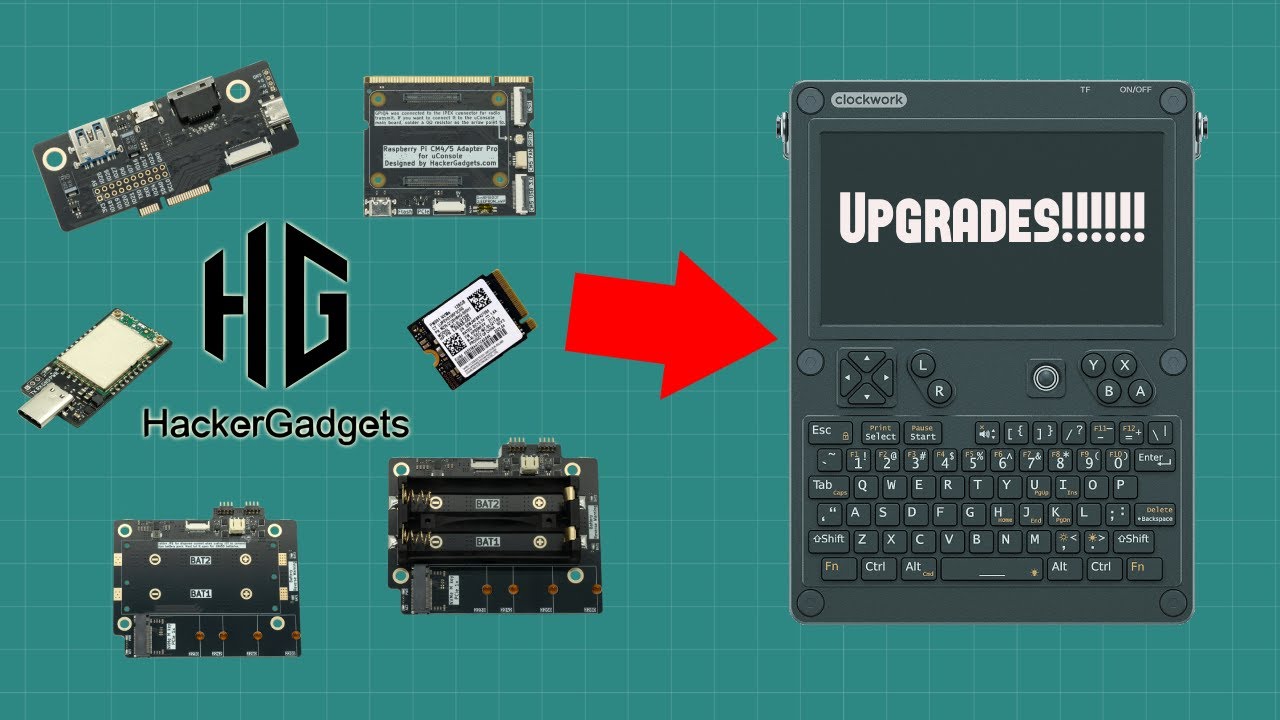
4 Likes
Does anyone have a link to a LiPo batteries that will fit? Never mind, got it figured out!
Where did you find it ? URL ?
I order the kit with 2 x 18650 cells.. but as the connector there for LiPo battery… i may change my mind, remove the battery socket.. and installed the Lipo !
excelent video! Congratulations! Just got excited in got an cm5 kkkkkk
Anyone in close to review the aio v2?
yeah, hopefully sooner, Vileer said on reddit that there’s a delay on the AIO
Oh wow, haven’t been keeping up with things, totally missed this! Ordered the CM5 boards (and also the Radxa since I was already considering the swap). Was wondering with the CM5 board are the power off pins fixed? Like can we use the power button to shutoff?
Edit: Sorry, I meant force shutdown
I’m running Trixie on a CM5 Lite. When I press the power button, the shutdown dialog appears so I can click on the shutdown , log off, or reboot choices.
that part always worked on the cm5, only force shutdown when the kernel freezes doesn’t work
Interested in the Radxa implementation. Will it matter whether one chooses the Radxa CM5 Lite or are the prior limitations with emmc versions no longer an issue?
hi @vileer, did you manage to find the time to measure the new CM position?
I ordered the upgrade kit with NVME and have a silly question:
How can i install an image onto the drive ?
Just did it so far on my pc with an imager software to sd cards, but how to do it with the NVME drive ?
The dy=-0.43mm(move the module downwards by 0.43mm), the dx=-8.34mm (move the module 8。34mm to the left).
1 Like
You should be able to do it all directly from the uconsole if you want to. You can connect to the internet, download the image, format the drive, install the OS, and set the boot sequence. After you are primarily booting from SSD, you can remove the SD card.
2 Likes
Option #1: Boot from SD card and use the Raspberry Pi imager to flash the SSD.
Option #2: Take the SSD out and install it to a SSD-to-USB enclosure, then flash it on PC with Raspberry Pi Imager.
2 Likes
Thanks, the primary boot device is set via cmdline.txt file ?
In Option #2, will the uConsole automatically boot from the SSD or do i have to set it somewhere first ?
No, that would be outside of the OS, in the CM5 boot loader. But I’ll let @vileer speak for his own work. Any answer I give is from general knowledge where his input is direct knowledge of this device and his expansions. I’ll sit down now lol.