that’s the repository for the kali kernel that isn’t used in the uconsole images, so you can probably just remove it
Thanks, i will remove the entry from the sources list.

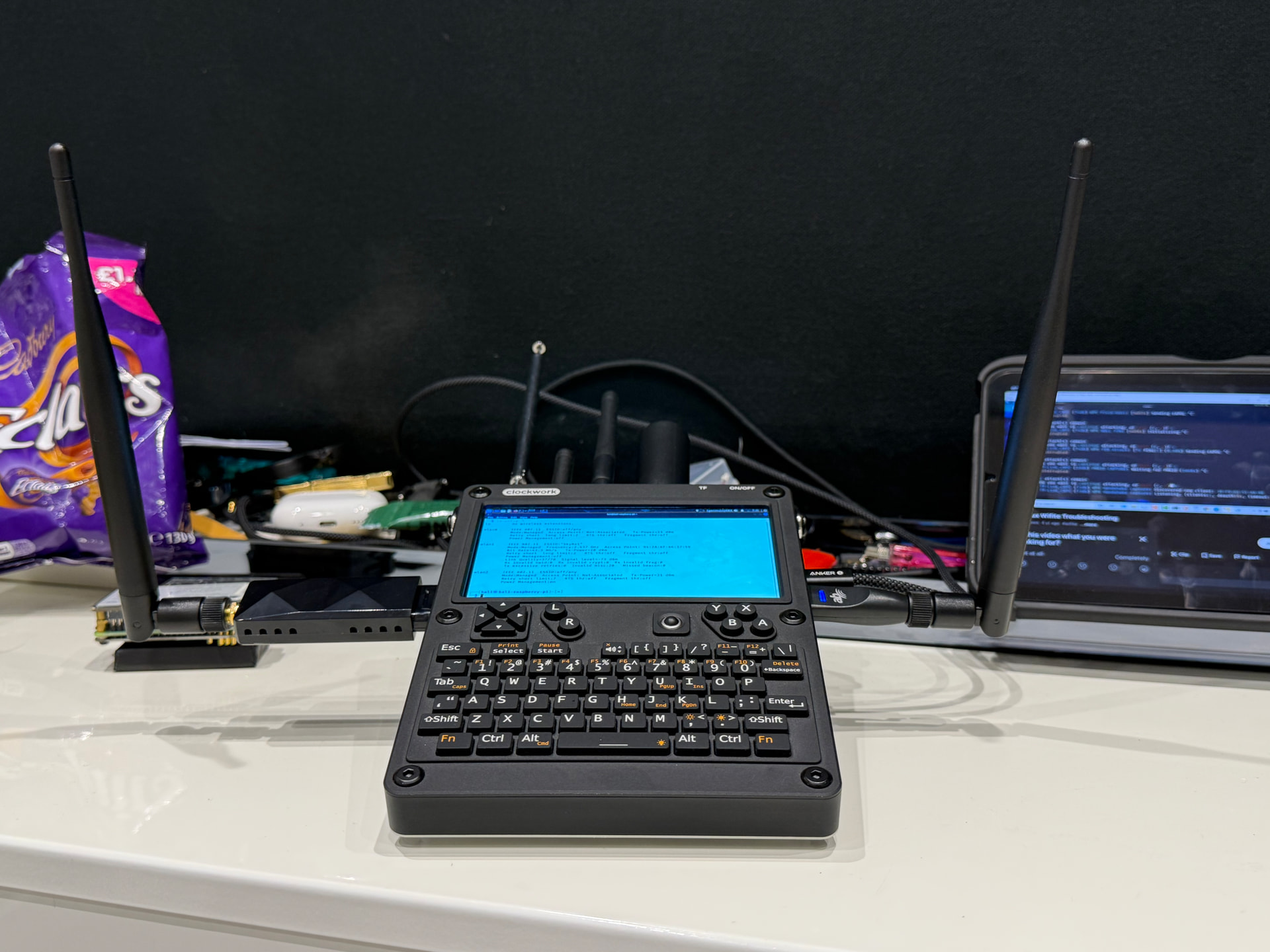

@Rex im having some issues getting the NVME to read with this Kali distro. Not even identifying the NVME being there. I’m running the HG AIO board and the NVME board with PCIE. Common issue? Any fixes?
Can you do me a favor and post the contents of /boot/firmware/config.tx
No such file or directory lol.
Check /boot/config.txt
Not founds for any of them. Pi4 it gives 11 : not found
Running lsblk, it doesn’t even identify that the NVME is even there. I’ve tried unplugging it, hasn’t worked.
That file should be in one of those two spots if it ain’t the RPi wouldn’t boot at all. Check again for the config.txt file I think that’s an old image that had pcie disabled. Before the hackergadgets board we had no pcie and it sped the boot process up disabling it.
What exactly am I looking for here? Would an update help?
No, either in /boot/firmware/config.txt or /boot/config.txt there will be a line that disables pcie you need to remove that.
Ah. I found it. Was a syntax error on my part. Missed cat. But in the Pi4 section, there isn’t even a line for PCIE. I see one for Pi5. But under the Pi4 section, it isn’t even present.

Then an update and upgrade might actually help. I think I had the cm4 pcie disabled in the overlays. Upgrading to one of my newer kernels will get you the newer overlays without pcie disabled.. sudo apt update && sudo apt upgrade then reboot. You should be able to move kali from the SD to the NVME now.

Spat that back. I tried again to enable PCIE, not there in the config.txt menu. Lsblk doesn’t see it either.
In /etc/apt/ there’s a folder called something like sources. Find the file or line in one of the files that mentions re4son and remove it save and do the update again.
Definitely seems to be working now. Will let it do its thing for a bit then try the PCIE configuration again.
in the meantime, has there been any issues with your AIO package and Kali? I had a couple issues with it on bookworm. Minor things. Just dependency conflicts with other stuff.
Anything like that here?
also, for the AC1200 adapter, I know bookworm didn’t have all the drivers and such installed, so I had to install them. Does this Kali have them pre-installed? Or should I go ahead and retrieve them?
You don’t need to change anything after the update with pcie just move the image from the SD to the nvme. I don’t think the package works with kali, dependency issues. Fully updated bookworm or Trixie the package should work with fine. The Wi-Fi adapter should work on bookworm and Trixie also.