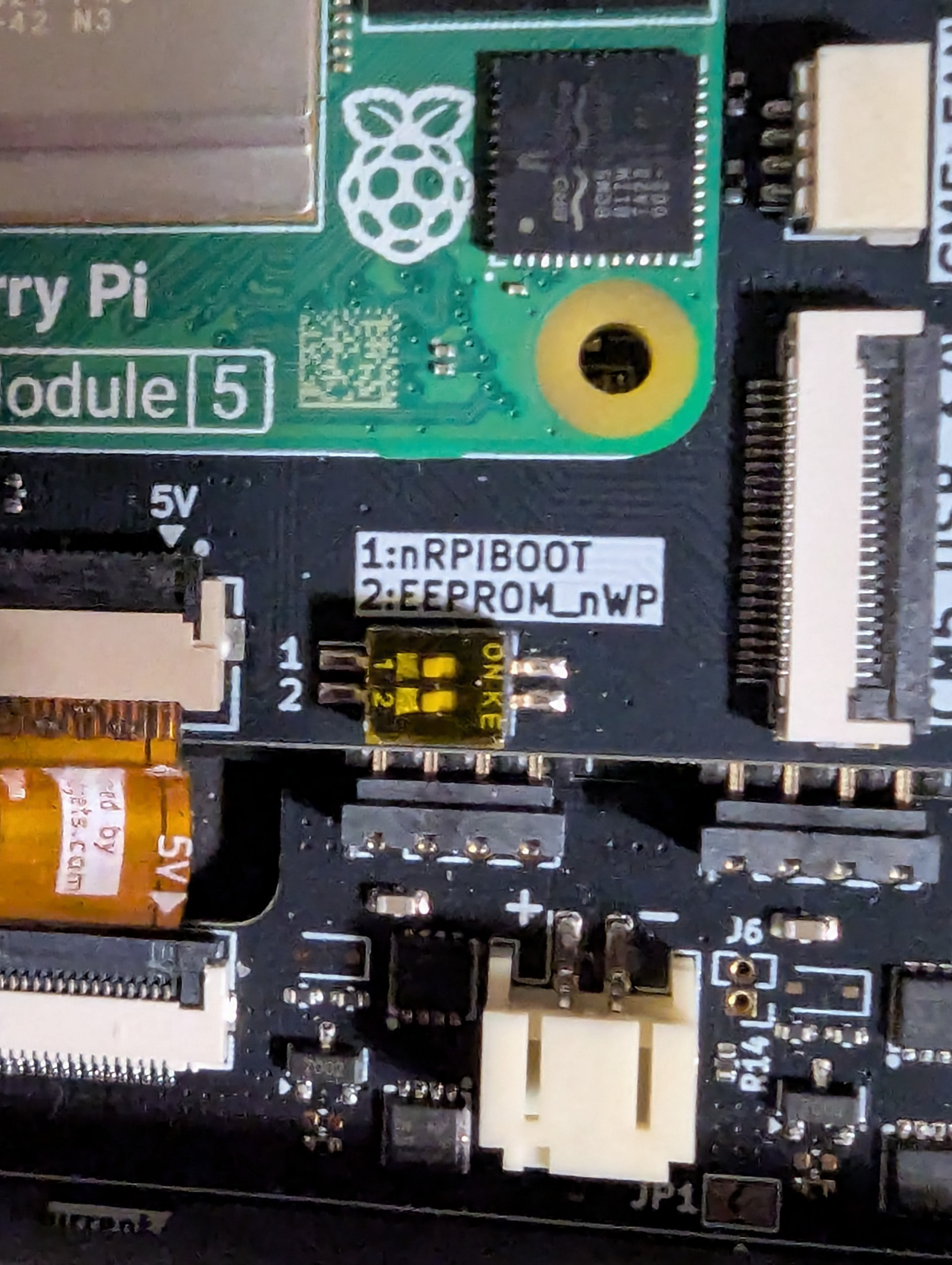
I got my kit in yesterday and I am starting sort of from scratch because my SD card went bad and my system quit booting a couple of weeks ago or so, and I just waited for this to arrive. I have installed everything and installed Trixie on a new MicroSD card but I am getting just a black screen. Can we get some instructions from scratch? I would be much obliged. BTW, I also installed an SSD.
Just to clarify, I got all three boards.
Here is what I did and what has happened. I installed the Trixie version available from someone on this forum. I installed all of the boards. I put the SD card in and it boots. I go through and answer all the questions. After a while, the screen goes black and then that is it. I waited hours and nothing. I tried again. Same thing happened again.
I still get the same problem as before. I think I followed the linked directions but they weren’t very clear to me. I imaged the uConsole specific Trixie and edited the config.txt to match what the linked instructions show. I booted the uConsole with the MicroSD card in and it boots and lets me go through the setup, then after a while, it goes black and never returns.