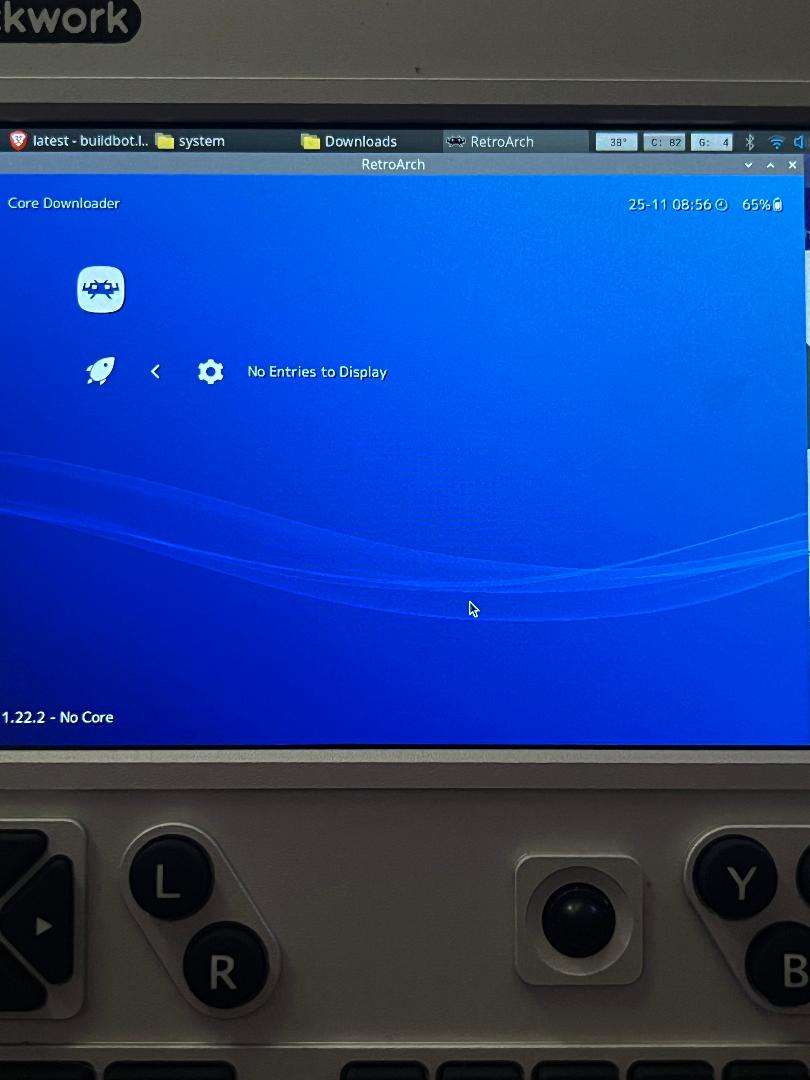
Hello all. I’m currently trying to load up Retroarch on my Uconsole and have hit a roadblock.
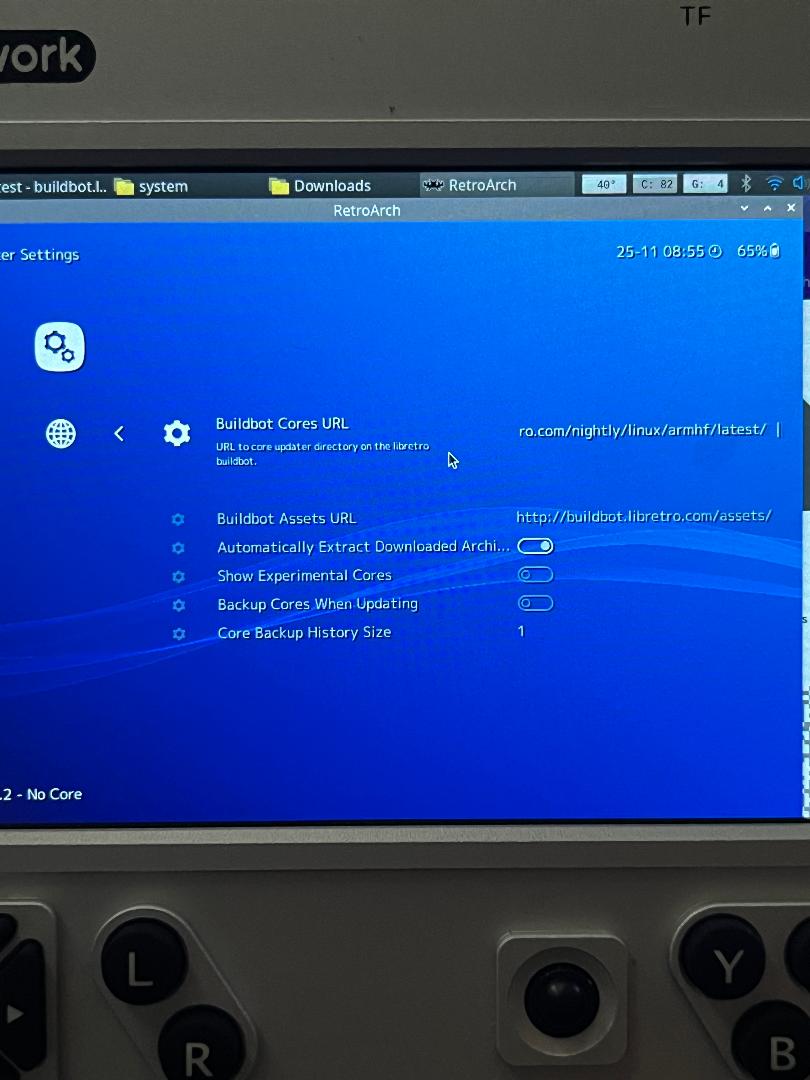
When I First installed RA I got it off the website off the flatpak and after switching the to interface that more resembles something off a PlayStation console I saw I couldn’t get the program to install or download cores. I tried to change the URL it fetched the cores in the updater settings to a recommended one I seen digging around online.
After that didn’t work I tried to download them manually off the site https://buildbot.libretro.com/nightly/linux/x86_64/latest/ …well I tried 2 and both failed to do anything when I whent to load them in the program. So then I went back a page, downloaded the 7z file at the top, extracted and replaced the files in my directory with the ones extracted and tried again with the same cores I tired before - no luck.
I also don’t know if the x86_x64 folder is the correct one or there’s another - armhf that I tried because I thought maybe I wasn’t using the right directory - so there things get a bit muddy because there could have been some criss-crossing going on at some point between the two as a got frustrated between looking things up and trying to figure this out.
I’m really unexperienced with Linux and at this point am getting a bit frustrated. Anyone able to (in simple terms) clearly walk me through how to get these cores working on Retroarch? Thank you.
Should I uninstall the install I have on my device now and try from scratch? If so is there a simple terminal command that can get me back to square one? Sorry for the Basic question.
I’d like to avoid Retropie. I’m on Trixie as of now because I enjoy the desktop environment. I’m using this as a personal PDA with some emulation on the size for fun. I really only want to install a few rpgs to kill time. I’m looking over the link you sent me but some of the steps seem a bit over my head. Mostly the Github stuff - building from source. But I think I need to also download the software manager packman to follow along what they layout in that reddit post.
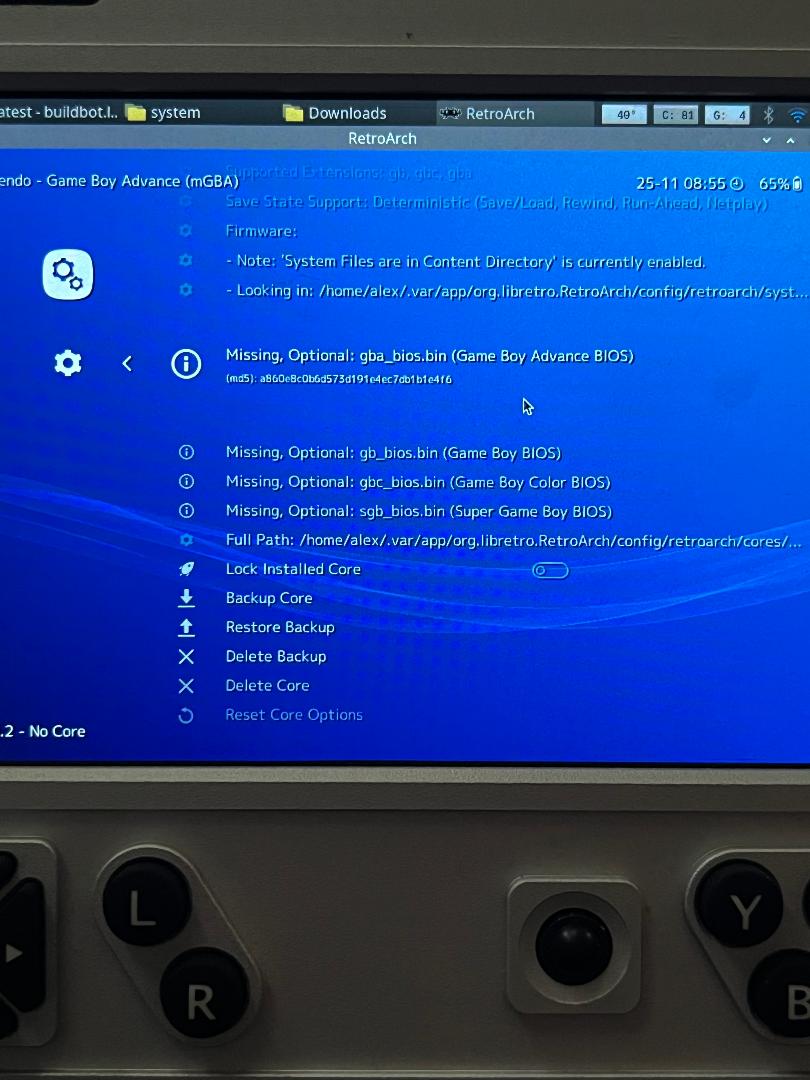
The one core I still have manually downloaded says failed to load when I try to start it. When I looked deeper into it I noticed this when I whent into the manage cores options.
I’m sure this has something to do with my issues (maybe I’m wrong) but not ideal on how to fix. When I downloaded the core it was a zip that i simply extracted into the core folder for the appropriate one that Retroarch said was the file path it looks in.